
The Austin MacWorks Official Blog

Why Every Business Needs an AI Policy
Shadow AI is commonplace in workplaces, with half of employees using unauthorized AI tools and many sharing sensitive data. Learn why your business needs a formal AI policy to harness the benefits of AI while safeguarding against its significant risks.

Beware Domain Name Renewal Phishing Attacks
Phishing scams are becoming more sophisticated. A message that seems to come from an Internet domain host and arrives around the time of a domain renewal could deceive even experienced users.

Why Passkeys Are Better than Passwords (And How to Use Them)
Passkeys are finally gaining mainstream traction, with support from Apple, Google, Microsoft, and numerous major websites. Find out why they’re more secure than passwords and how to start using them.

With iOS 18.2 and Later, You Can Share the Location of Lost Items in Find My
The new Share Item Location feature in Find My enables you to share the location of a lost AirTag or another item tracked by Find My with anyone, including airline reps who can use it to locate lost luggage for you.

Security Precautions to Take While Traveling
Security at home is one thing, but what about when you’re on the road? Many of the same precautions apply, but depending on your level of concern and where you’re going, additional techniques can help keep you and your data safe.
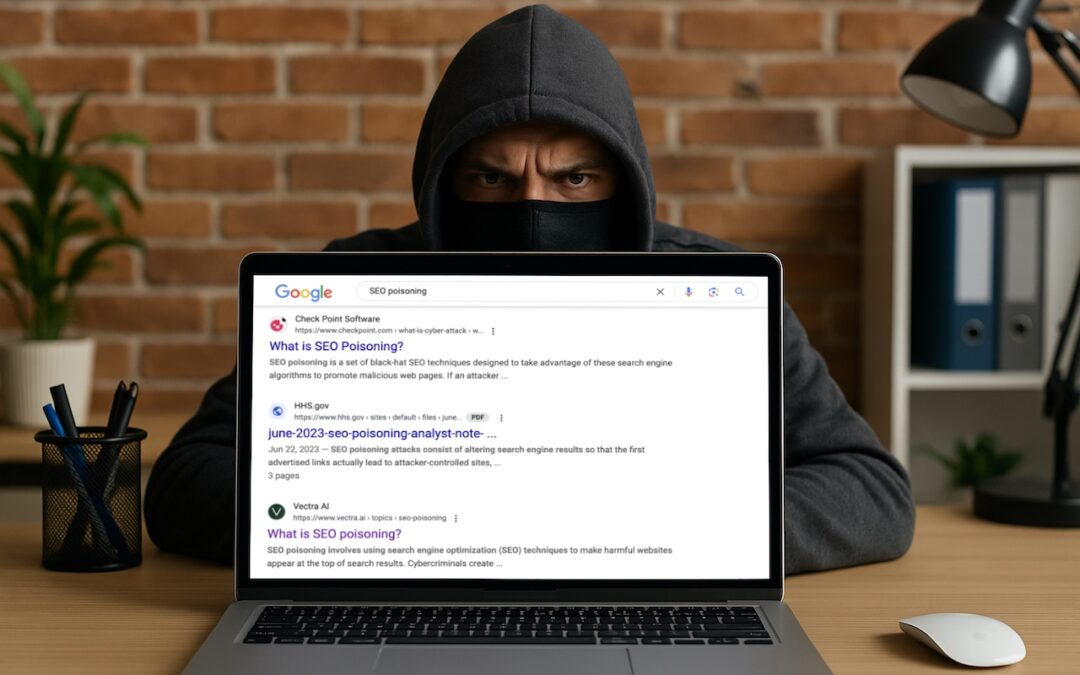
Don’t Assume That Top Google Search Results Are Guaranteed Safe
You know that the phrase “I read it on the Internet, so it must be true” is absurd, but you should extend that skepticism to Google search results. We’ve seen two recent instances of malicious content bubbling to the top of searches. Trust but verify.
Super insightful and fresh perspective.
Well explained and easy to follow.
So glad I stumbled upon this.
Looking forward to your next post!
Truly a masterpiece of content.