
The Austin MacWorks Official Blog
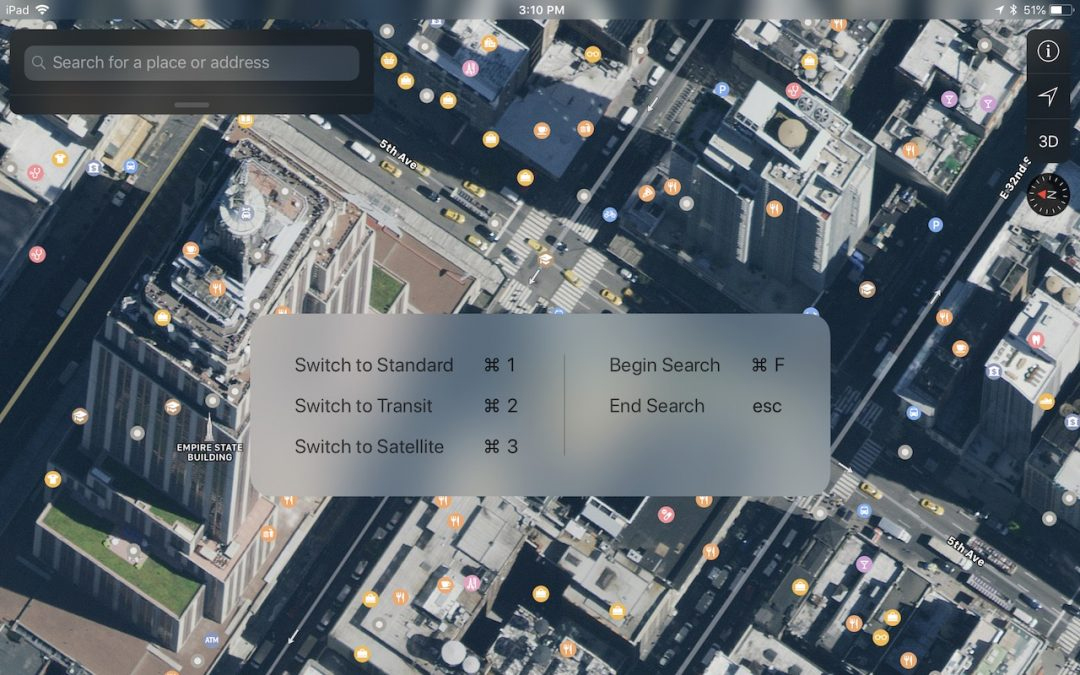
There’s a Hidden Keyboard Shortcut Cheat Sheet in Your iPad
To see a list of supported keyboard shortcuts in an app, simply press and hold the Command key on the keyboard until an information panel appears.
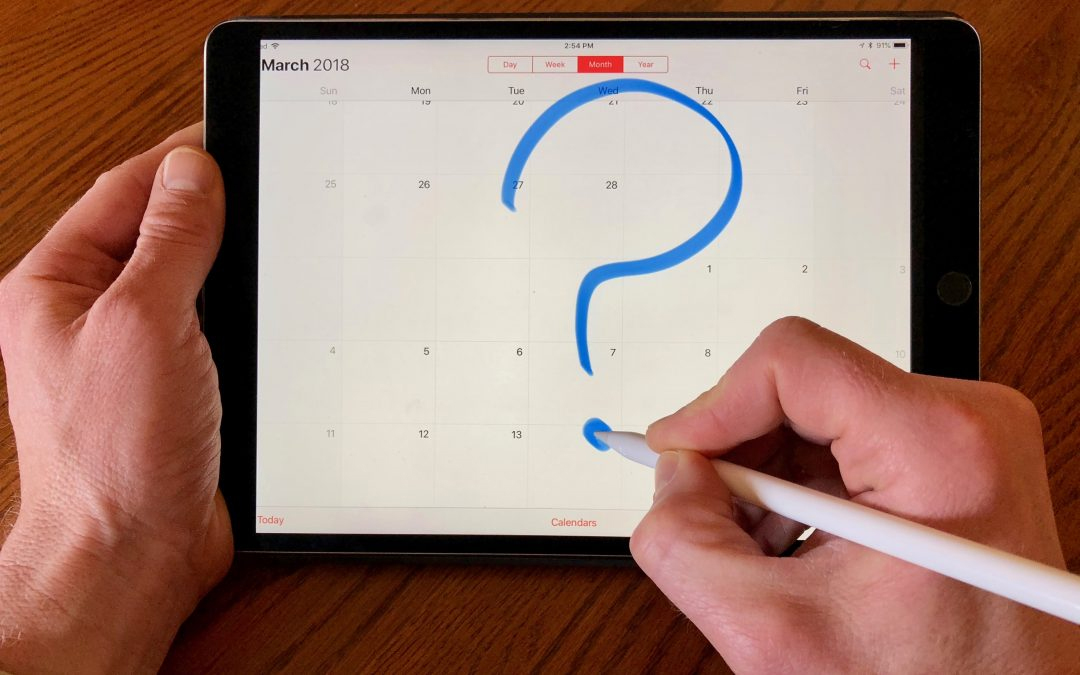
Wondering Where Your Past Events in the iOS Calendar App Have Gone?
In iCal, choose a time period in Settings > Calendar > Sync, or to eliminate any possibility of confusion, just select All Events.
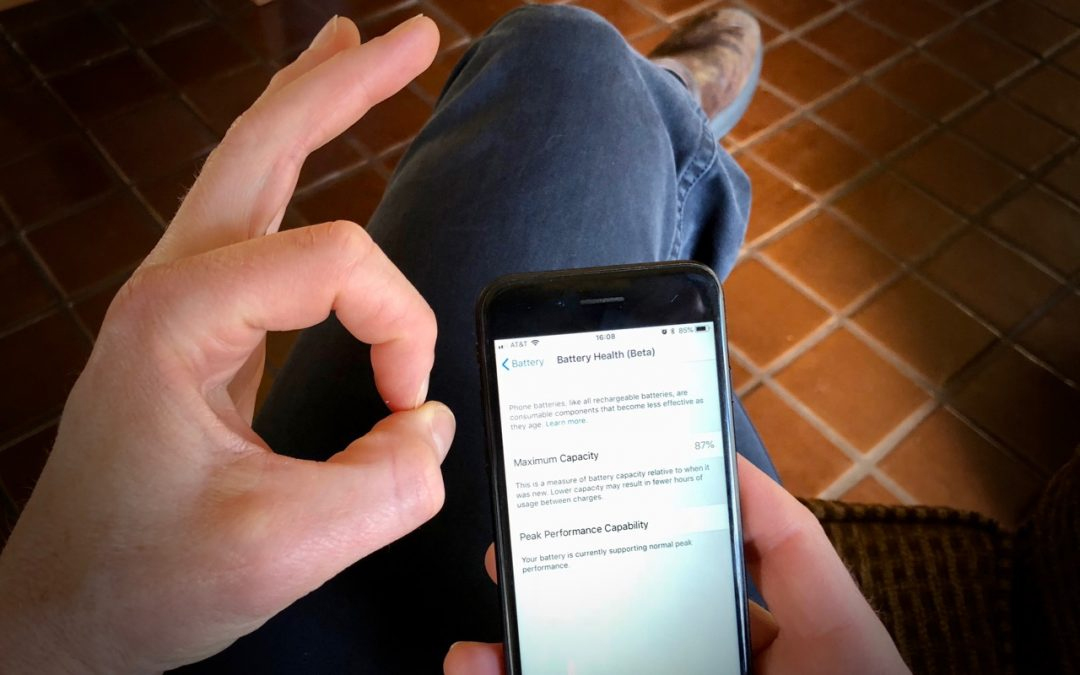
iOS 11.3 Introduces New Battery Health Feature, Business Chat, and More
At the end of March, Apple released updates to all four of its operating systems, but iOS 11.3 was the most notable. It boasts a variety of new features and other changes—you can think of it as the midpoint update between iOS 11’s first release and iOS 12, probably...

Here’s How to Lock Down Your Facebook Privacy Settings—to the Extent Possible
Facebook has dominated the news headlines of late, but not for good reasons. There were the 50 million Facebook profiles gathered for Cambridge Analytica and used in the 2016 presidential election. Facebook has long been scraping call and text message data from...

Apple Pay Is Faster, Easier, More Secure, and More Private Than Using Credit Cards
The good news is that Apple Pay is significantly more secure than a magnetic-strip credit card and has advantages over chip-embedded cards too.

Need to Do Some Simple Math? Get Siri to Do It!
Instead of launching the Calculator app on your iPhone, get Siri to help you with math in iOS.
Super insightful and fresh perspective.
Well explained and easy to follow.
So glad I stumbled upon this.
Looking forward to your next post!
Truly a masterpiece of content.