
The Austin MacWorks Official Blog

A Simple Technique for Decluttering Your Reminders List
Create a Far Future Reminders list, and move reminders to it that aren’t relevant within the next month or so. Just make sure everything in Far Future Reminders is set to alert you on the appropriate day.

Did You Know This Hidden Trick for Opening System Preferences Panes Directly?
Now at Austin MacWorks, check out our quick trick for easily accessing any of the Mac OS System Preferences panes directly.
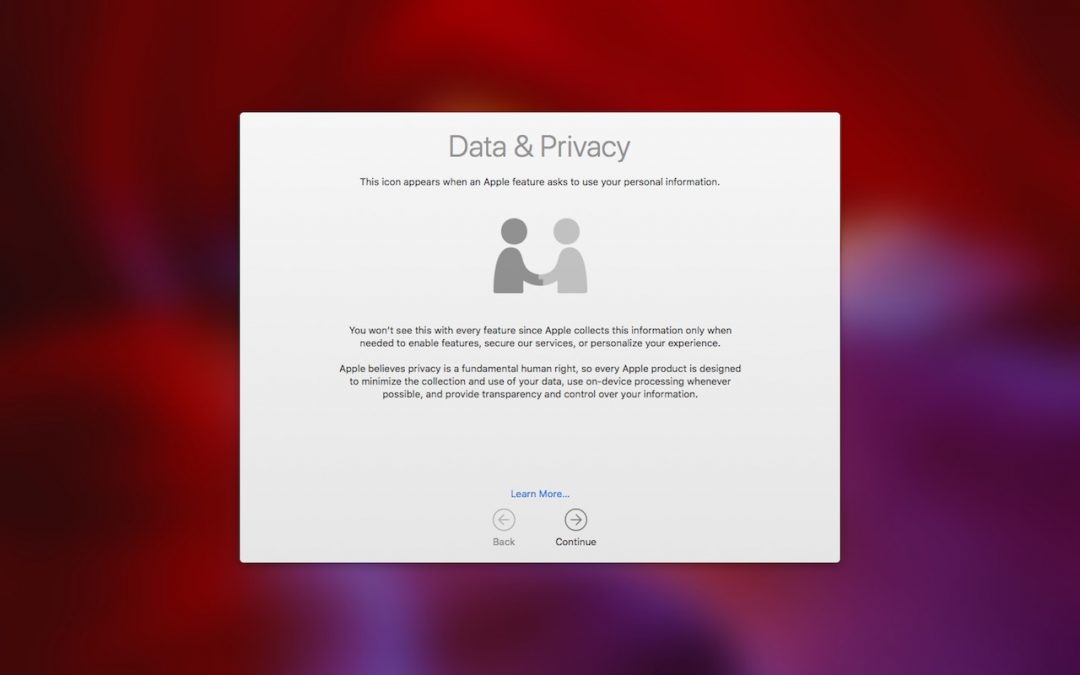
Being an Apple User Means You’re Not the Product
Many of the big Internet companies make their money by assembling a dossier of information about you and then selling advertisers targeted access to you. Luckily, that’s not true of Apple—here are a few of the ways Apple protects your privacy.

Here’s Why You Should Always Keep the Find My iPhone Feature Enabled
Did you know that Find My iPhone can help you find nearly all of your Apple devices, along with all those owned by people in your Family Sharing group? Make sure to enable it on all your Macs and iOS devices—read on for instructions and usage details.

Let Your Fingers Do the Walking: 13 Essential Trackpad Tricks for Mac Users
A trackpad is not a mouse. In some ways, that’s obvious—you swipe your fingers on it, rather than dragging it around. Less obvious, however, are the many gestures that make using a trackpad on your Mac faster and more fun. These gestures aren’t limited to...

Apple Is Discontinuing Its Photo Printing Services—Here Are 7 Alternatives
As of September 30, you won’t be able to order prints, cards, calendars, or books from Apple in Photos. But several extensions do most of what Apple did, and others go well beyond!
Super insightful and fresh perspective.
Well explained and easy to follow.
So glad I stumbled upon this.
Looking forward to your next post!
Truly a masterpiece of content.