
The Austin MacWorks Official Blog

Don’t Freak Out If You Get Blackmail Spam Containing an Old Password
Have you received email from a hacker who claims to have taken over your Mac and is backing up the claim by showing one of your passwords? We explain how it happened and what to do about it.
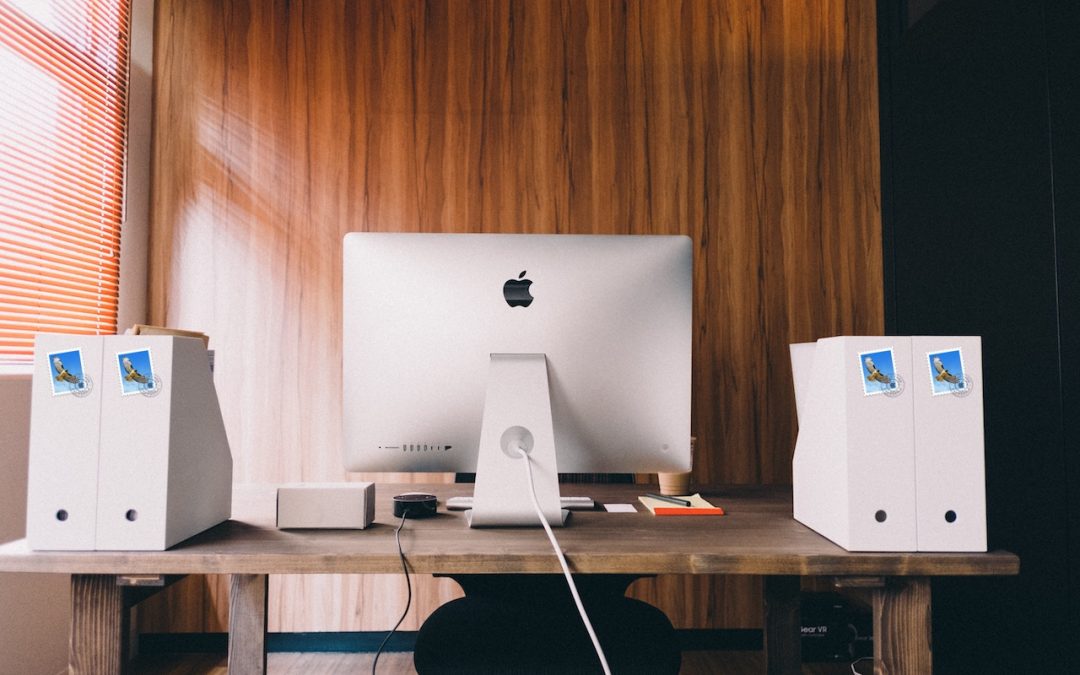
File Messages Faster in Mail in Mojave
Another reason to upgrade to Mojave: You can file messages faster in the latest version of Mac OS. Need help? Give us a call.

Why Should You Work with an Apple Professional?
Every now and then a potential client asks why they should work with us. The short answer is that we’re good at what we do, and we can help you solve your tech problems. Read on to learn more.
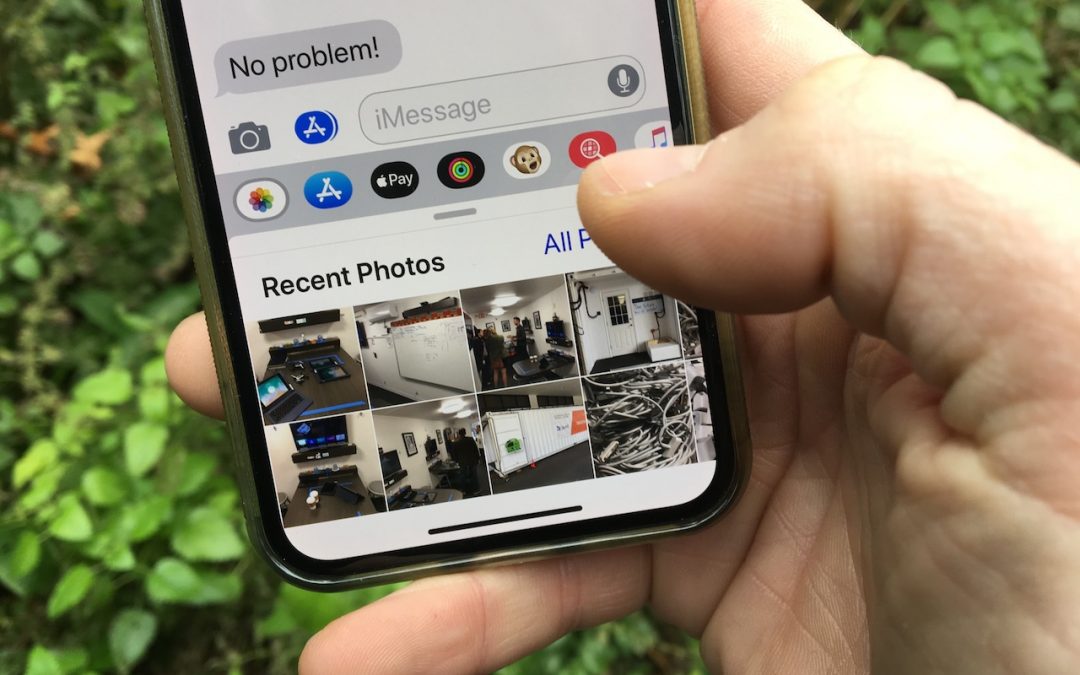
Here’s How Apple Changed Sending a Photo in Messages in iOS 12
To find and send a photo that’s already in Photos, use the Photos mini-app in Messages.
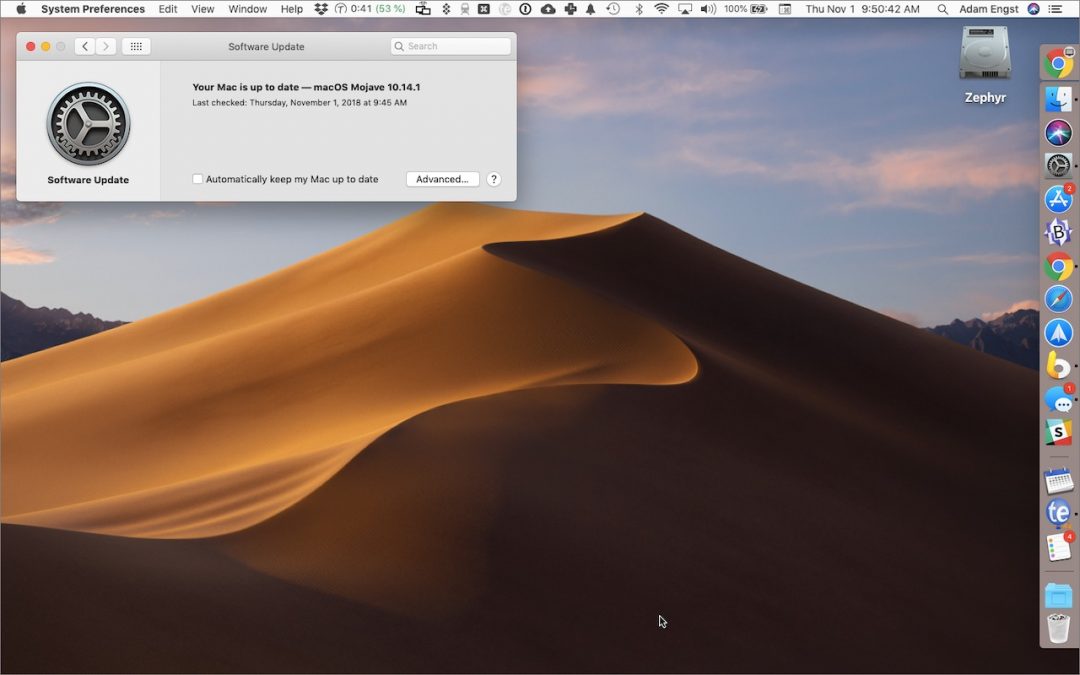
To Update macOS 10.14 Mojave, Use This New System Preferences Pane
With macOS 10.14 Mojave, Apple moved operating system updates to the new Software Update preference pane.
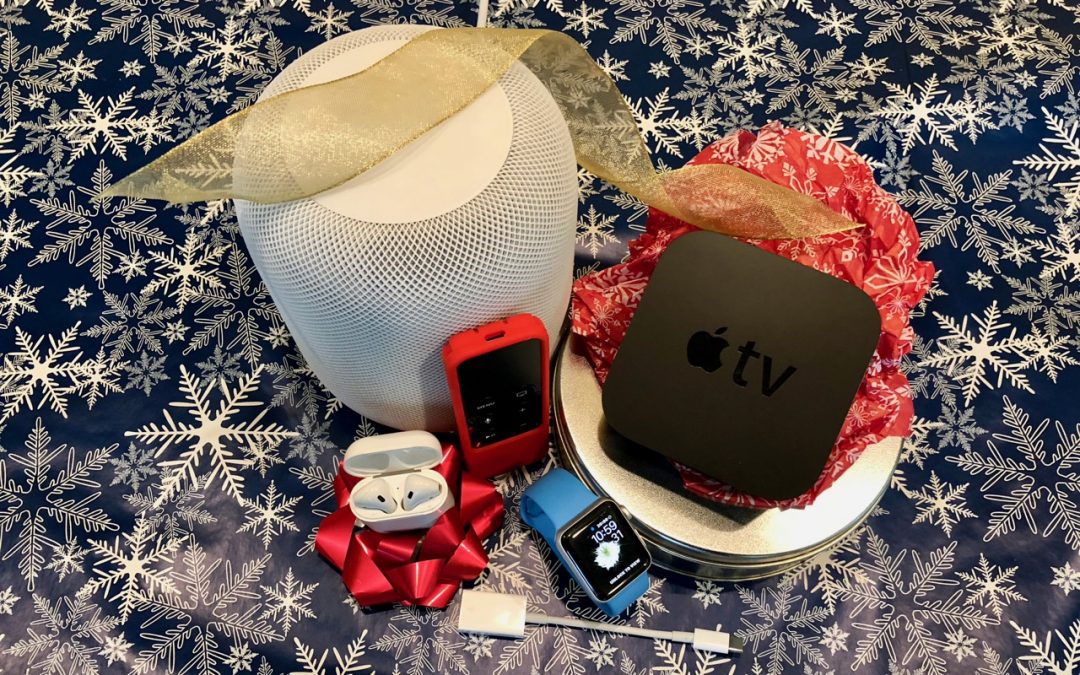
The Best Apple-Related Gifts for 2018
Looking for the perfect gift for that special Apple user in your life? Here are our choices for the best gifts.
Super insightful and fresh perspective.
Well explained and easy to follow.
So glad I stumbled upon this.
Looking forward to your next post!
Truly a masterpiece of content.