
The Austin MacWorks Official Blog

Getting Rid of an Old Mac? Follow These Steps to Prep It for Its Next Life
If you’re passing an old Mac on to a colleague, friend, or family member—or returning it to Apple for recycling—follow these steps to prepare it for its next stage in life and ensure that no one will be able to access your data.

iOS 12 Supports Password Managers for Faster Password Filling
For those who rely on a password manager like 1Password or LastPass, iOS 12’s new support for third-party password managers makes it easier to log in to Web sites in Safari and iOS apps.

Slow Mac? Here’s How to Figure Out If You Need More RAM
Is your Mac slowing down when you have a lot of apps and documents open? It may be running out of memory—learn why and what you can do about it.

Have You Learned iOS 12’s New Gestures on the iPad?
If you use an iPad with iOS 12, take note of the new gestures that are necessary on the recently released 11-inch and 12.9-inch iPad Pro and available to all older iPads as well. Plus find out what the deal is with those new icons on the right side of the Dock!

Recover Drive Space by Deleting Old and Unnecessary iOS Device Backups
There’s one potential downside to iTunes backups: they can consume a lot of space on your Mac’s drive. Learn how to fix this.
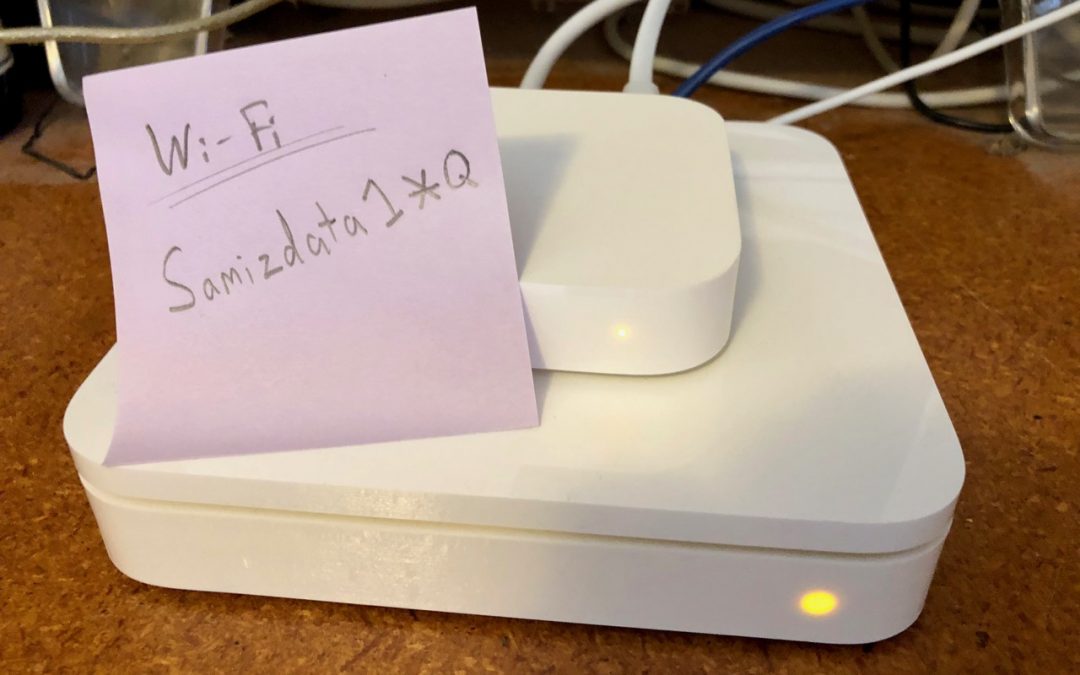
This Is Hands-Down the Easiest Way to Give Someone Your Wi-Fi Network Password
Do you know the secret way to securely share your wi-fi password with a guest? We’ve got the inside scoop.
Super insightful and fresh perspective.
Well explained and easy to follow.
So glad I stumbled upon this.
Looking forward to your next post!
Truly a masterpiece of content.