
The Austin MacWorks Official Blog
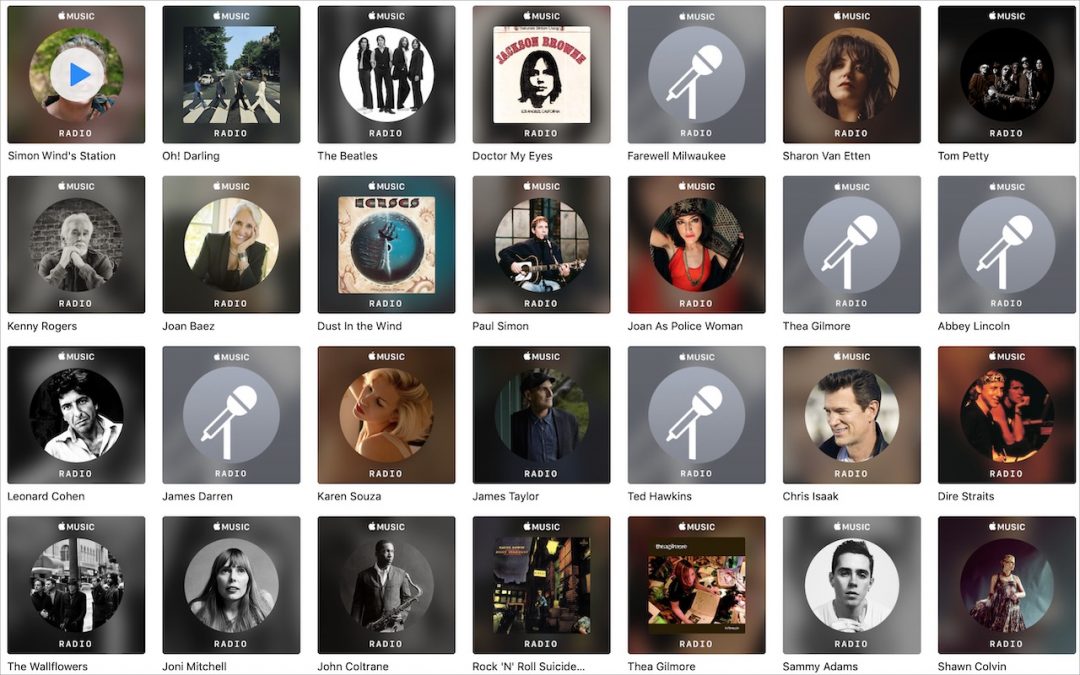
Apple Music Can Be Your Personal DJ
You may not have realized that Apple Music can create a special radio station just for you, based on tracks you’ve played before, added to your library, or “loved.”

Considering a New iMac? Wait No Longer—Updates Are Here!
After a nearly two-year gap, Apple has updated the 21.5-inch and 27-inch iMacs with faster processors, more capable graphics chips, and faster memory—all for the same prices as before. Read more at:

Apple Updates iPad Lineup with new iPad mini and iPad Air
After more than three years, Apple has updated the beloved iPad mini with modern-day specs and Apple Pencil support, and the company also released an iPad Air that’s essentially a retooled iPad Pro. Learn more at:

Ever Wanted to Get a Custom Email Address? Here’s How (and Why)
Setting up a custom email address with your own domain isn’t that hard or expensive, and it gives you independence from your ISP, employer, or the sketchy email provider you signed up with after college. Here’s how you can switch.

Need to Clear Space on an iPhone or iPad? Here’s How to Do It in iOS 12
Struggling with too little space on your iPhone or iPad? In iOS 12, Apple provides highly effective tools for clearing more space—read on for details!

Choose between Archiving and Deleting Messages in iOS Mail
When you’re viewing a message in Mail on an iPhone or iPad, you get five buttons: Flag, Move, Archive or Delete, Reply/Forward/Print, and New Message. But what determines whether that third button is Archive or Delete?
Super insightful and fresh perspective.
Well explained and easy to follow.
So glad I stumbled upon this.
Looking forward to your next post!
Truly a masterpiece of content.