
The Austin MacWorks Official Blog

What We Can Expect from macOS 11.0 Big Sur, iOS 14, iPadOS 14, and watchOS 7
At its Worldwide Developer Conference, Apple showed off the next versions of its major operating systems: macOS 11.0 Big Sur, iOS 14, iPadOS 14, and watchOS 7. Here’s what you can expect this fall.

Find Files in the Finder Better by Specifying a Search Scope
When you use the Search field in a Finder window to look for files and folders, you have the choice of two scopes: This Mac or the current folder.
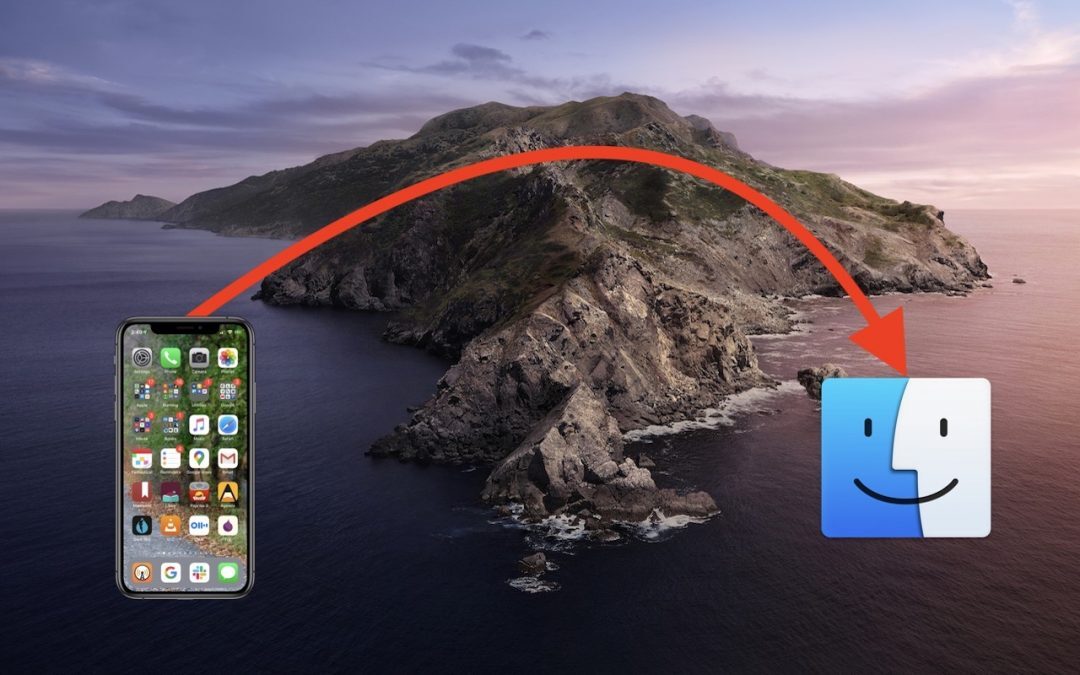
How to Back Up an iPhone or iPad with Your Mac Running Catalina
If you prefer to back up your iOS devices to your Mac, rather than take advantage of daily automatic iCloud backups, note that in macOS 10.15 Catalina, you now do that in the Finder, not in iTunes. Here’s what you need to know:
Here’s How to Set a Default Printer on the Mac
macOS has a feature that should make it so you don’t have to switch printers manually as often.

Here’s How the Exposure Notification System from Apple and Google Protects Your Privacy
Apple and Google have formed an unprecedented partnership to develop an exposure notification system to help combat the COVID-19 pandemic. It’s thoughtfully designed to help with contact tracing while ensuring the privacy of all who use it.
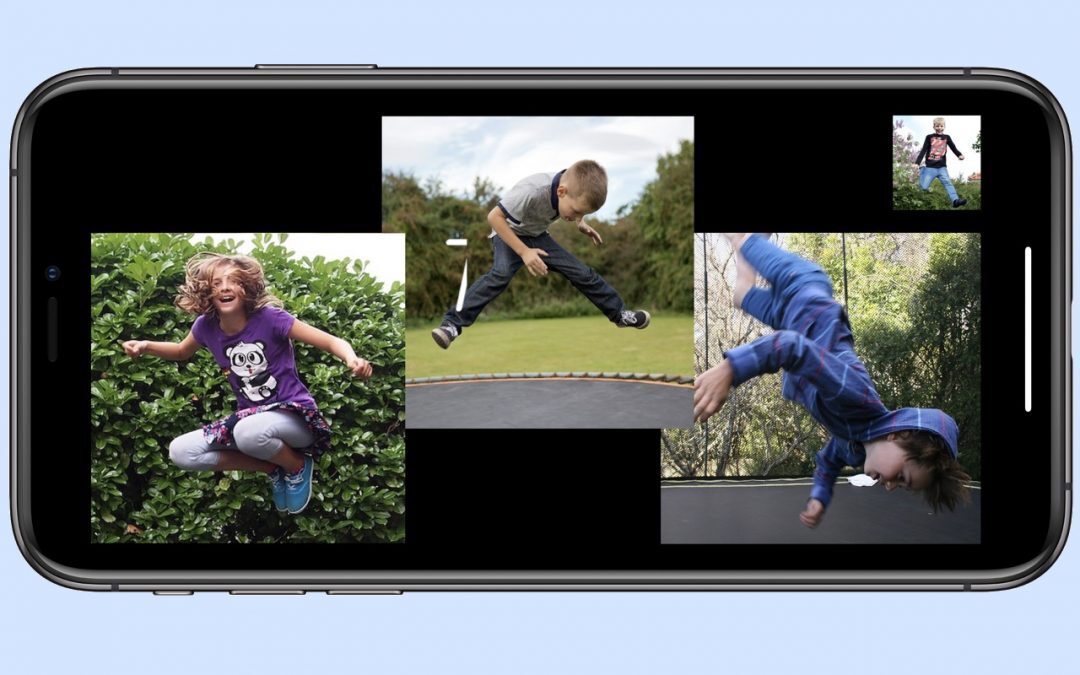
Stop Group FaceTime Video Tiles from Bouncing with Recent Apple OS Updates
Learn how to make some tweaks to Apple’s Group FaceTime feature.
Useful walkthrough. The concrete examples made the workflow much easier to follow.
Saved my day
The note that Rosetta isn’t automatically restored after the macOS 27 Golden Gate upgrade is the part that would catch…
Useful note that Live Text needs an A12 Bionic or later on iPhone and iPad but works on any Mac…
Just found text to game by Tuvimo and it actually works for quick browser fun. Makes me want to revisit…