
The Austin MacWorks Official Blog
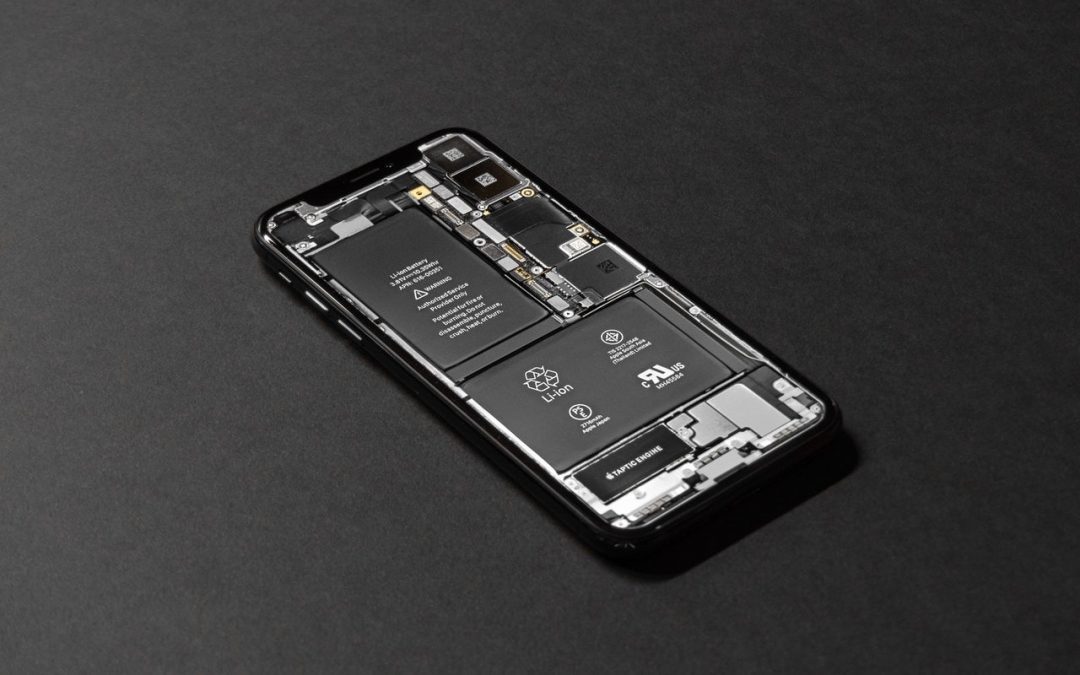
Learn How to Examine Your iPhone’s Battery Usage
Is your iPhone battery draining faster than you think it should? iOS 13’s Battery screen can shed light on the situation, whether it’s a dying battery or a rogue app. Learn more here:

Did You Know You Can Save and Share Voicemail Files from Your iPhone?
If you want to retain a voicemail message for posterity or share one with a friend or colleague, you can do that easily. Learn more now.

Use Your Apple Watch to Unlock Your Mac, and Apps in Catalina
In Catalina, the Apple Watch can also enter your password when prompted by apps. Learn more.

AirDrop Reception Not Working? Here’s the Likely Fix
AirDrop has become a fast and reliable way to transfer data from one iPhone to another that’s nearby.

MacFest 2020 Coming March 14th! — POSTPONED
Join Austin MacWorks for MacFest on March 14. Hear from creative experts about the how to put the best tools to work to make you more successful. It’s free!

Use Guided Access to Let Kids and Others Use Your iPhone Temporarily
Never, ever share your iPhone or iPad passcode with anyone who you don’t trust implicitly. Instead, you can give people limited access to a single app with Guided Access. Learn more here:
Super insightful and fresh perspective.
Well explained and easy to follow.
So glad I stumbled upon this.
Looking forward to your next post!
Truly a masterpiece of content.