
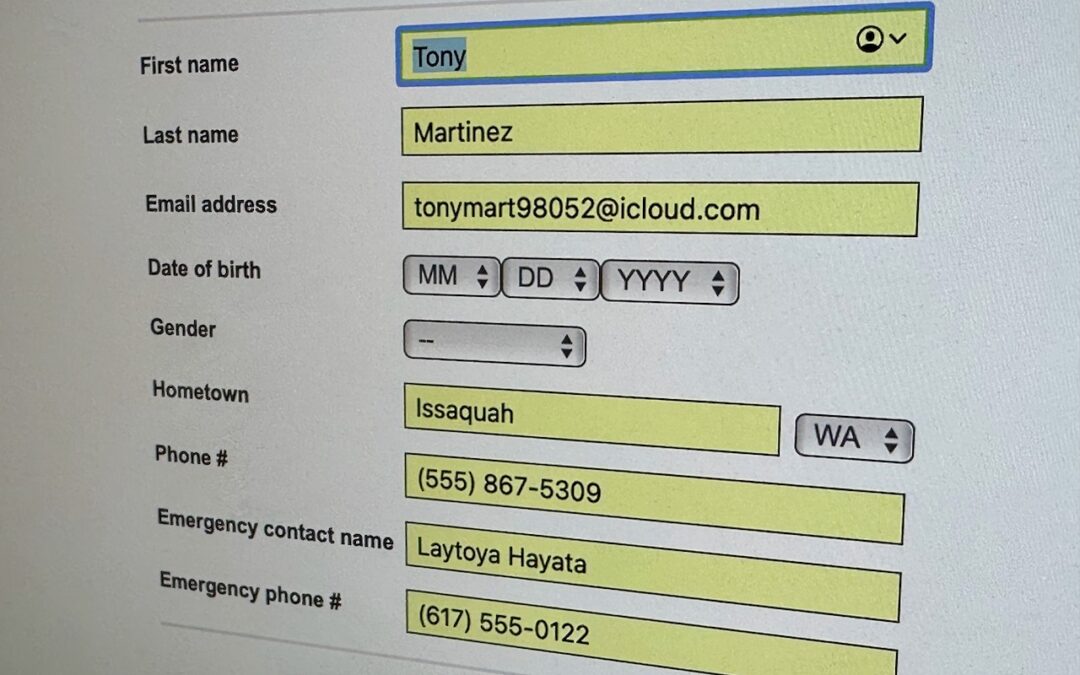
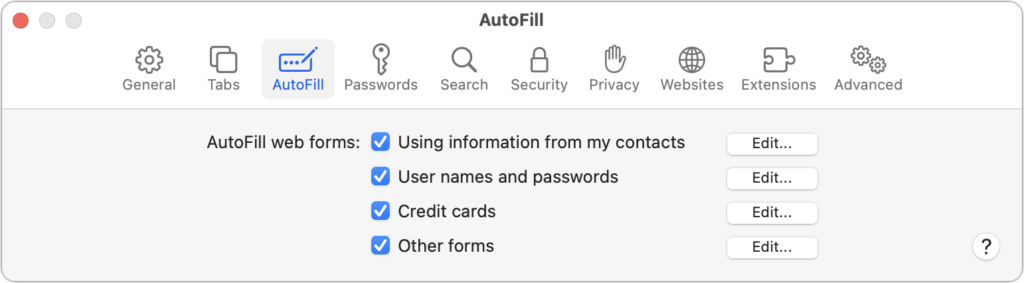
We heard from a client that AutoFill in Safari suddenly stopped entering her name and address in Web forms when she chose Edit > AutoFill Form or pressed Command-Shift-A, forcing her to enter her contact information manually, like an animal. (And yes, the “Using information from my contacts” checkbox was selected in Safari’s AutoFill preferences.) Although we have no idea what caused the problem, the solution turned out to be simple. She went into Contacts, found her personal contact card, and chose Card > Make This My Card. Give this a try if you’re having trouble with AutoFill or haven’t yet started using it in Safari.
(Featured image by Adam Engst)

A week might be too short if IT approval is still pending. I'd treat "keeping your old iPhone for a…
Awesome tech breakdown on "When Should You Upgrade to macOS 27 Golden Gate, iOS 27, iPadOS 27, watchOS 27, tvOS…
I’ve used Chrome’s built-in screenshot tool, but opening DevTools every time gets a bit tedious. I recommend FullPage Capture, it’s…
This is such an important reminder. I've been in meetings where an AI notetaker silently joined and recorded everything, and…
Awesome tech breakdown on "When Should You Upgrade to macOS 27 Golden Gate, iOS 27, iPadOS 27, watchOS 27, tvOS…