Ever wondered about the best way to close an email message or what’s appropriate to put in an email signature? Here’s our advice:

Ever wondered about the best way to close an email message or what’s appropriate to put in an email signature? Here’s our advice:

The New York Times has revealed that iPhone apps are constantly reporting our every movement to a shadowy collection of location-data companies. If that creeps you out (as it should!) read on to learn how to protect your location privacy.

Feeling overwhelmed by the task of finding a particular photo in the haystack of your digital photo library? We run through all the ways you can categorize and search for images.
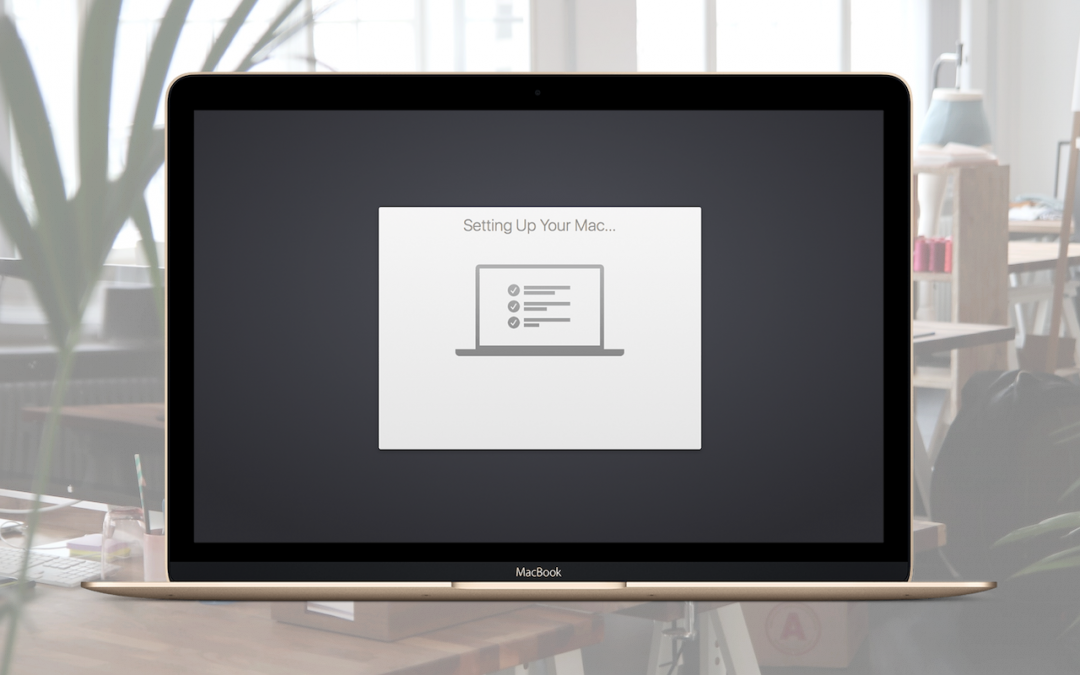
Make sure to migrate data and apps from your previous Mac to a new Mac right away during the initial setup.
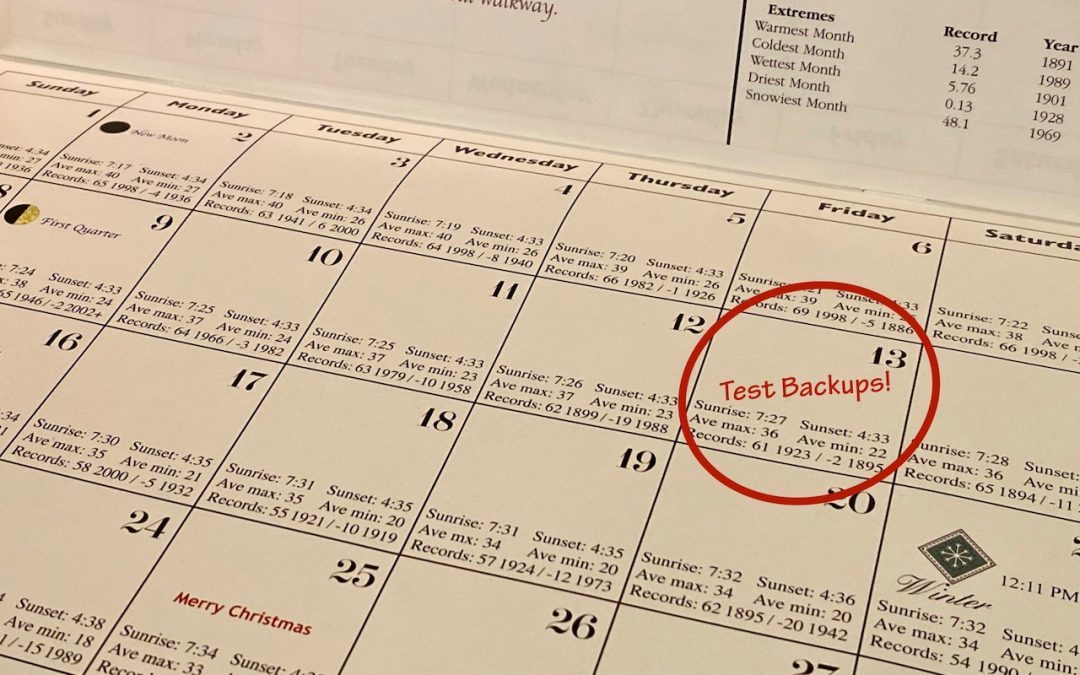
If something does go wrong, backups can save your bacon, but only if they’re actually working.
Learn about Apple’s Image Capture app, which has shipped with macOS for ages and is stored in your Applications folder’s Utilities folder

Apple has been making updates in iOS 13 and iPadOS 13 left and right, with numerous updates since their September release. If you’ve upgraded already, we recommend that you keep installing maintenance fixes as they come out.
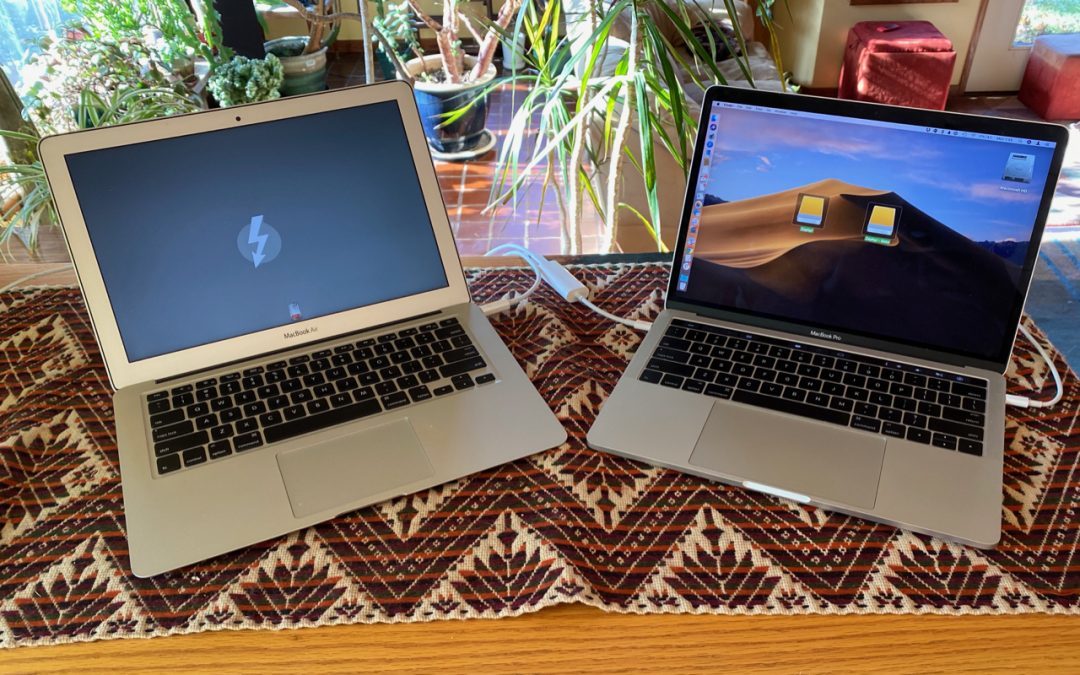
If you ever have to move tens or hundreds of gigabytes of data between Macs, give Target Disk Mode a try. It’s fast, easy, and reliable.
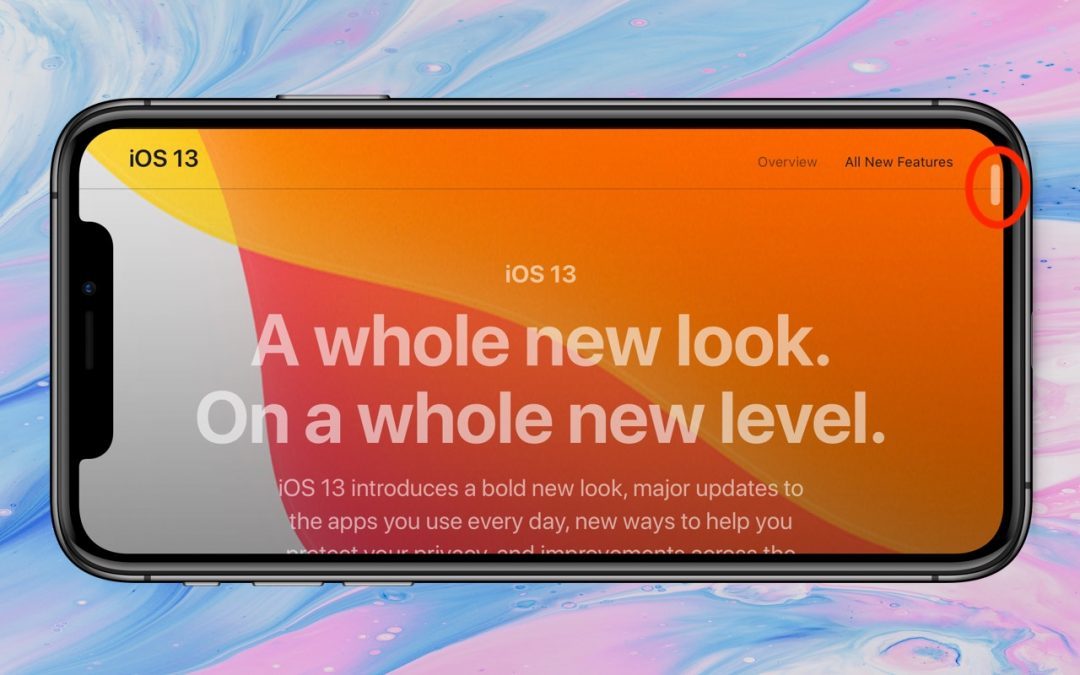
In iOS 13 and iPadOS 13, however, Apple has made the scroll bar more helpful, and you’ll want to use it to scroll long pages more quickly than you can with swiping.

Did you know that an iPhone can store medical information that could save your life, or help you save someone else’s? Learn how to create your Medical ID, and be sure to teach others how to work with this information in case of an emergency!
Super insightful and fresh perspective.
Well explained and easy to follow.
So glad I stumbled upon this.
Looking forward to your next post!
Truly a masterpiece of content.