At its Wonderlust event, Apple introduced the iPhone 15 lineup, the Apple Watch Series 9, and the Apple Watch Ultra 2. For the most part, they’re incremental upgrades, making them most compelling to those upgrading from much older devices.


At its Wonderlust event, Apple introduced the iPhone 15 lineup, the Apple Watch Series 9, and the Apple Watch Ultra 2. For the most part, they’re incremental upgrades, making them most compelling to those upgrading from much older devices.
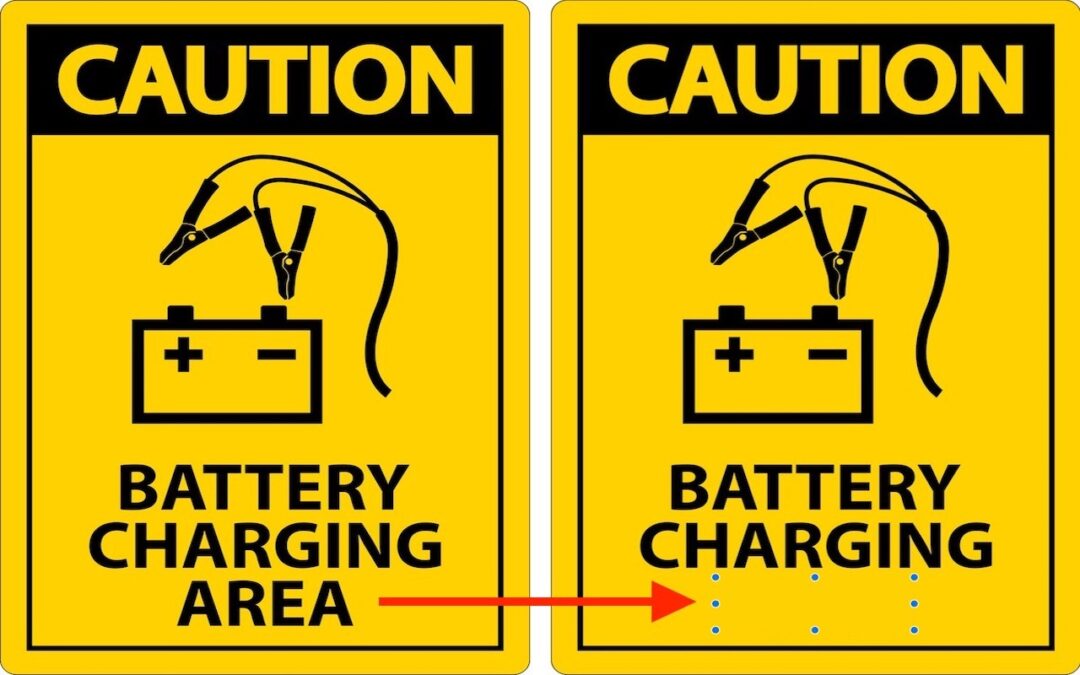
Have you ever needed to remove some content from a screenshot or other illustration? There’s no need for a fancy graphics app—you can do it quickly in Preview with this little-known trick.
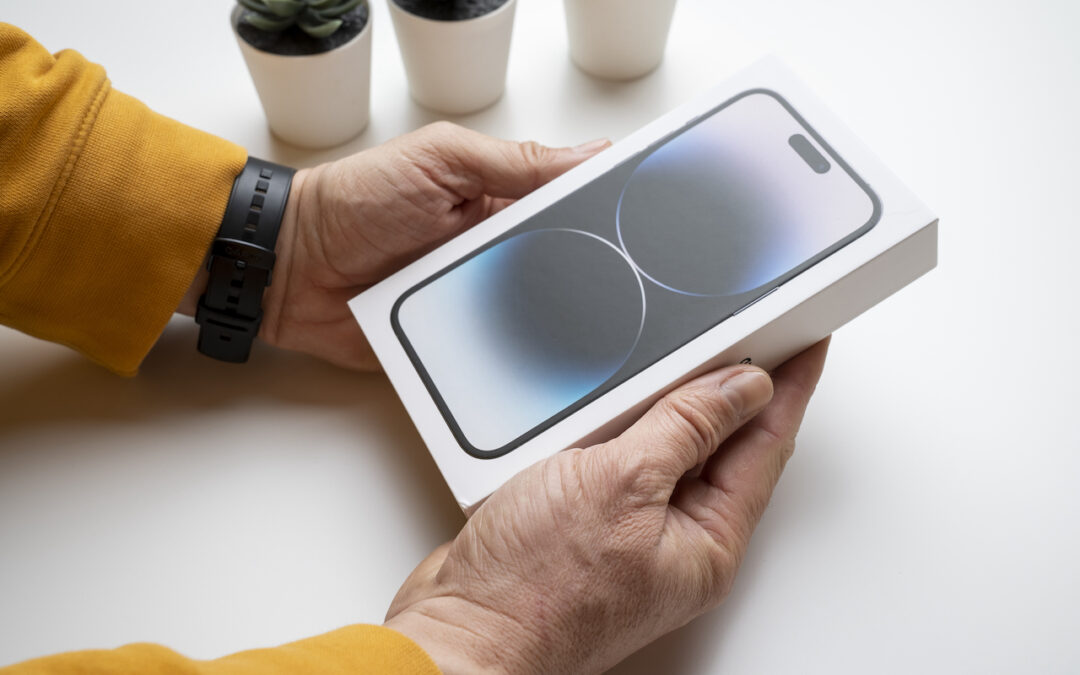
It’s exciting to get a new iPhone, but take a few minutes to read our advice on what you need to do before—and after—transferring your data from your old iPhone.
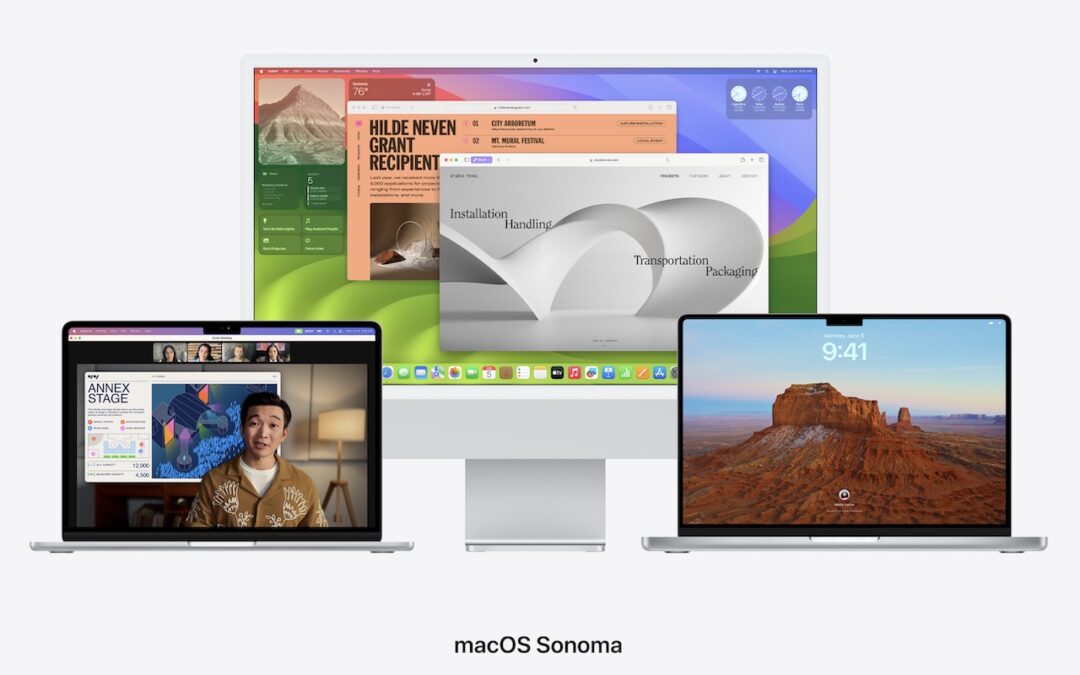
Apple is gearing up to release macOS 14 Sonoma, iOS 17, iPadOS 17, watchOS 10, and tvOS 17. We briefly examine the features worth upgrading for and suggest when to upgrade each of your Apple devices.

Although it’s safest to keep all NSFW images off your iPhone entirely, if you have photos that could be embarrassing or legally troublesome if the wrong person were to stumble across them, protect them using the Hidden album in Photos.
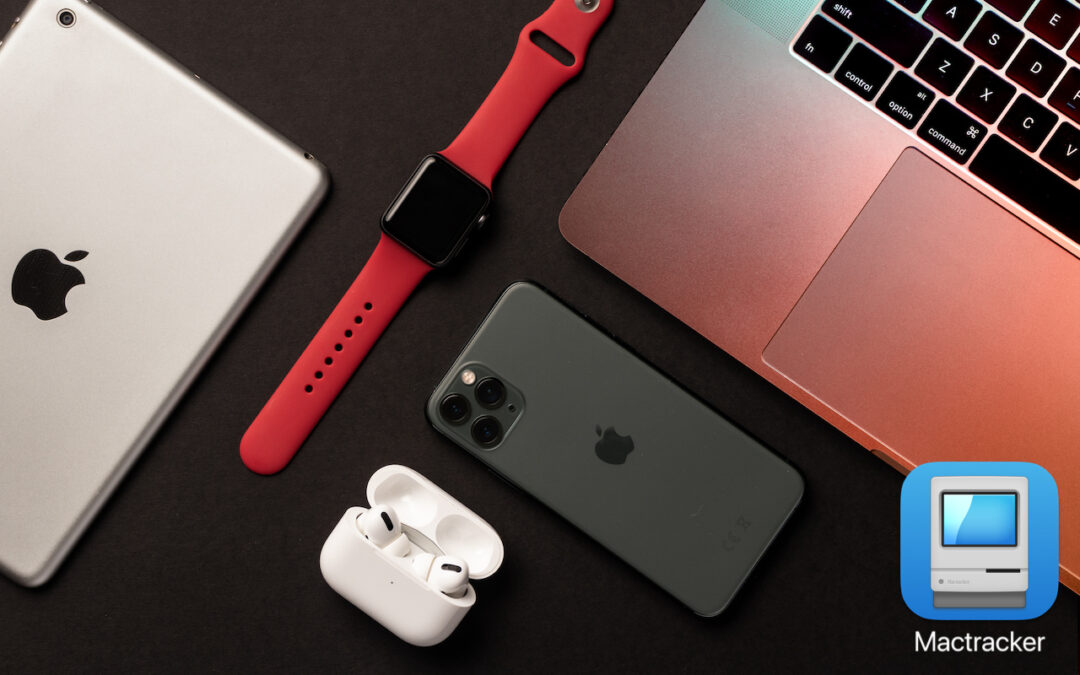
If you ever need to look up technical details about an Apple product, look no further than the Mactracker app, which provides specifications for every Mac, iPhone, iPad, and iPod ever made. It’s an indispensable free download.
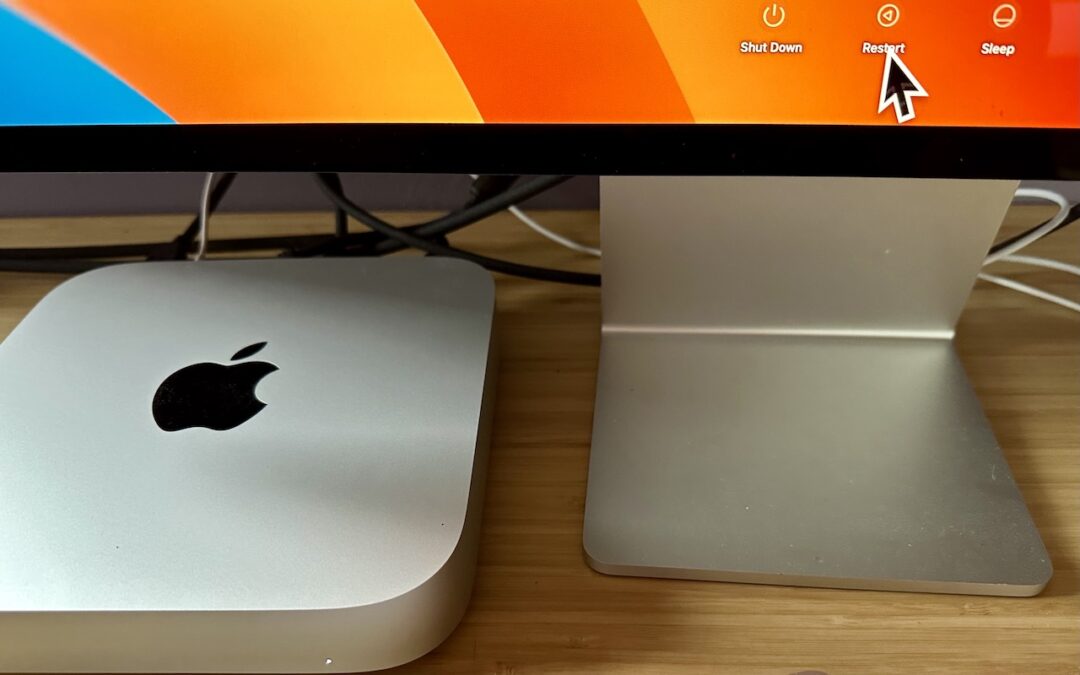
Do you avoid restarting your Mac because of how long it takes to set up your apps, documents, windows, and browser tabs again? These macOS and browser settings will restore your working environment after a restart.

Too-loud headphone volume causes hearing loss, but Apple makes it easy to reduce loud sounds played through headphones and prevent kids from bypassing the volume limits.

High-value targets like activists, journalists, and government employees with access to sensitive information should consider enabling Lockdown Mode on their Apple devices to protect against hacking or spying by sophisticated digital attackers.
We can’t help with a messy office desk, but if your Mac’s desktop is a confusing mess of randomly placed icons, using the Finder’s sort options will make it nice and orderly.
Stop by either store and let's see if we can figure it out together!
Stop by either store and let's see if we can figure it out together!
Stop by either store, and we'll be happy to see what we can do to help you.
Stop by either store, and we'll be happy to see what we can do.
Useful read. I have been tinkering with virtual machines on my Mac recently, and this fits neatly into the things…