Have you heard of the ChatGPT chatbot? It responds in fluent English to questions and prompts of all sorts, but you must always remember its limitations—like a tendency to make stuff up. Nevertheless, the AI genie is out of the bottle.


Have you heard of the ChatGPT chatbot? It responds in fluent English to questions and prompts of all sorts, but you must always remember its limitations—like a tendency to make stuff up. Nevertheless, the AI genie is out of the bottle.
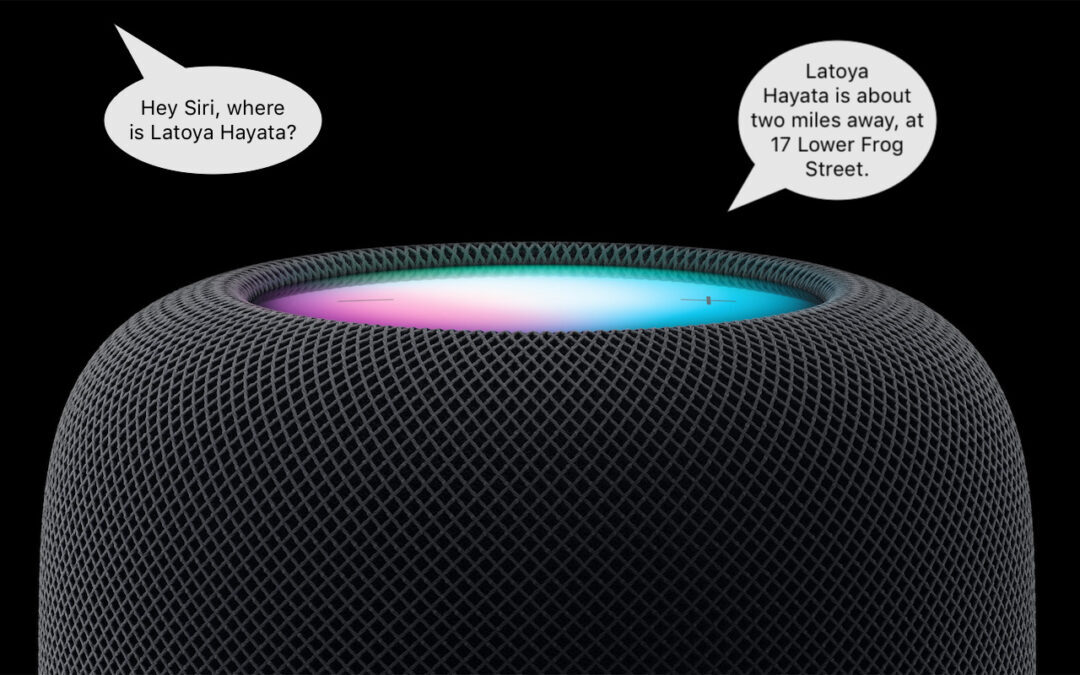
HomePod Software 16.3 now supports Find My, which means you can ask Siri to locate one of your devices or a friend or family member who shares their location with you.

Need to document a Messages conversation with timestamps? Learn how now.

Learn how to take advantage of a slick Finder command that Apple added in macOS 11 Big Sur.

As more personal and work information passes through Wi-Fi networks, it becomes increasingly important that you follow this advice to secure your network.

You probably use Messages every day to send texts from your iPhone, but do you know the answers to these frequently asked questions about Messages?

Follow along as we examine three real-world phishing emails and explain how you can tell that they’re fake.

Learn the difference between removing and deleting an iPhone or iPad app, and learn how to do both.

Prompted by a spate of attacks where an iPhone thief obtains the user’s passcode and uses it to lock the user out of their iCloud account, steal their money, and more, we suggest ways you can protect yourself.

With iOS 16 and iPadOS 16, Apple made the microphone button larger and repositioned it to make it easier to tap. And now, the keyboard remains available while dictation is active.
Super insightful and fresh perspective.
Well explained and easy to follow.
So glad I stumbled upon this.
Looking forward to your next post!
Truly a masterpiece of content.