
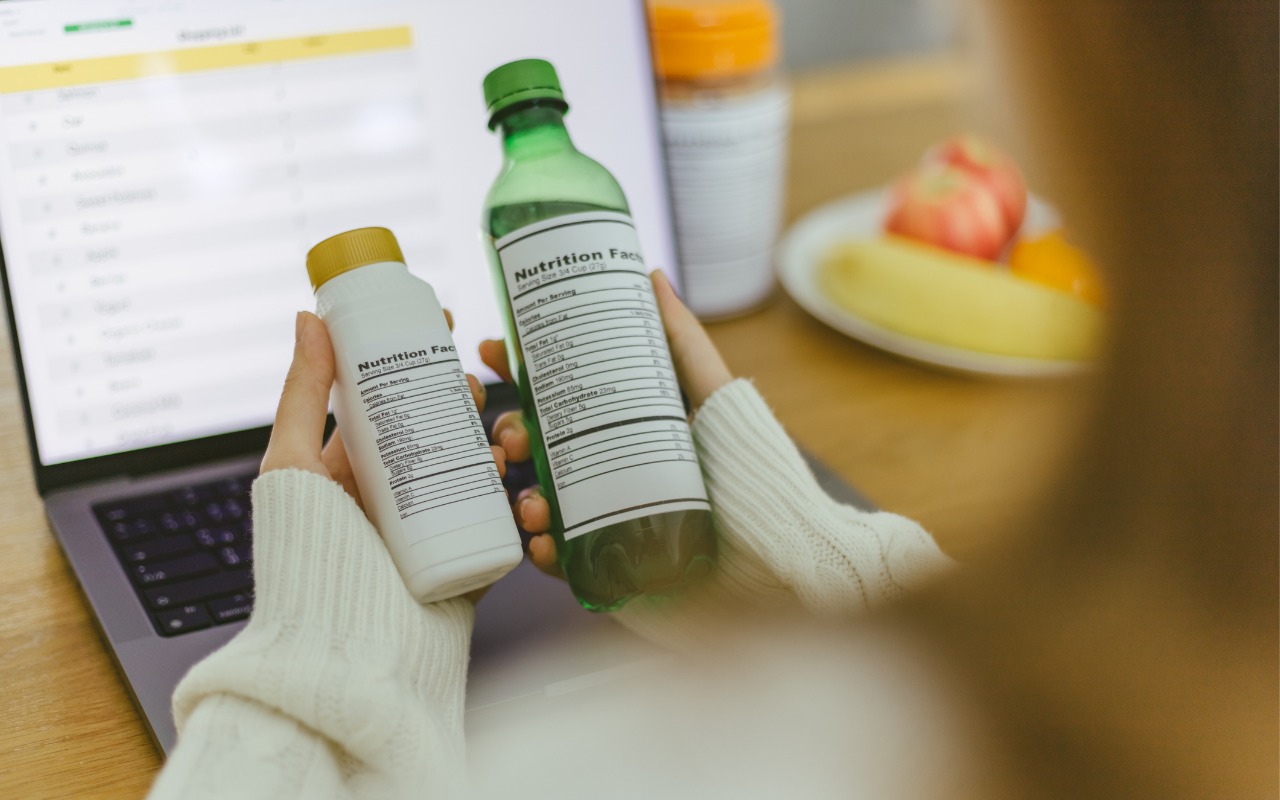
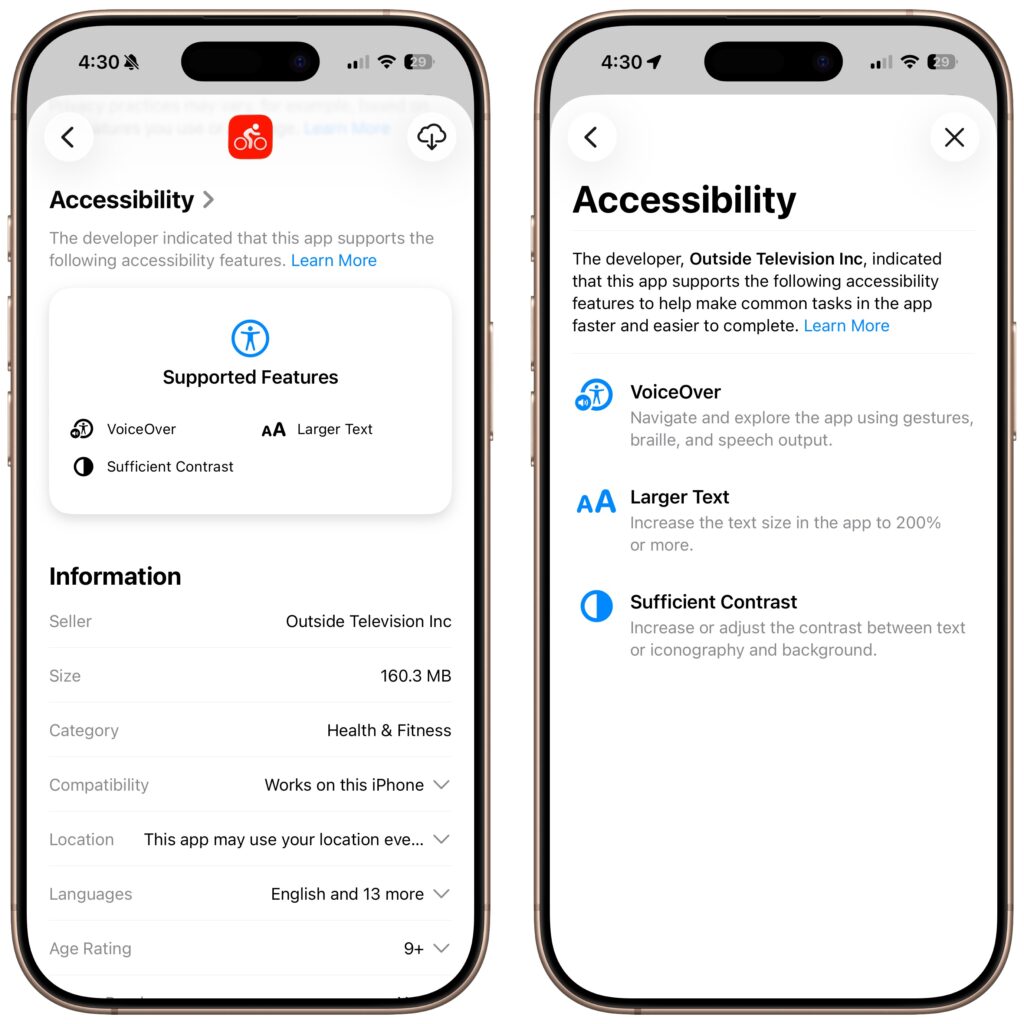
Apple does a good job providing accessibility options for users who experience issues with vision, hearing, motor control, and other accessibility needs. Nearly everyone will benefit from these features at some point in their lives. To encourage support for Apple’s accessibility features and assist users in finding compatible apps, the App Store now includes Accessibility Nutrition Labels that indicate supported features. Developers aren’t required to support or list these features, so it may take some time before many apps display this information. Still, it’s a welcome step forward!
(Featured image by iStock.com/findfootagehq)

Useful walkthrough. The concrete examples made the workflow much easier to follow.
Saved my day
The note that Rosetta isn’t automatically restored after the macOS 27 Golden Gate upgrade is the part that would catch…
Useful note that Live Text needs an A12 Bionic or later on iPhone and iPad but works on any Mac…
Just found text to game by Tuvimo and it actually works for quick browser fun. Makes me want to revisit…