

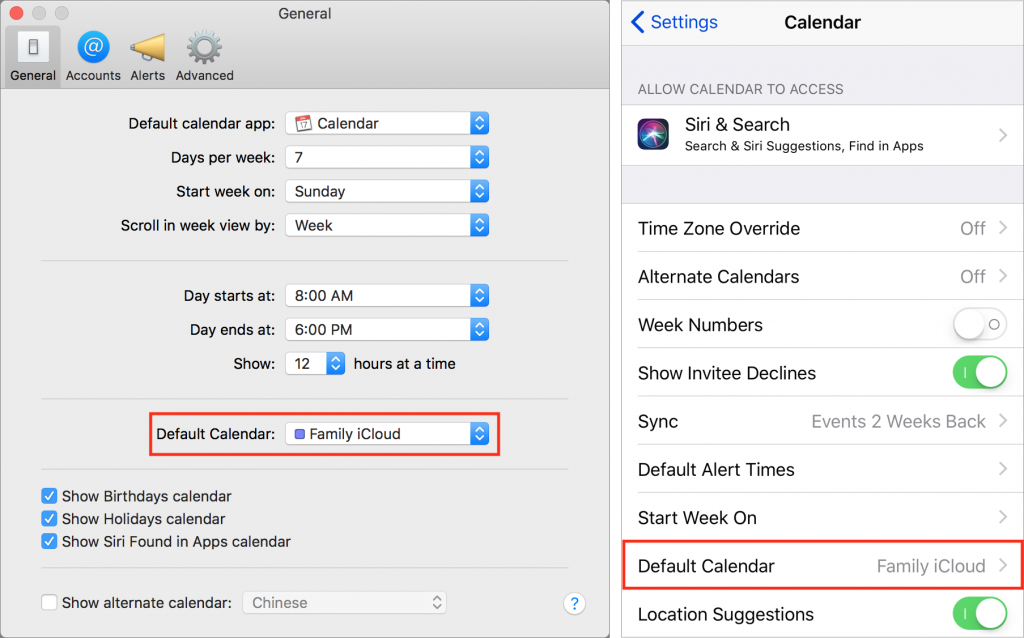
Apple’s Calendar apps in both macOS and iOS let you manage multiple calendars, some of which may be private and others may be shared with family or colleagues. That’s great, but if you create a new event on the wrong calendar, you may end up oversharing with colleagues (who don’t need to know about your colonoscopy) or undersharing with your spouse (who does need to know about the soccer carpool). To reduce the chances of this happening, set the most appropriate calendar as your default. In macOS, you do this in the Calendar app, in Calendar > Preferences > General > Default Calendar. In iOS, set it in Settings > Calendar > Default Calendar.

Super insightful and fresh perspective.
Well explained and easy to follow.
So glad I stumbled upon this.
Looking forward to your next post!
Truly a masterpiece of content.