
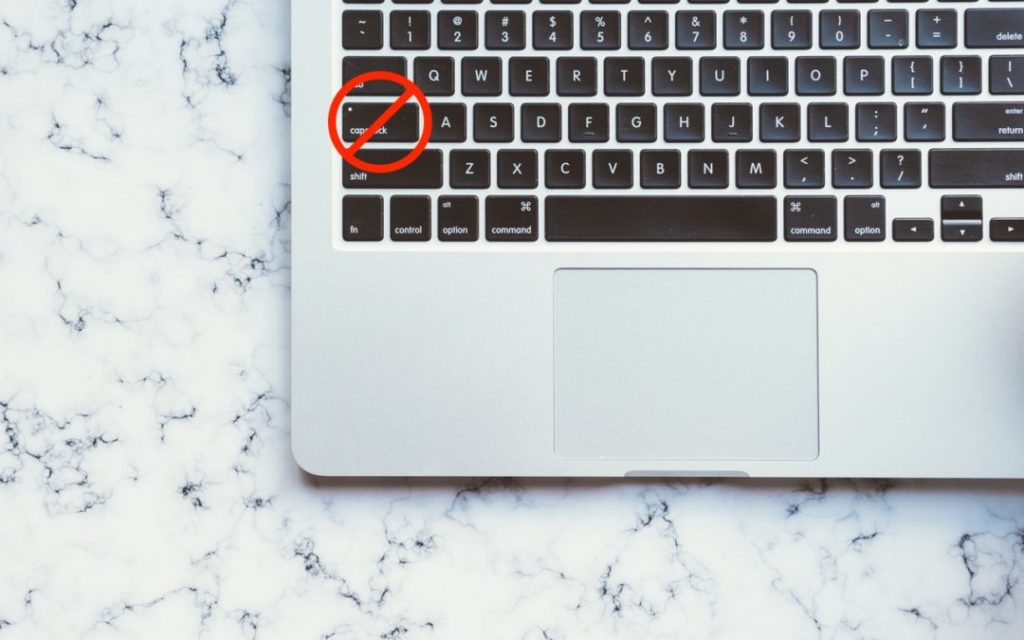
 Image based on an original by Scott Webb from Pexels
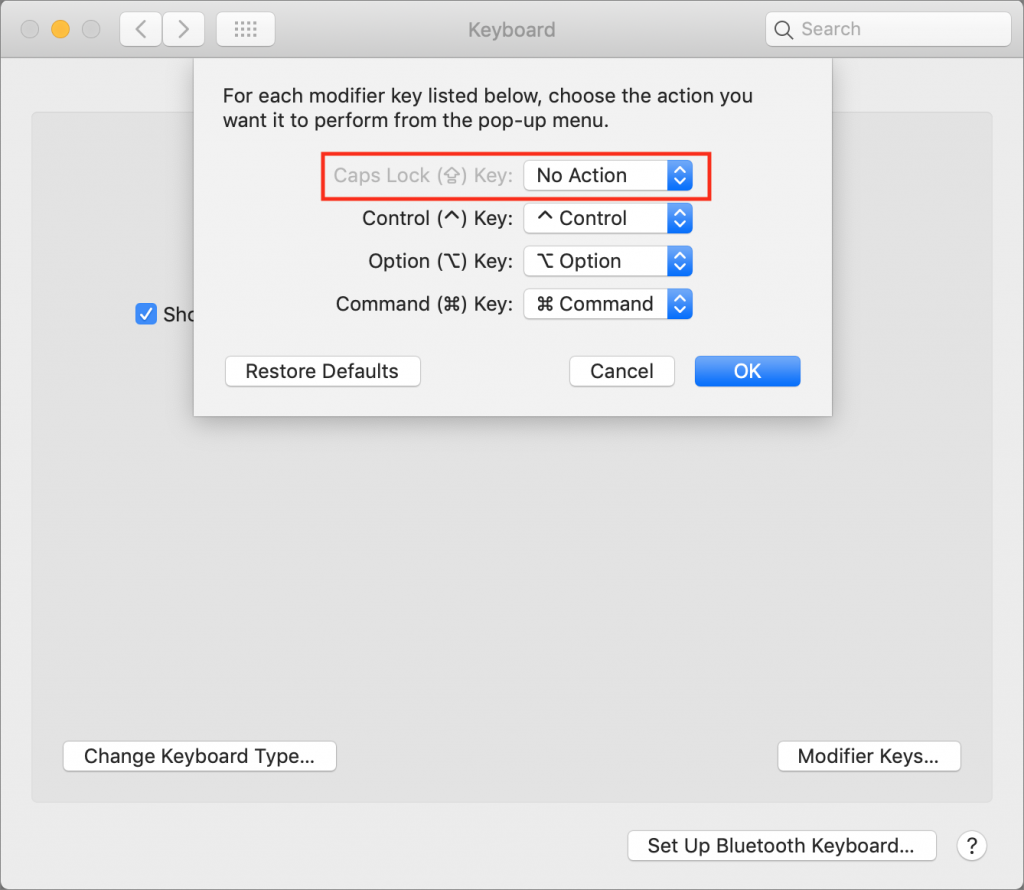
As you undoubtedly know, TYPING IN ALL CAPS is considered shouting on the internet. Doesn’t it bug you when you accidentally tap the Caps Lock key and start writing in uppercase? The Caps Lock key is vestigial—it was invented as a “Shift lock” key to make it easier to type the second characters on the keys of a mechanical typewriter without also holding down the Shift key the entire time. It’s seldom useful on a computer; Google replaced it with a Search key on Chromebook keyboards. It still appears on all of Apple’s keyboards, but macOS lets you disable or remap it. In System Preferences > Keyboard > Keyboard, click the Modifier Keys button. In the dialog that appears, choose No Action (or another key) from the pop-up menu next to Caps Lock. Click OK and you’re free from accidental capitalizations.

Super insightful and fresh perspective.
Well explained and easy to follow.
So glad I stumbled upon this.
Looking forward to your next post!
Truly a masterpiece of content.