Would you or your employees click a login link in email or open an attachment from an unknown sender? Phishing—forged email designed to extract private information—is one of the greatest threats to business today.


Would you or your employees click a login link in email or open an attachment from an unknown sender? Phishing—forged email designed to extract private information—is one of the greatest threats to business today.

If you’re passing an old Mac on to a colleague, friend, or family member—or returning it to Apple for recycling—follow these steps to prepare it for its next stage in life and ensure that no one will be able to access your data.
Have you received email from a hacker who claims to have taken over your Mac and is backing up the claim by showing one of your passwords? We explain how it happened and what to do about it.
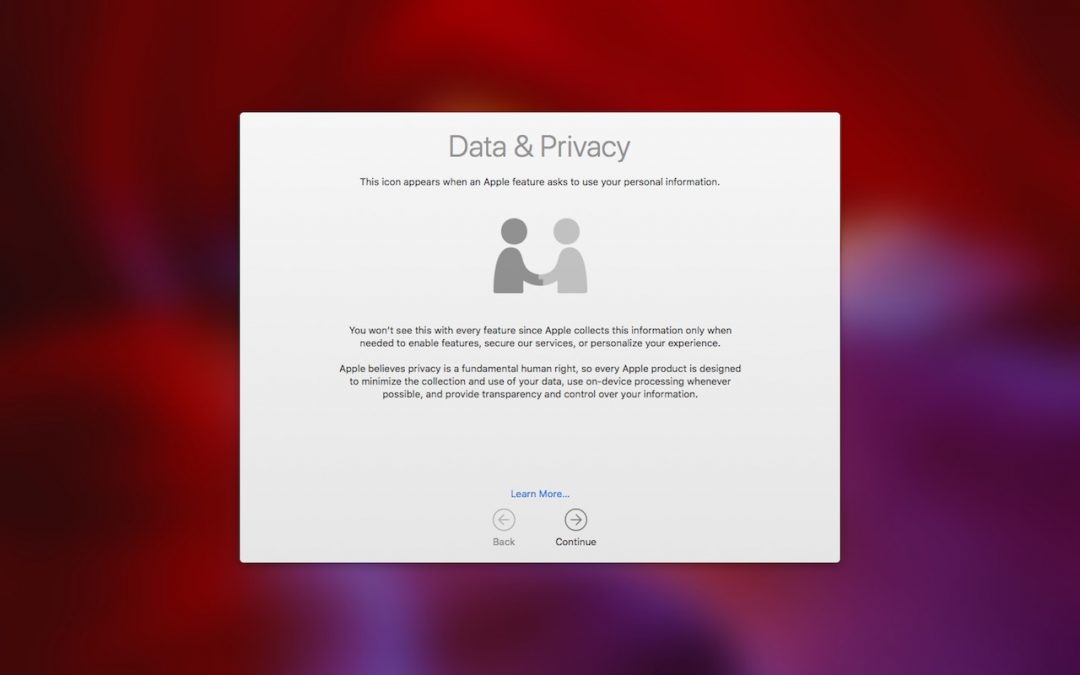
Many of the big Internet companies make their money by assembling a dossier of information about you and then selling advertisers targeted access to you. Luckily, that’s not true of Apple—here are a few of the ways Apple protects your privacy.
Take some time to check for and update compromised, vulnerable, and weak passwords. Start with more important sites, and, as time permits, move on to accounts that don’t contain confidential information.
Super insightful and fresh perspective.
Well explained and easy to follow.
So glad I stumbled upon this.
Looking forward to your next post!
Truly a masterpiece of content.