Looking for the perfect gift for that special Apple user in your life? We have some suggestions for presents that anyone would appreciate.


Looking for the perfect gift for that special Apple user in your life? We have some suggestions for presents that anyone would appreciate.

The hot new feature for Apple Pencil users in iPadOS 14 is Scribble. Find out how you can use it to recognize your handwriting as text anywhere you can type, and learn its easy gestures for editing text.
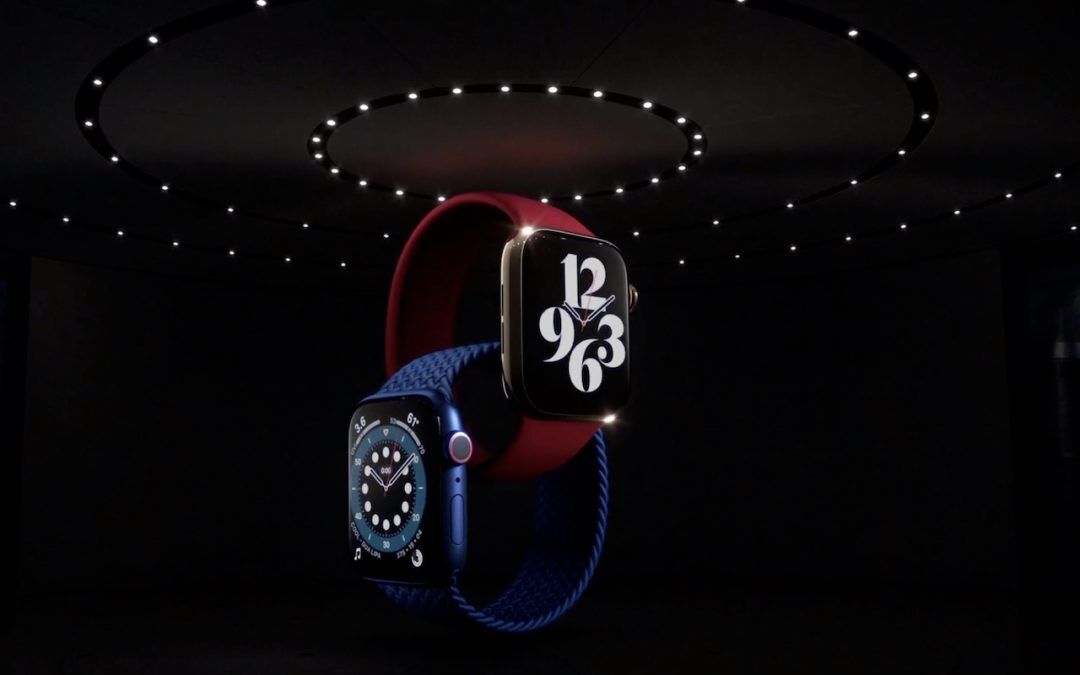
Looking for a new Apple Watch or iPad? The new Apple Watch Series 6 tracks blood oxygen saturation, and the Apple Watch SE cuts the price by 30%. The new iPad Air has great performance without the iPad Pro price, and the new iPad remains cheap at $329.
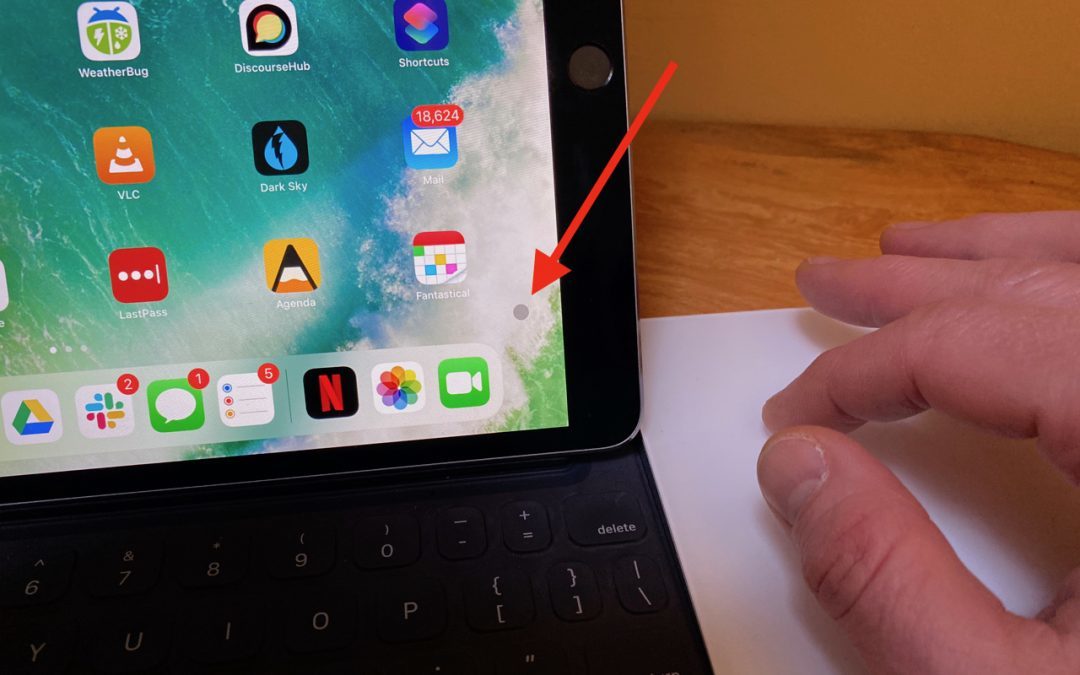
Apple did an impressive job with integrating a cursor into the iPadOS experience.
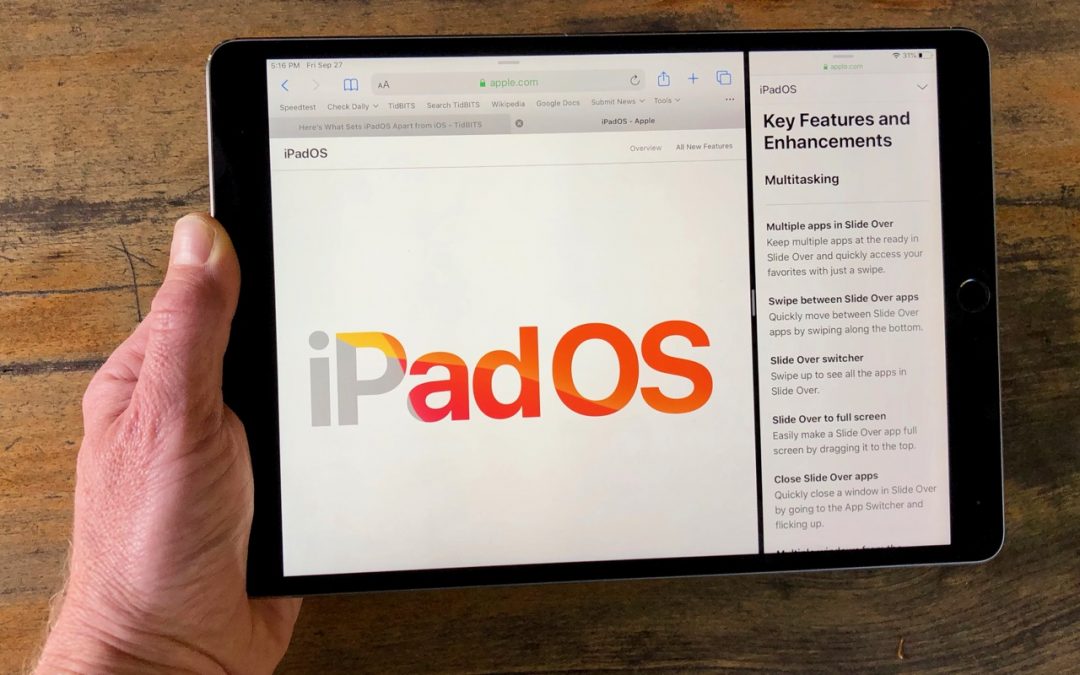
Read this article to learn all the ways you can use multiple apps at the same time on an iPad running the new iPadOS 13.

Learn how to turn your iPhone or iPad into a magnifier
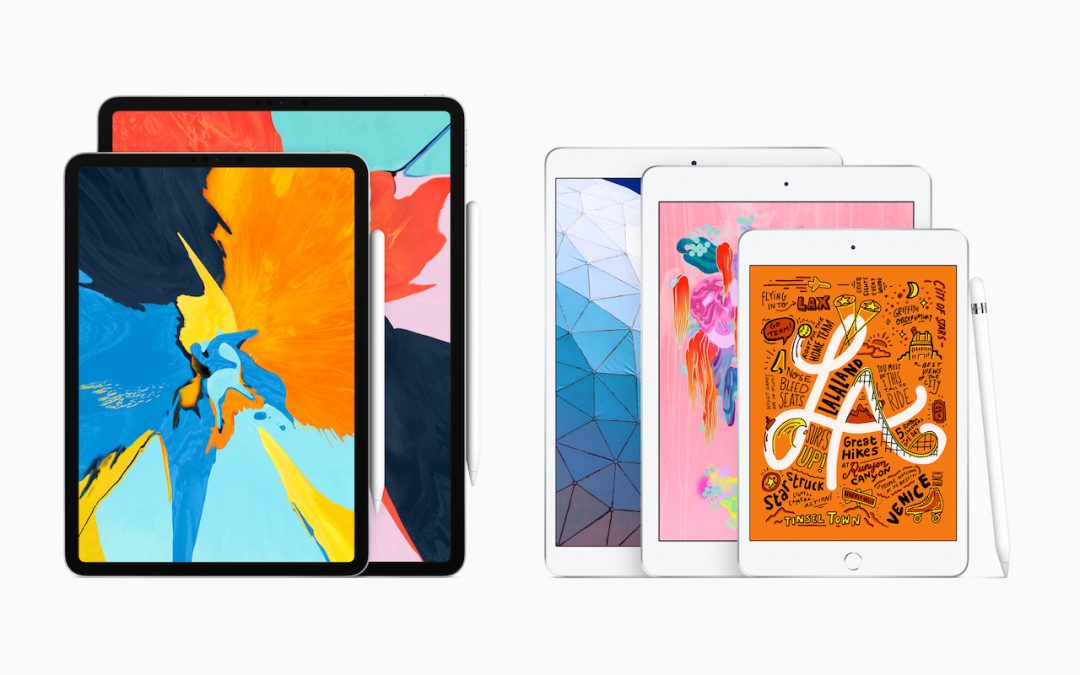
After more than three years, Apple has updated the beloved iPad mini with modern-day specs and Apple Pencil support, and the company also released an iPad Air that’s essentially a retooled iPad Pro. Learn more at:

Struggling with too little space on your iPhone or iPad? In iOS 12, Apple provides highly effective tools for clearing more space—read on for details!

If you use an iPad with iOS 12, take note of the new gestures that are necessary on the recently released 11-inch and 12.9-inch iPad Pro and available to all older iPads as well. Plus find out what the deal is with those new icons on the right side of the Dock!

Apple has updated the MacBook Air and Mac mini, and the company also released a significantly improved iPad Pro. Head over to our blog for all the details!
Picking one style guide and living with it is the advice I give every time this question comes up, and…
Golden Gate as the macOS 27 codename is a nice callback. For mixed households I'd love a recommendation on the…
Check with your phone service provider.
Do you take orders for the new 18 or is that just at the Apple stores? Thanks
Making Wi-Fi joining as easy as scanning a QR code is exactly the kind of MacWorks tip guests actually use.