To bring up Control Center, swipe down from the upper-right corner of the screen—use the Wi-Fi and battery icons as a reminder.


To bring up Control Center, swipe down from the upper-right corner of the screen—use the Wi-Fi and battery icons as a reminder.
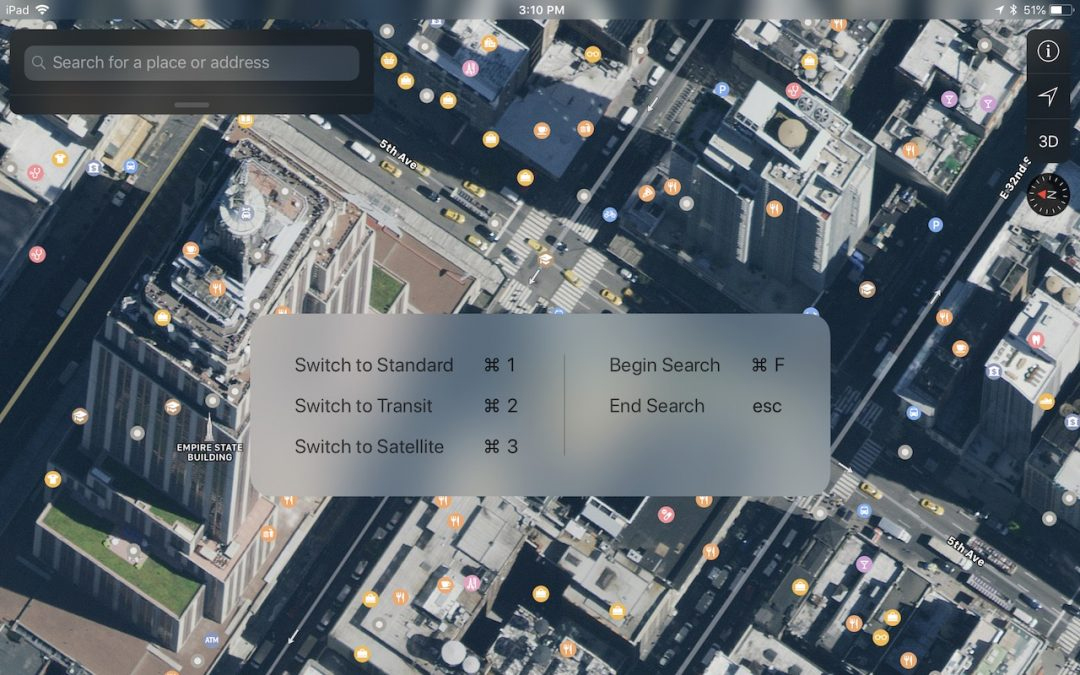
To see a list of supported keyboard shortcuts in an app, simply press and hold the Command key on the keyboard until an information panel appears.
Picking one style guide and living with it is the advice I give every time this question comes up, and…
Golden Gate as the macOS 27 codename is a nice callback. For mixed households I'd love a recommendation on the…
Check with your phone service provider.
Do you take orders for the new 18 or is that just at the Apple stores? Thanks
Making Wi-Fi joining as easy as scanning a QR code is exactly the kind of MacWorks tip guests actually use.