
The Austin MacWorks Official Blog

How to Make Sure Your iPhone Doesn’t Make Noise in the Night
You probably know about the Do Not Disturb setting on your iPhone. But there’s another setting that is important but often overlooked. Learn more.
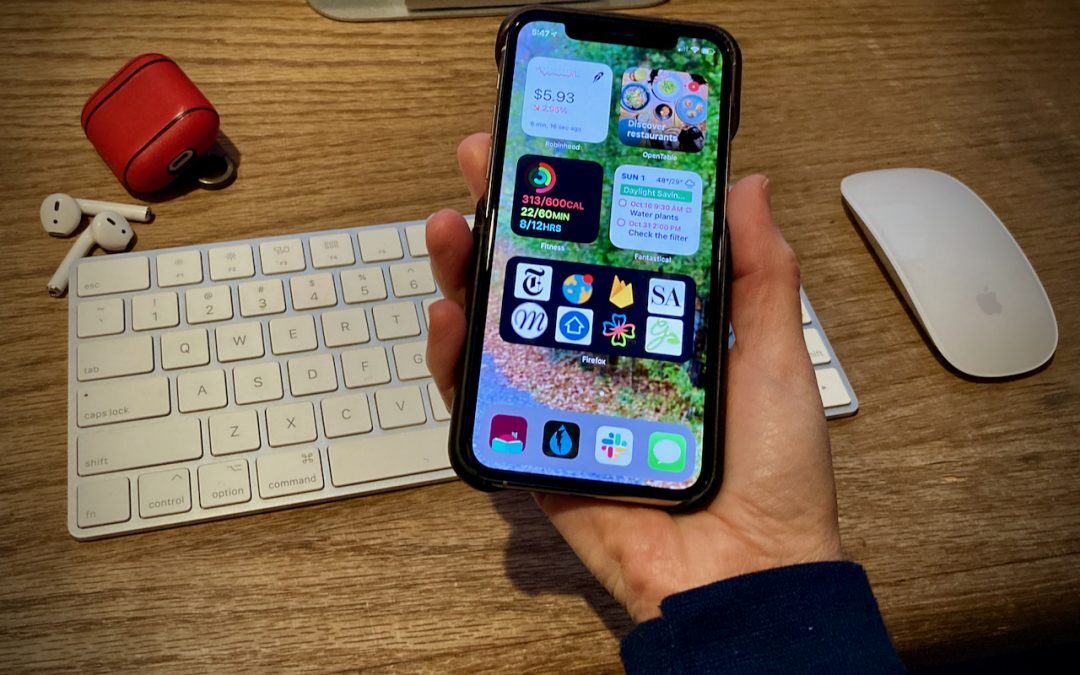
Home Screen Widgets Take Center Stage in iOS 14
The highest-profile new feature of iOS 14 is the addition of Home screen widgets, which let you add highly customizable, information-rich tiles to your Home screens. Learn more here:
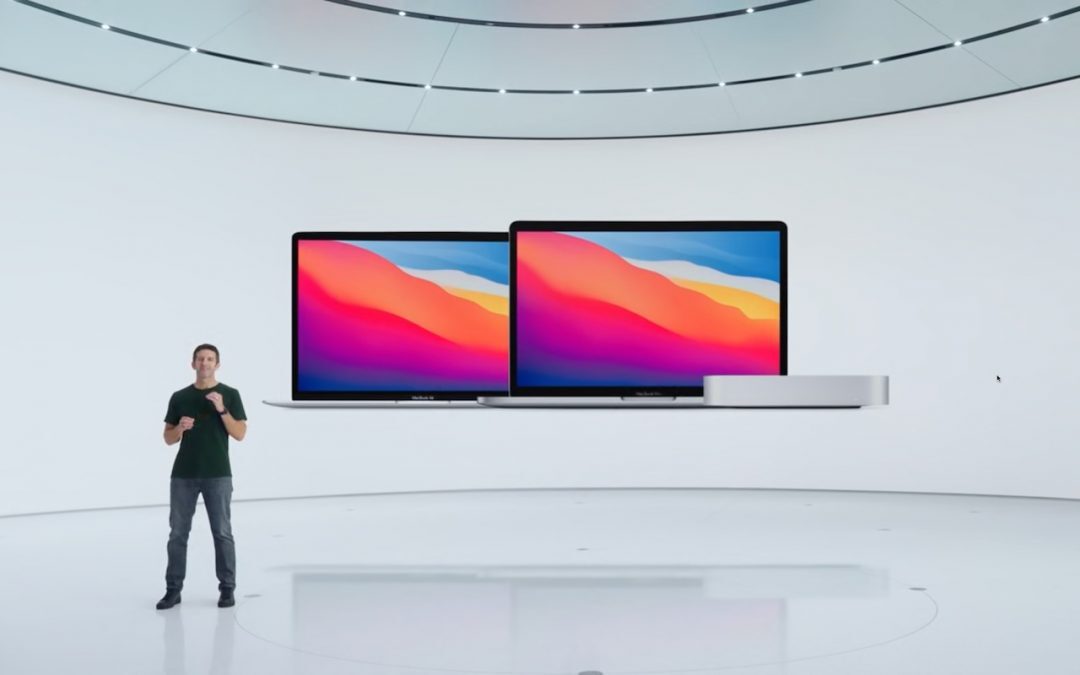
Apple Unveils New M1-Powered MacBook Air, MacBook Pro, and Mac mini
Apple’s “One More Thing” turned out to be the company’s new M1 chip, which powers new models of the MacBook Air, 13-inch MacBook Pro, and Mac mini to new heights of performance and battery life. Learn more.
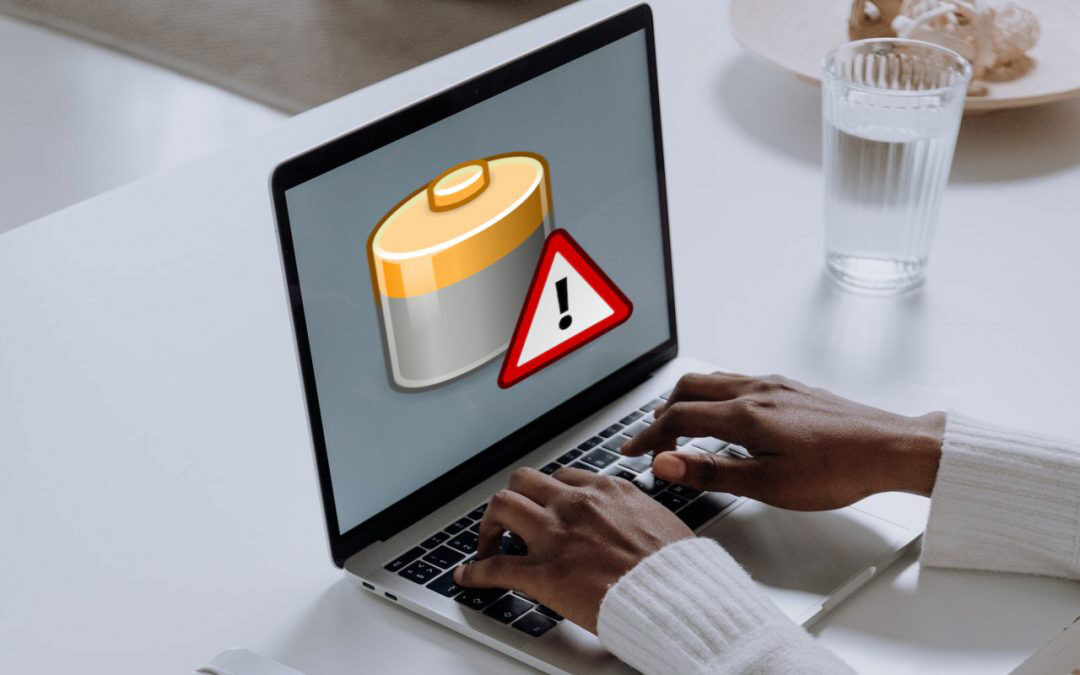
Don’t Worry about an Occasional “Not Charging” Message on Your MacBook
New battery health management in #Catalina can cause your MacBook to display “Battery Is Not Charging” in the battery status menu even when it’s plugged in. Learn more.

What’s MDM, and Why Is It Useful for Organizations?
MDM, or mobile device management, is the Apple-recommended way for organizations to set up, configure, and manage Apple devices. We look at some of the benefits for both organizations and employees in this article.

Amazing New Tips for Rearranging Apps on Your iPhone or iPad
See our tips on using the Dock on an iPhone or iPad as a temporary holding place that makes rearranging apps easier.
Useful walkthrough. The concrete examples made the workflow much easier to follow.
Saved my day
The note that Rosetta isn’t automatically restored after the macOS 27 Golden Gate upgrade is the part that would catch…
Useful note that Live Text needs an A12 Bionic or later on iPhone and iPad but works on any Mac…
Just found text to game by Tuvimo and it actually works for quick browser fun. Makes me want to revisit…