
The Austin MacWorks Official Blog

Scribble: Why the Pencil Is Mightier Than the Finger in iPadOS 14
The hot new feature for Apple Pencil users in iPadOS 14 is Scribble. Find out how you can use it to recognize your handwriting as text anywhere you can type, and learn its easy gestures for editing text.

Stop Snoops with Private Browsing and by Clearing Your Web Browsing History
Do you worry about people snooping into your Mac’s browser history? Or about suggested search terms based on previous searches showing up at the wrong moment? Our article explains how you can easily keep these details private.
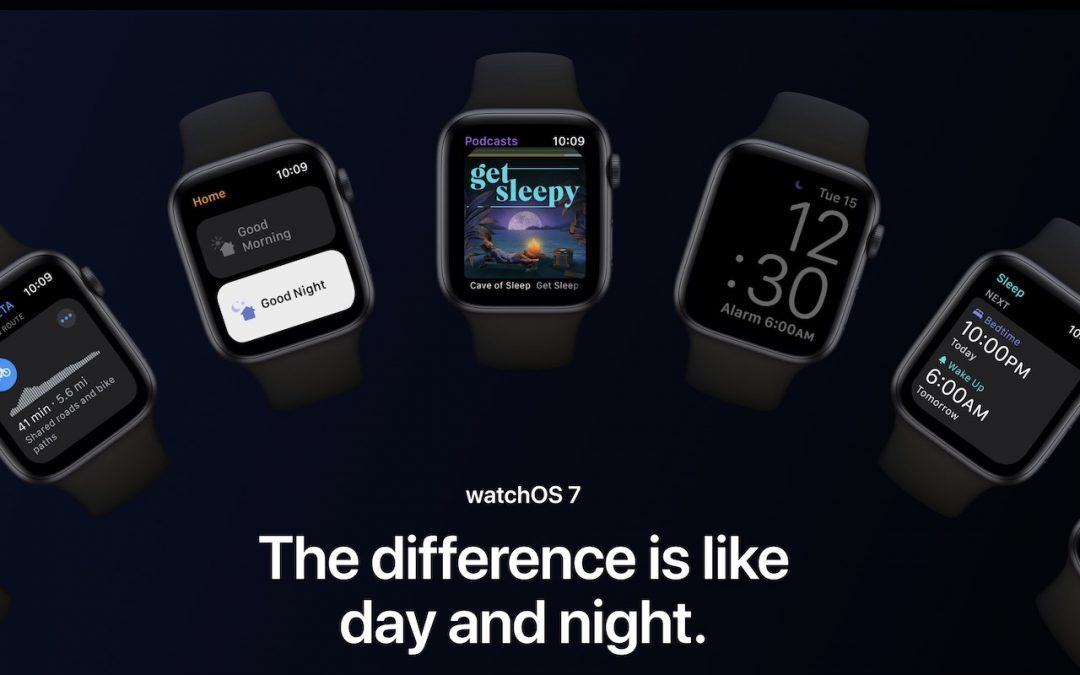
Our Four Favorite Features of watchOS 7
watchOS 7 is out, and once you upgrade your iPhone to iOS 14, check our favorite features, including Family Setup, sleep tracking, handwashing reminders, and a slew of new watch faces and complications.

What’s the Deal with All the Privacy Requests in Catalina?
Apple has been ramping up privacy protections in macOS in Mojave and Catalina by making apps ask for permission to use the camera, microphone, and quite a bit more. Here’s how this works and what you should do when prompted.

When Should You Upgrade to macOS 11 Big Sur, iOS 14, iPadOS 14, watchOS 7, and tvOS 14?
So many new operating systems—macOS 11 Big Sur, iOS 14, iPadOS 14, watchOS 7, and tvOS 14! We have a brief overview of the new features and calm advice on when you should upgrade each of your Apple devices to the latest and greatest.
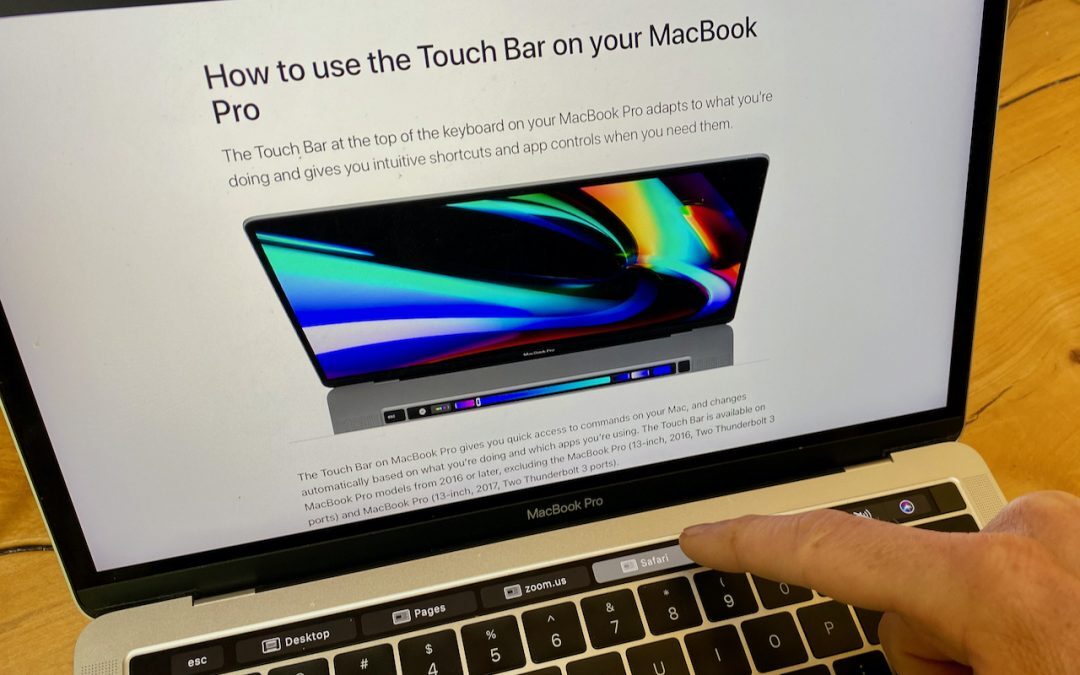
Are You Making the Most of the Touch Bar on Your MacBook Pro?
Do you love, hate, or just ignore the Touch Bar on your MacBook Pro? Regardless, take a look at these ways of customizing it, and perhaps you’ll end up liking it more.
Super insightful and fresh perspective.
Well explained and easy to follow.
So glad I stumbled upon this.
Looking forward to your next post!
Truly a masterpiece of content.