
The Austin MacWorks Official Blog

Not Sure If You’re Presentable for a Video Call? Try Hand Mirror
About to join a video call? The free Mac app Hand Mirror adds a menu bar icon that instantly shows your webcam view so you can check your hair before anyone else sees it.
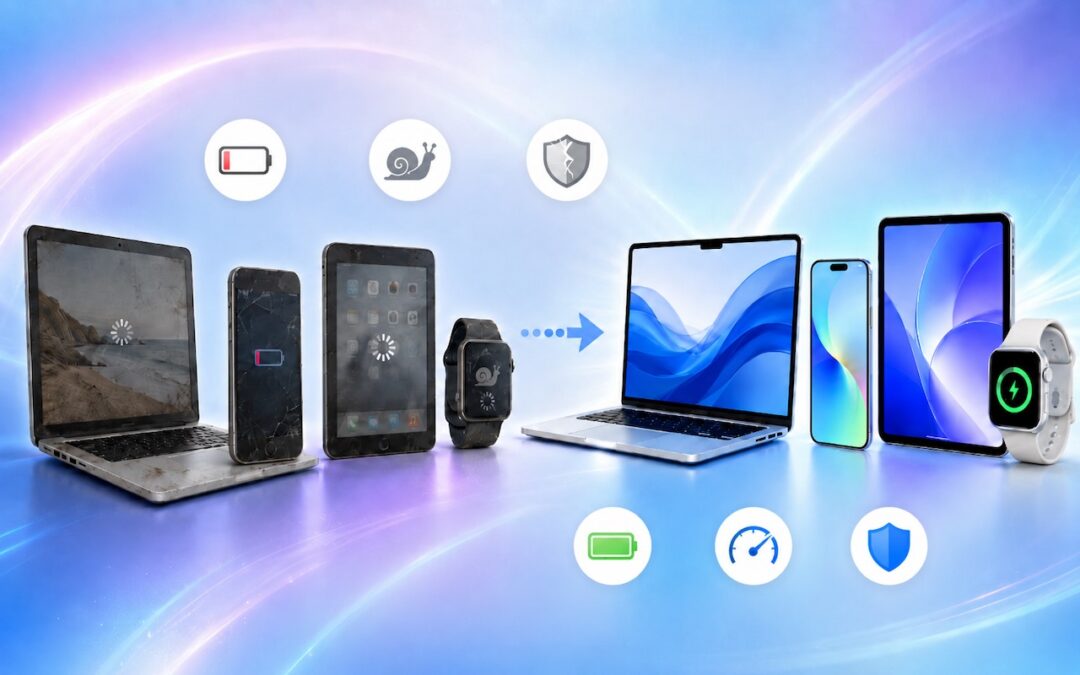
When Should You Upgrade Your Apple Devices?
When’s the right time to upgrade your Mac, iPhone, iPad, or Apple Watch? The key warning signs: a battery that no longer lasts all day, performance lags, and the end of security updates. Here’s how to time it right.
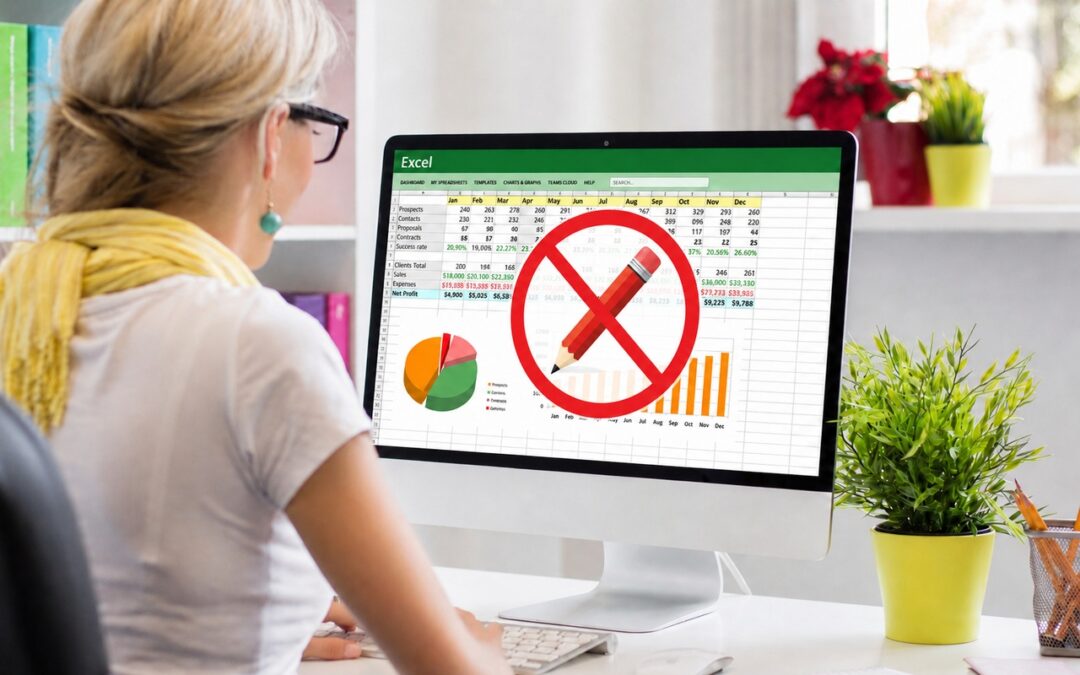
Office 2019 for Mac Goes Read-Only on July 13, 2026
Microsoft Office 2019 for Mac will become read-only on July 13, 2026. Check your version now and explore your upgrade options before you lose the ability to create and edit documents.
How AI Vulnerability Detection Changes Software Security
The latest generation of AI models has fundamentally changed how quickly security vulnerabilities can be found in software, for both defenders and attackers. Understanding what’s happening helps explain why we keep emphasizing the importance of keeping your devices updated. In April 2026, AI company Anthropic announced Mythos Preview, an AI model with unprecedented capabilities for […]

Use Fake Contacts to Improve Dictation Accuracy
Frustrated when Dictation on the iPhone mangles what you meant to say? Create fake contacts for troublesome words, and Dictation will learn to recognize them correctly across all your Apple devices.
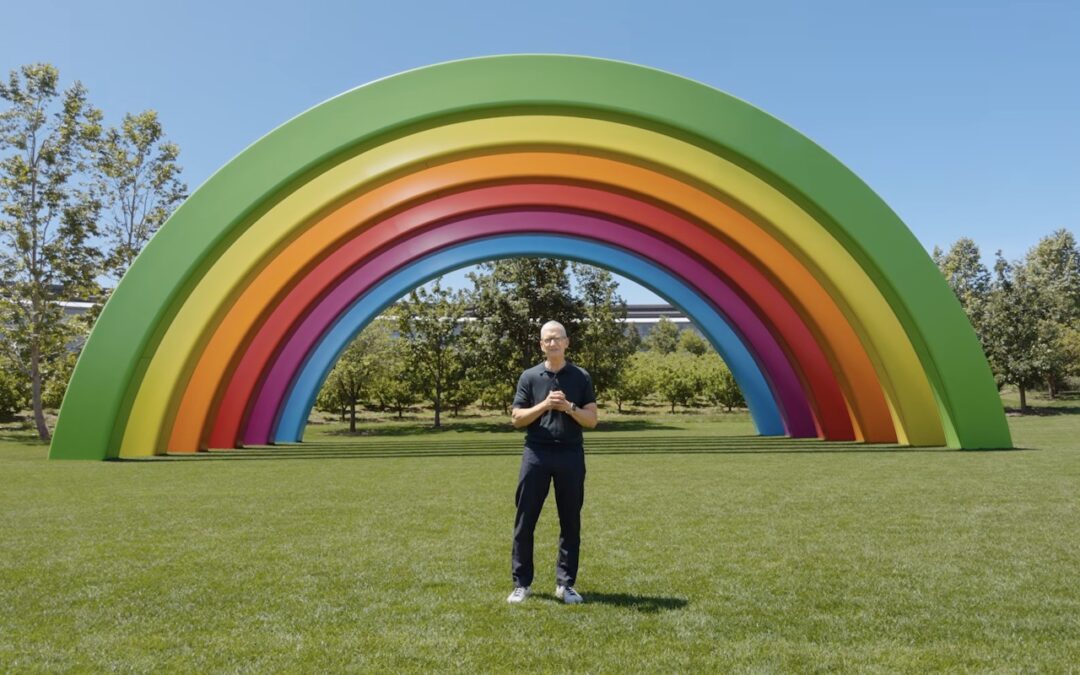
10 Reasons to Upgrade to Apple’s Version 27 Operating Systems This Fall
From a smarter Siri AI to faster app launches and better parental controls, here are 10 reasons Apple’s version 27 updates may entice you to upgrade when they ship this fall.
A week might be too short if IT approval is still pending. I'd treat "keeping your old iPhone for a…
Awesome tech breakdown on "When Should You Upgrade to macOS 27 Golden Gate, iOS 27, iPadOS 27, watchOS 27, tvOS…
I’ve used Chrome’s built-in screenshot tool, but opening DevTools every time gets a bit tedious. I recommend FullPage Capture, it’s…
This is such an important reminder. I've been in meetings where an AI notetaker silently joined and recorded everything, and…
Awesome tech breakdown on "When Should You Upgrade to macOS 27 Golden Gate, iOS 27, iPadOS 27, watchOS 27, tvOS…