
The Austin MacWorks Official Blog
Look Up Apple Device Details in Mactracker
If you ever need to look up technical details about an Apple product, look no further than the Mactracker app, which provides specifications for every Mac, iPhone, iPad, and iPod ever made. It’s an indispensable free download.
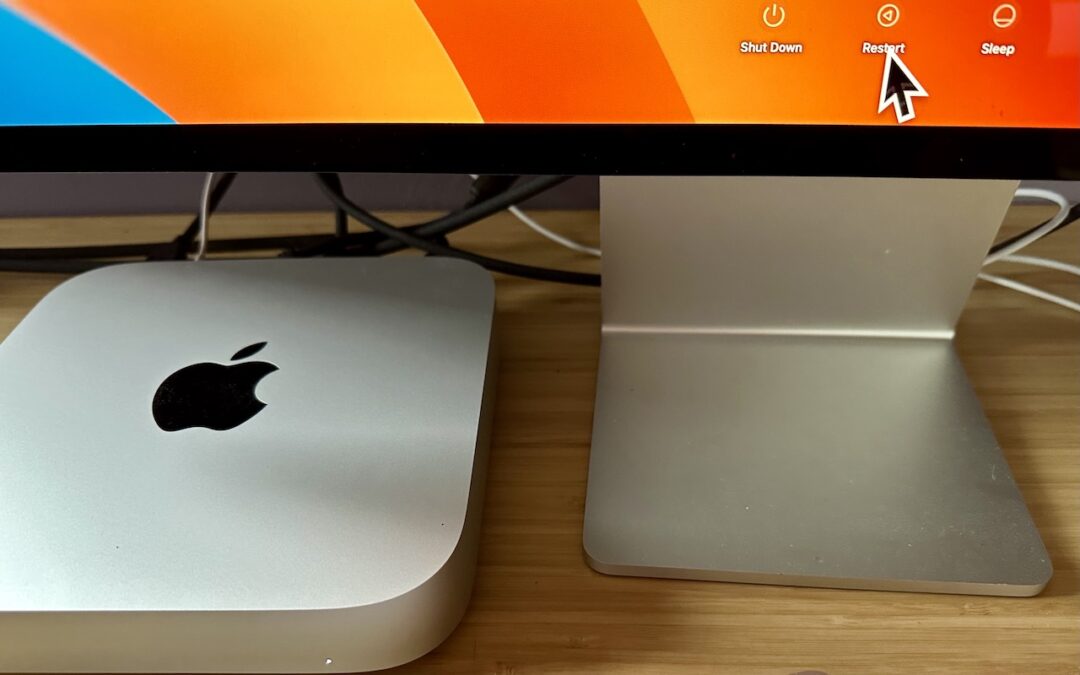
Tips for Getting Back to Work Faster After Restarting Your Mac
Do you avoid restarting your Mac because of how long it takes to set up your apps, documents, windows, and browser tabs again? These macOS and browser settings will restore your working environment after a restart.

How to Protect Your Child’s Hearing from Too-Loud Headphone Audio
Too-loud headphone volume causes hearing loss, but Apple makes it easy to reduce loud sounds played through headphones and prevent kids from bypassing the volume limits.

Legitimately Worried That You’re Being Targeted Online? Try Lockdown Mode
High-value targets like activists, journalists, and government employees with access to sensitive information should consider enabling Lockdown Mode on their Apple devices to protect against hacking or spying by sophisticated digital attackers.
Clean Up Your Mac’s Desktop with Sort Options
We can’t help with a messy office desk, but if your Mac’s desktop is a confusing mess of randomly placed icons, using the Finder’s sort options will make it nice and orderly.

Web Workers of the World, Give Arc a Try
An elegant new browser called Arc makes using the Web more fun, especially for people who use a lot of websites and Web apps. Arc offers many productivity features and a rethink of how users can best organize their many bookmarks and tabs.
A week might be too short if IT approval is still pending. I'd treat "keeping your old iPhone for a…
Awesome tech breakdown on "When Should You Upgrade to macOS 27 Golden Gate, iOS 27, iPadOS 27, watchOS 27, tvOS…
I’ve used Chrome’s built-in screenshot tool, but opening DevTools every time gets a bit tedious. I recommend FullPage Capture, it’s…
This is such an important reminder. I've been in meetings where an AI notetaker silently joined and recorded everything, and…
Awesome tech breakdown on "When Should You Upgrade to macOS 27 Golden Gate, iOS 27, iPadOS 27, watchOS 27, tvOS…