
The Austin MacWorks Official Blog

No, NameDrop in iOS 17 Isn’t a Privacy Concern. Here’s How to Use It
Is iOS 17’s new NameDrop feature a privacy concern or a quick way to share contact info with a new friend? We think the privacy concerns are entirely overblown and explain how easy it is to use NameDrop.

If Mail Fails to Send, Try, Try Again (Instead of Changing Servers)
If Mail on your Mac throws an error about being unable to send a message, always have it try again later rather than switching to a different server. Otherwise, your messages may look like spam and be blocked.
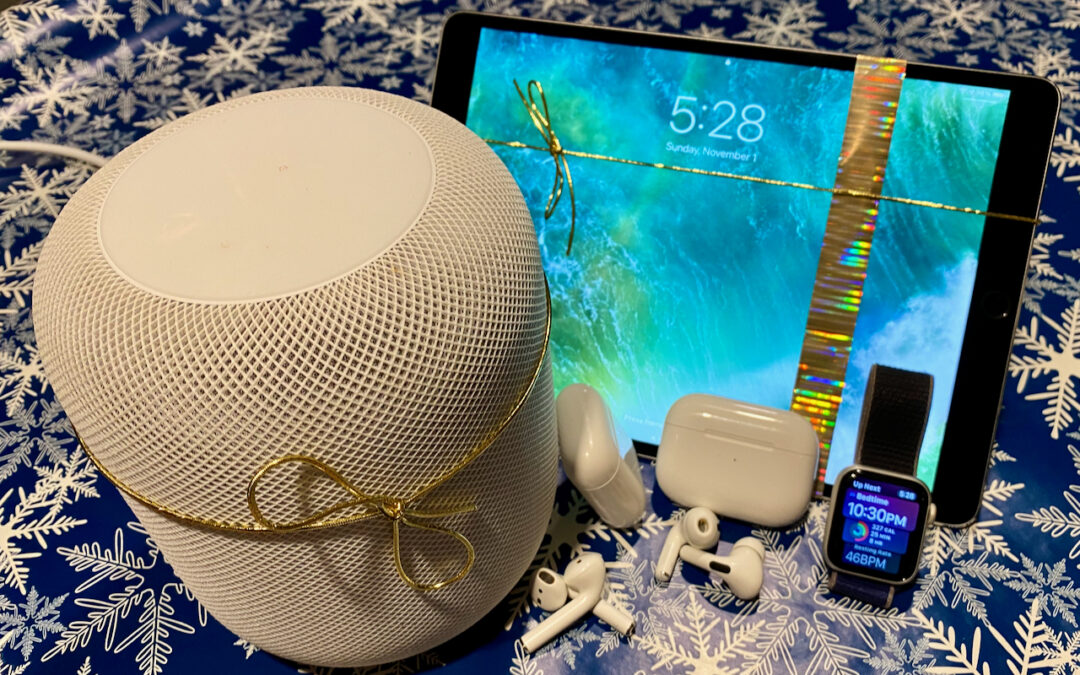
The Best Apple Gifts for 2023
Looking for the perfect holiday gift for the Apple user in your life? Here are our suggestions for the top Apple gifts for 2023.

Feel Free to Upgrade to macOS 14 Sonoma When You’re Ready
When should you upgrade to macOS 14 Sonoma There’s no need to install it today, but we think it’s now safe for those who want to take advantage of the new features and integration with Apple’s other operating systems.
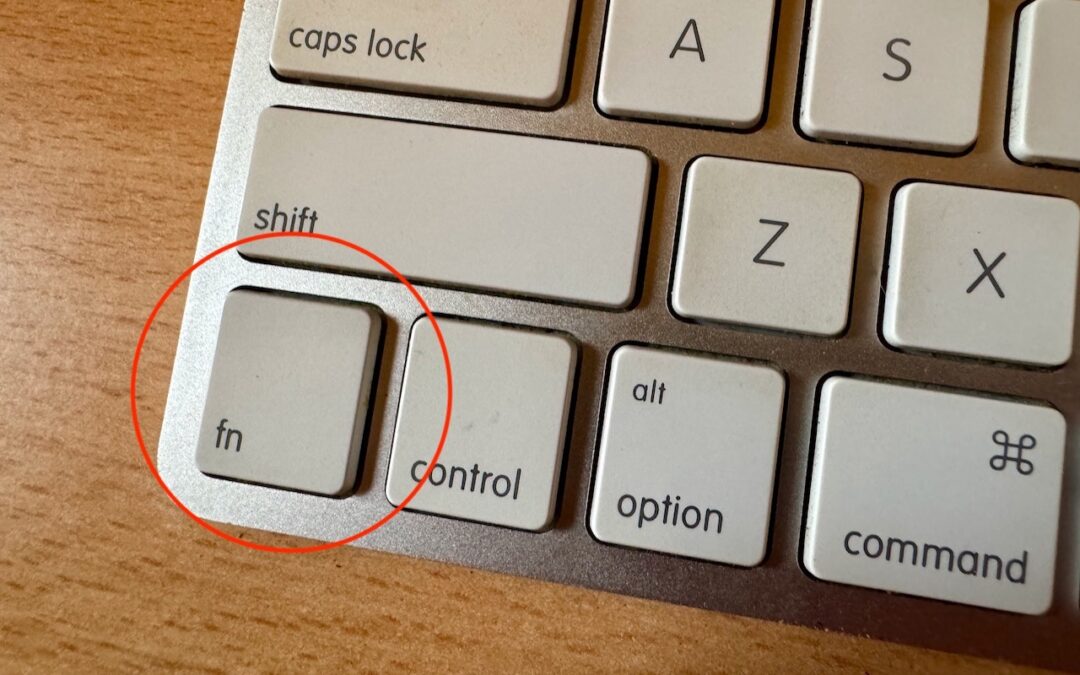
Open Your Mac’s Control Center with This Obscure Keyboard Shortcut
Control Center brings together controls for a collection of core macOS features, but its menu bar icon is small, making it hard for some to click. Luckily, there’s a hidden shortcut to bring it up quickly from the keyboard.

Use iOS 17’s Check In Feature to Reduce Worry
The new Check In feature of iOS 17 can provide peace of mind by letting you specify a safety partner who will automatically be notified if you fail to arrive at your destination or complete a timer.
Super insightful and fresh perspective.
Well explained and easy to follow.
So glad I stumbled upon this.
Looking forward to your next post!
Truly a masterpiece of content.