
The Austin MacWorks Official Blog

Use StandBy to Make Your iPhone into a Clock, Photo Frame, and More
The new Standby mode turns your iPhone into a digital picture frame, clock, or customizable widget display—and it remembers which approach you prefer in different locations.

Improve Your Digital Security in 2024 with These New Year’s Resolutions
Get ready for a safer 2024 with New Year’s resolutions that will help you secure your devices, avoid scams, block malware, and enjoy the security and ease of use of password managers.
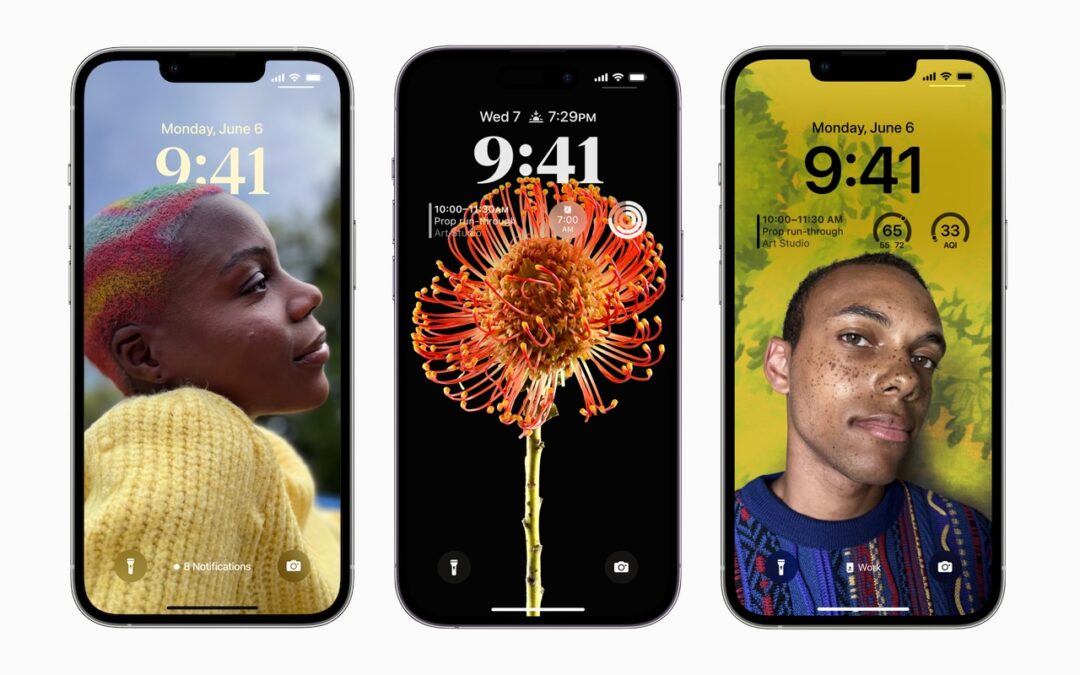
Locate a Featured Lock Screen Image in Photos
Do you sometimes wonder when or where you took a photo that iOS’s Photo Shuffle wallpaper is displaying on your Lock Screen? Us too, and here’s how to find out more.

Use This Hidden Setting to Stop Triggering Caps Lock Accidentally
If you very seldom want to type in all caps, disable or remap the Caps Lock key so an errant key press doesn’t turn it on accidentally.

9 Ways to Move Data from One Mac to Another
Copying a file from one Mac to another is conceptually straightforward, but not all approaches work equally well in all situations. Read on to learn which ways of moving files are most appropriate for your needs.
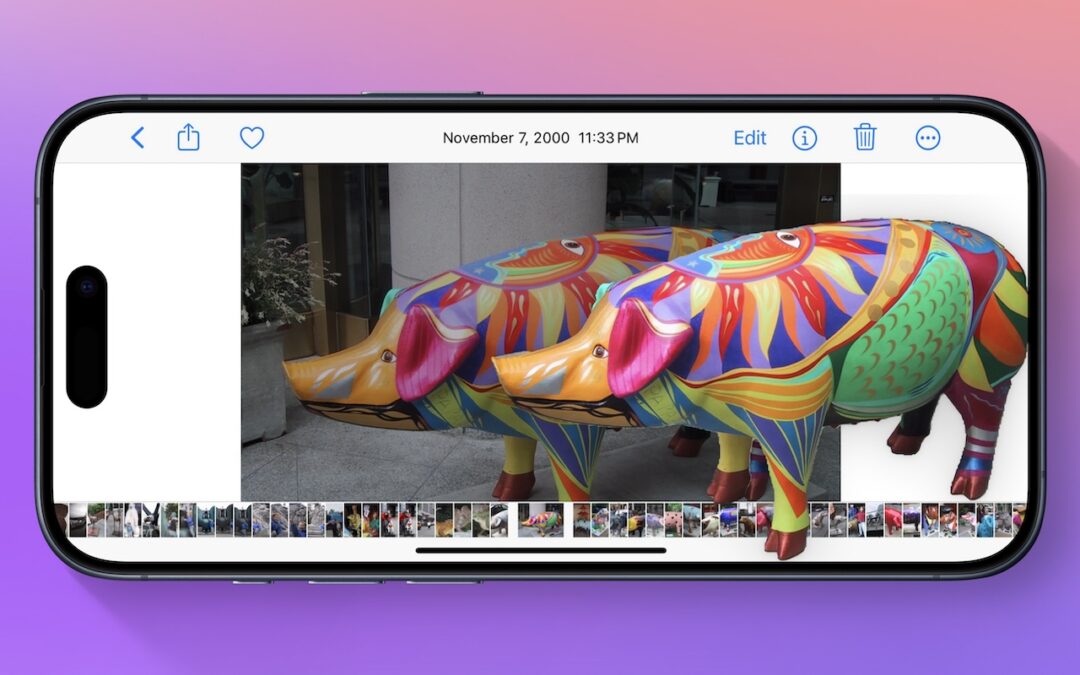
Lift Objects from Photos on the iPhone
Starting with iOS 16, Apple made it possible to extract objects from photos. You can drag objects to other apps, copy them, turn them into stickers, and more.
Super insightful and fresh perspective.
Well explained and easy to follow.
So glad I stumbled upon this.
Looking forward to your next post!
Truly a masterpiece of content.