
The Austin MacWorks Official Blog
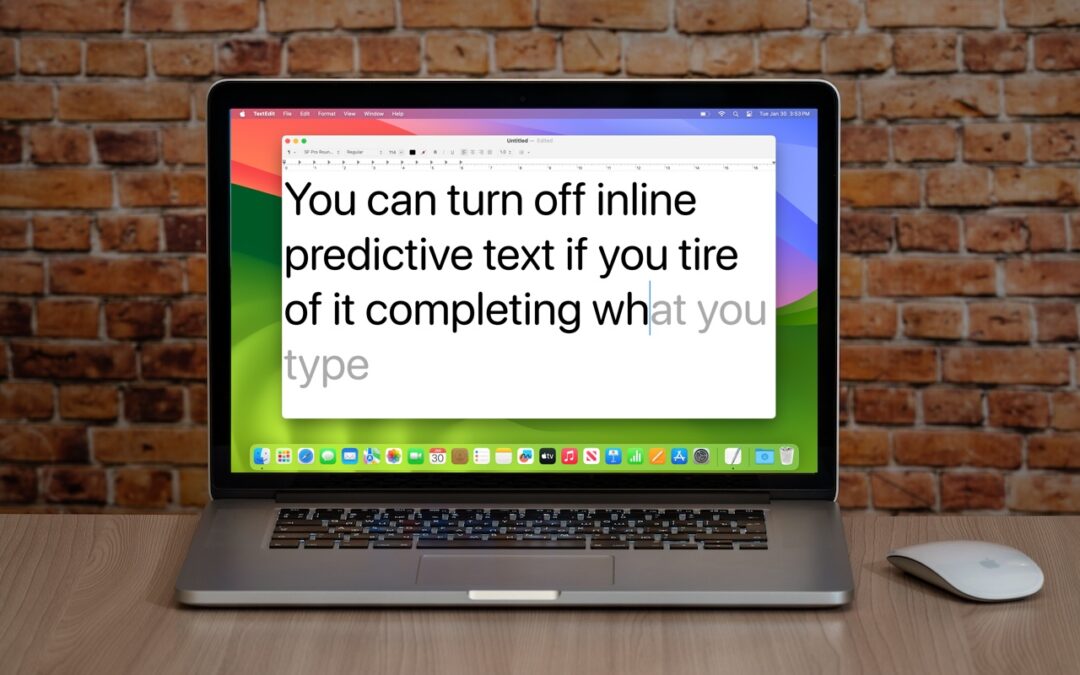
Annoyed by Inline Predictive Text Suggestions? Here’s How to Turn Them Off
If you’re not a fan of the new inline text predictions on your iPhone, iPad, or Mac, you can easily turn them off and get back to typing only the words you want to appear.

Help! My Account Has Been Hacked—What Should I Do?
If you notice strange behavior in your online accounts, you might have been hacked. It’s imperative that you act immediately to verify the breach, change passwords, lock accounts, and alert support personnel. We provide steps here.

How to Avoid Head-Tracked Spatial Audio for FaceTime Audio Calls
If you’ve ever experienced a weird situation where sound on a FaceTime Audio call moves back and forth between your AirPods, it’s because of spatial audio’s dynamic head tracking. Learn how to turn it off.

You Can Now Have Zoom Meetings on Apple TV
Have you wanted to put Zoom meetings on a large-screen TV? You can now do that with tvOS 17 and the new Zoom app for Apple TV. It takes some getting used to due to the lack of a keyboard and any way to follow links, but it does work.

Too Many Windows Open? Close Them All Quickly with These Tricks
Next time you inadvertently open a large number of windows, you can use these Option-key tricks to close them all quickly.

How to Search Directly in Your Favorite Websites from Safari’s Search Bar
Do you frequently use the internal search engine on a website? You can now search that site faster using Safari’s Quick Website Search feature, which automatically learns which sites you search.
Super insightful and fresh perspective.
Well explained and easy to follow.
So glad I stumbled upon this.
Looking forward to your next post!
Truly a masterpiece of content.