
The Austin MacWorks Official Blog

Looking for Apple Manuals? Check the New Documentation Site
Do you want to read the actual manuals or specs for Apple products? You can now easily find them on Apple’s new Documentation website.

SPF, DKIM, and DMARC: What They Are and Why You Need Them
To ensure phishers don’t forge email from your domain to use in their attacks on your organization and others, you must implement SPF, DKIM, and DMARC. We explain the basics, and we’re happy to help with the setup.

How to Sync Your Text Messages across All Your Apple Devices
One of the best parts of Apple’s tight platform integration is that you can view your text messages on all your devices. Or at least you can if you get everything set correctly.
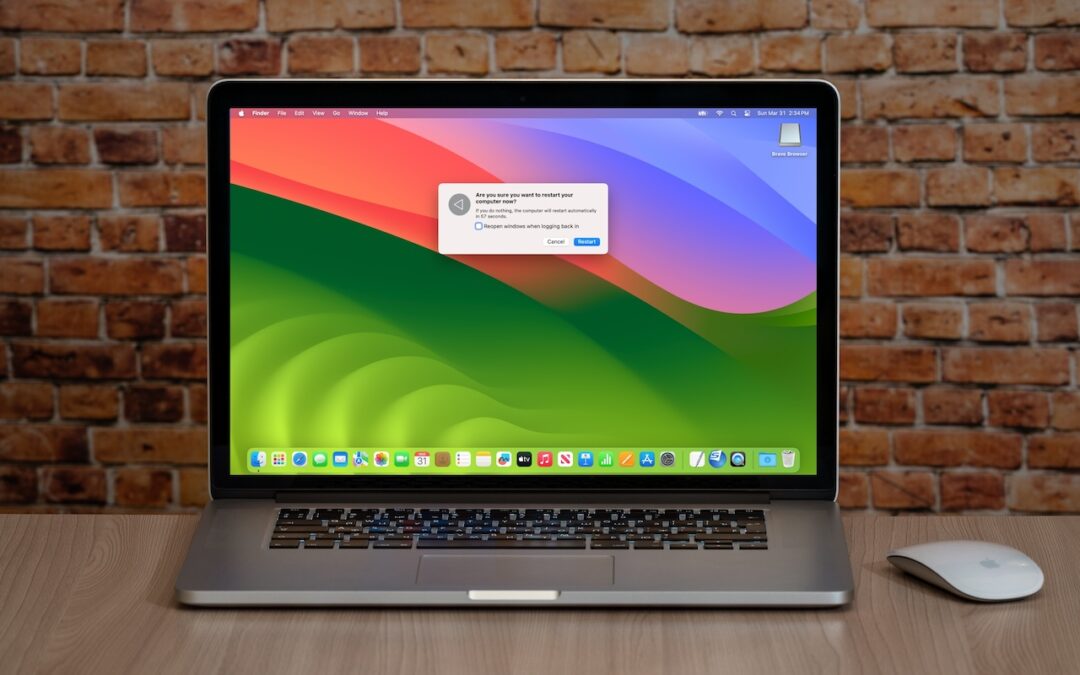
6 Reasons Why You Should Restart Your Mac Periodically
You can go for weeks or months without restarting your Mac, but it’s a good idea to restart more frequently to increase security, avoid or resolve problems, get updates, and generally clear your Mac’s decks.
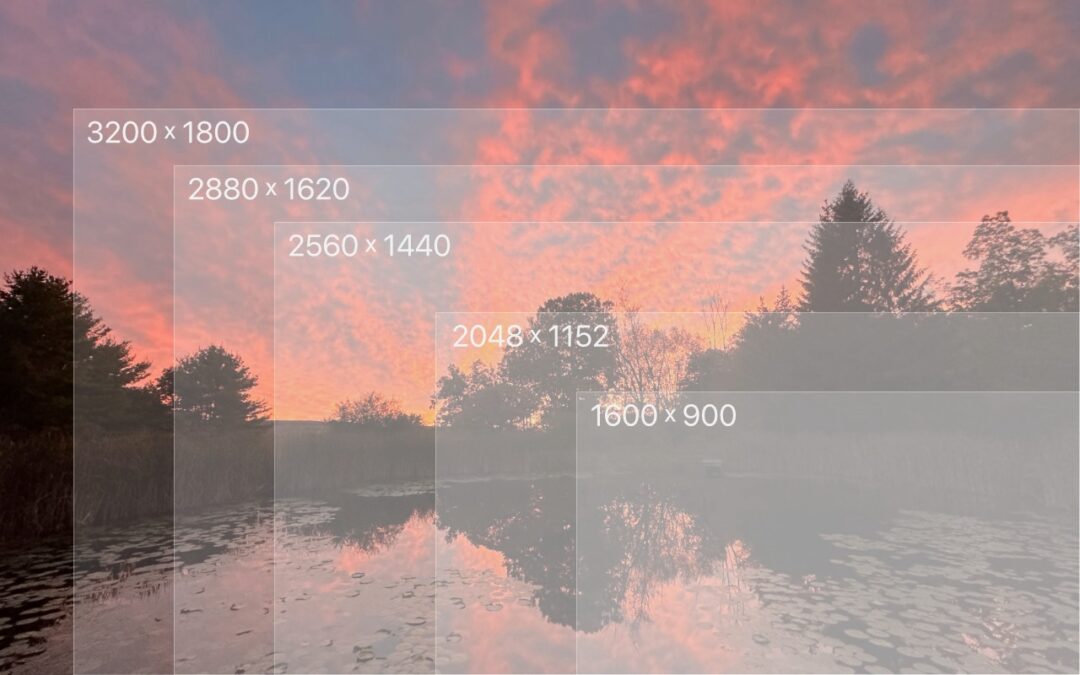
Tips for Working with Mac Display Resolutions
You can adjust your Mac’s screen resolution to make text and graphics larger so they’re easier to see, or if you have good vision, you can make them smaller so more content fits on the screen. Our tips will help.

Apple Podcasts Adds Transcripts
Did you know Apple’s Podcasts app now includes written transcripts? Our tip helps you view the text while you listen, use it to navigate within the audio, search for specific bits, and more.
Super insightful and fresh perspective.
Well explained and easy to follow.
So glad I stumbled upon this.
Looking forward to your next post!
Truly a masterpiece of content.