
The Austin MacWorks Official Blog

Passwords Becomes a Real App in macOS 15 Sequoia, iOS 18, and iPadOS 18
Apple’s new Passwords app in macOS 15, iOS 18, iPadOS 18, and visionOS 2 makes the company’s longstanding password storage and syncing features more straightforward and easy to use. It’s password management for the rest of us!
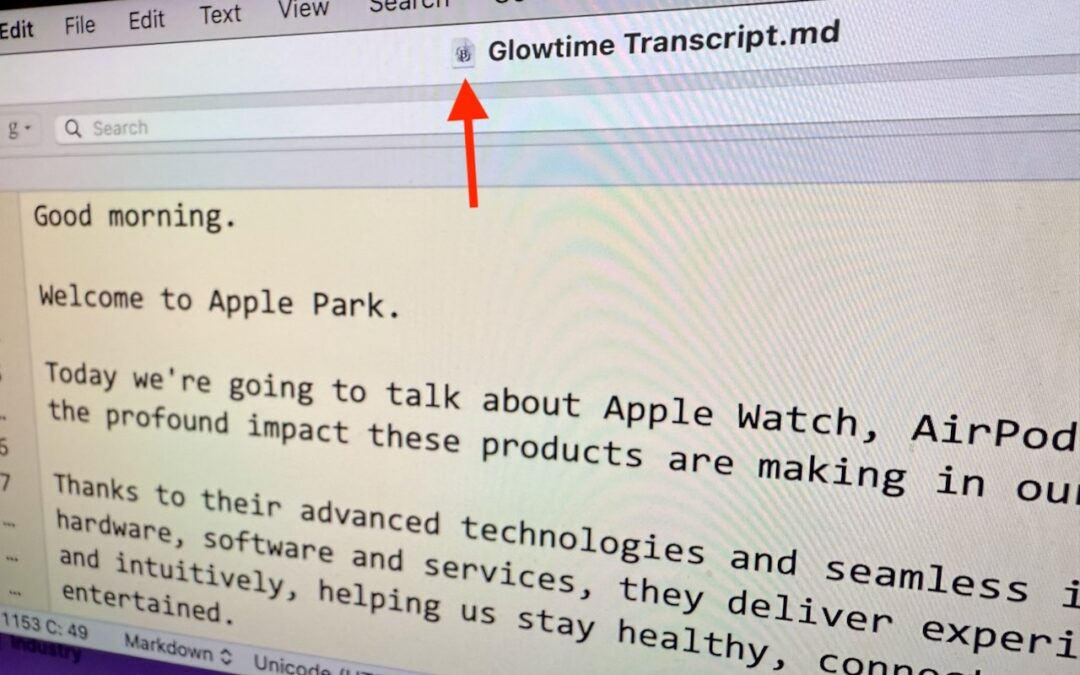
Reveal Mac Window Proxy Icons Permanently with This Setting
People who like using the Mac’s window proxy icons (and if you don’t know about them, you should!) can make them visible at all times with an option deep within System Settings. Here’s how to find it and what you can do with proxy icons.

In iOS 18 and iPadOS 18, Control Center Is Now Highly Customizable
The new Control Center in iOS 18 and iPad OS 18 is vastly more customizable and has more options. Our article tells you what’s on offer and how to use it.

Beware Fake “Sextortion” Scams
Scams are starting to incorporate personal information stolen in data breaches, so you may get “sextortion” threats that purport to know your phone number, address, and more.

Setting Up and Managing iCloud+ Storage
Although it may not be exciting, having more iCloud+ storage significantly improves the experience for those with multiple Apple devices. We explain what iCloud+ provides, how much you should get, and how to get started.
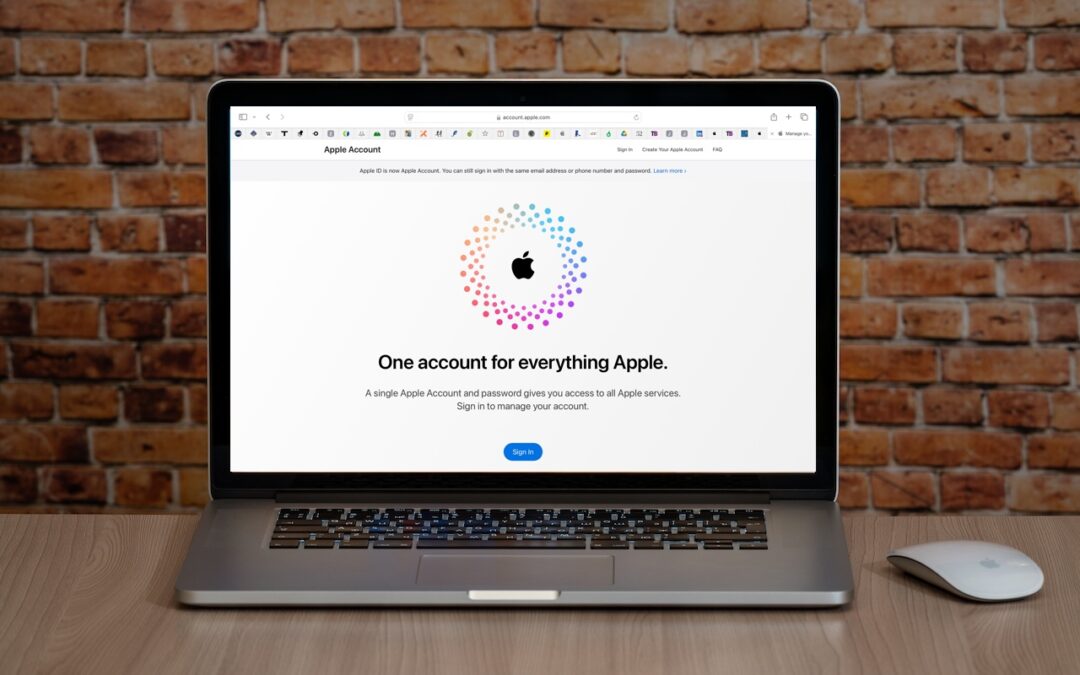
Apple ID Renamed to Apple Account in Latest Operating System Releases
Apple has renamed Apple ID to Apple Account everywhere as of macOS 15 Sequoia, iOS 18, iPadOS 18, and watchOS 11. Nothing has changed functionally, but keep it in mind when reading tech articles or support documentation.
Super insightful and fresh perspective.
Well explained and easy to follow.
So glad I stumbled upon this.
Looking forward to your next post!
Truly a masterpiece of content.