
The Austin MacWorks Official Blog

In iOS 12, Do Not Disturb Can Turn Itself Off—No More Missed Alerts!
Apple has enhanced Do Not Disturb in iOS 12 so it can turn itself off in an hour, when you leave your location, at the end of an event, or the next morning or evening. And with its new Bedtime feature, it’s safe to look at your iPhone at night again!

Tired of PDFs or Other Documents Opening in the Wrong App?
Learn how to teach your Mac how to open specific document types into specific applications — every time!

Update AirPort Express Base Stations to Add AirPlay 2
Apple has released a firmware update to the AirPort Express that gives it AirPlay 2 capabilities like multi-room audio.
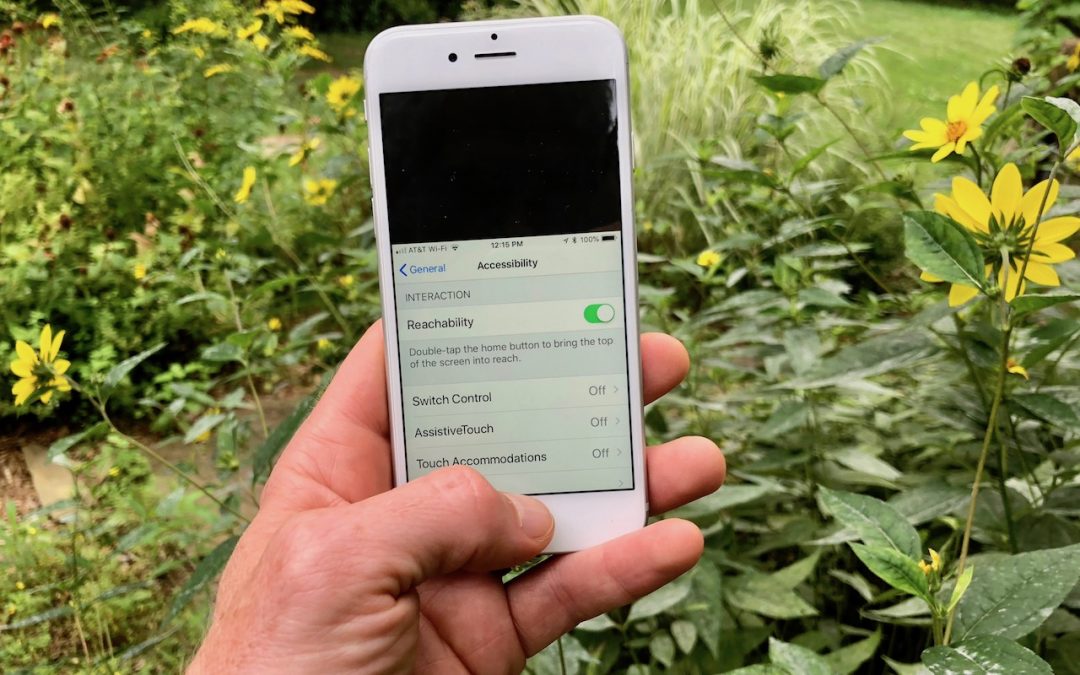
A Hidden Trick that Lets You Navigate Your iPhone with One Hand
If your hands aren’t as a big as a dinner plate, you might benefit from iOS’s Reachability functionality. Learn more now!

Make More Space for Documents by Putting Your Dock on the Side of Your Mac’s Screen
By default, Apple locates the Dock at the bottom of the Mac’s screen. If that location interferes with you seeing as much of your document windows as you’d like, you can set it to appear only when you move the pointer to the bottom edge of the screen. But there’s a...

When Should You Upgrade to macOS 10.14 Mojave, iOS 12, watchOS 5, and tvOS 12?
Apple is about to release four major operating system upgrades—macOS 10.14 Mojave, iOS 12, watchOS 5, and tvOS 12. When should you take the leap and install them? Short answer: it depends. Long answer: read on!
Super insightful and fresh perspective.
Well explained and easy to follow.
So glad I stumbled upon this.
Looking forward to your next post!
Truly a masterpiece of content.