
The Austin MacWorks Official Blog

Make More Space for Documents by Putting Your Dock on the Side of Your Mac’s Screen
By default, Apple locates the Dock at the bottom of the Mac’s screen. If that location interferes with you seeing as much of your document windows as you’d like, you can set it to appear only when you move the pointer to the bottom edge of the screen. But there’s a...

When Should You Upgrade to macOS 10.14 Mojave, iOS 12, watchOS 5, and tvOS 12?
Apple is about to release four major operating system upgrades—macOS 10.14 Mojave, iOS 12, watchOS 5, and tvOS 12. When should you take the leap and install them? Short answer: it depends. Long answer: read on!

Back Up Before Upgrading to Mojave or iOS 12!
Apple’s new T2 encryption chip makes data recovery from new MacBook Pros harder, and the release of macOS 10.14 Mojave and iOS 12 make backups all the more essential. Read on to learn how:
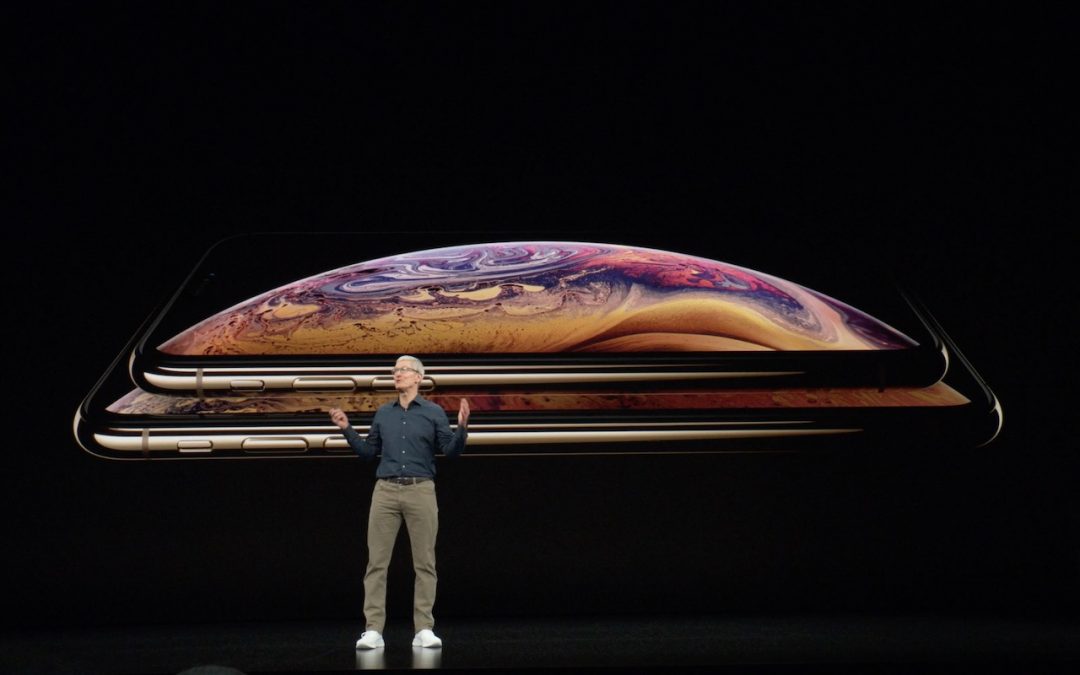
Apple Unveils New iPhone XS, XS Max, and XR, and the Apple Watch Series 4
It’s official! Apple has announced the snazzy new iPhone XS, massive iPhone XS Max, and budget-friendly iPhone XR, along with the Apple Watch Series 4, which could literally save your life.
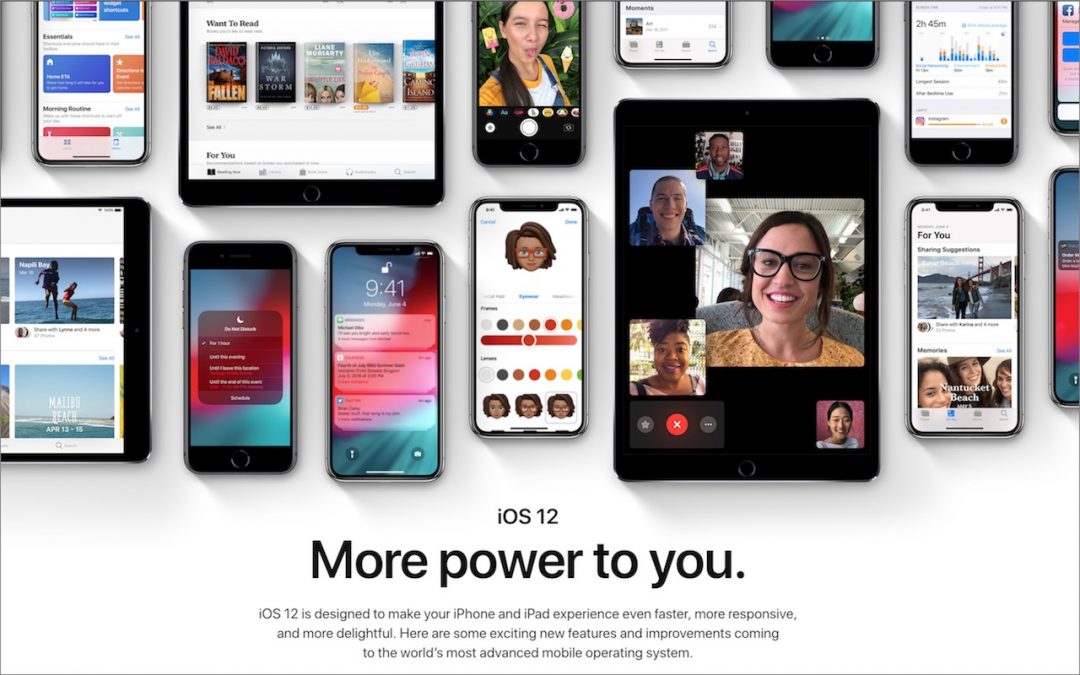
Top Features of iOS 12 to Take Advantage of Right Away
Feeling left behind because you don’t have the latest iPhone or iPad? Don’t, because Apple has a present for you in the form of iOS 12. The new operating system promises to increase performance, particularly for older devices as far back as the iPhone 5s and iPad Air....

Seriously Cool Features of macOS 10.14 Mojave You Won’t Want to Miss
There’s a lot going on in macOS 10.14 Mojave, so read on to learn about Dark mode, Dynamic Desktop, Stacks, Groups, Quick Actions, and even four apps that Apple brought over from iOS.
Super insightful and fresh perspective.
Well explained and easy to follow.
So glad I stumbled upon this.
Looking forward to your next post!
Truly a masterpiece of content.