
The Austin MacWorks Official Blog

Running Low on Space on Your Mac? Here’s How to Clear Unnecessary Data
Is your Mac complaining about being low on drive space? Learn how to use the Storage Management window to find and delete gigabytes of old, unnecessary, or obsolete files.

A Quick Trick to Turn Your iPhone into a Magnifying Glass
Learn how to turn your iPhone or iPad into a magnifier

Photos Not Syncing between Devices Properly via iCloud Photos?
Photos in iOS and macOS can pause syncing for a variety of reasons, and sometimes it doesn’t restart when it should. Learn how to fix this.
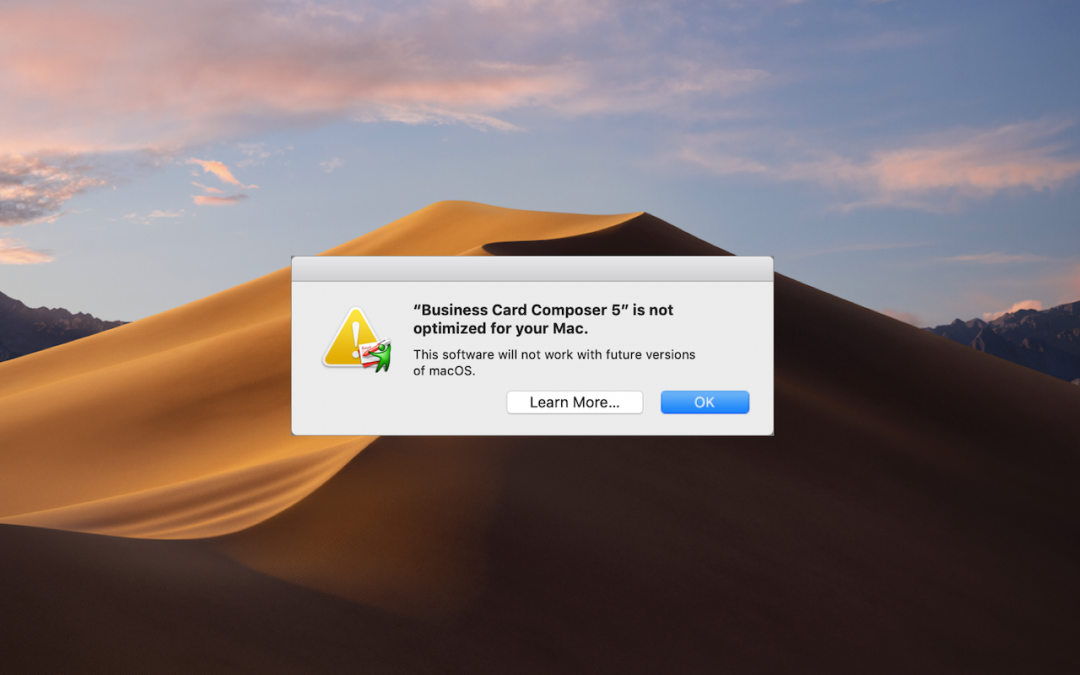
What’s with All These Dialogs Saying, “SomeApp is not optimized for your Mac”?
Have you seen dialogs warning that an app isn’t optimized for your Mac? Here’s what’s going on, what you should do, and when you should do it:
Is Your Photos Library Too Big? Here’s How to Move It to an External Hard Drive
Running out of space on your internal drive? You can clear a bunch of space by moving your Photos library to an external hard drive—learn how now.

Collaborate with Colleagues in Google Docs
For quick, easy, and effective collaboration regardless of what apps or platforms people use, give Google Docs, Sheets, and Slides a try.
Super insightful and fresh perspective.
Well explained and easy to follow.
So glad I stumbled upon this.
Looking forward to your next post!
Truly a masterpiece of content.