
The Austin MacWorks Official Blog

Upgrade to iOS 13.4 to Change Mail’s Toolbar Interface
iOS 13.4 updates the Mail toolbar, back to something closer to what it was in iOS 12.

Apple Introduces New iPhone SE Starting at $399
Looking for a new iPhone that won’t break your budget? The new iPhone SE is basically a souped-up iPhone 8 for $300 less than the iPhone 11.

Create Your Own Chat Group Via Slack
Whether you’re trying to maintain communications within a small firm, a workgroup, or a family, the group messaging tool Slack is a compelling solution.
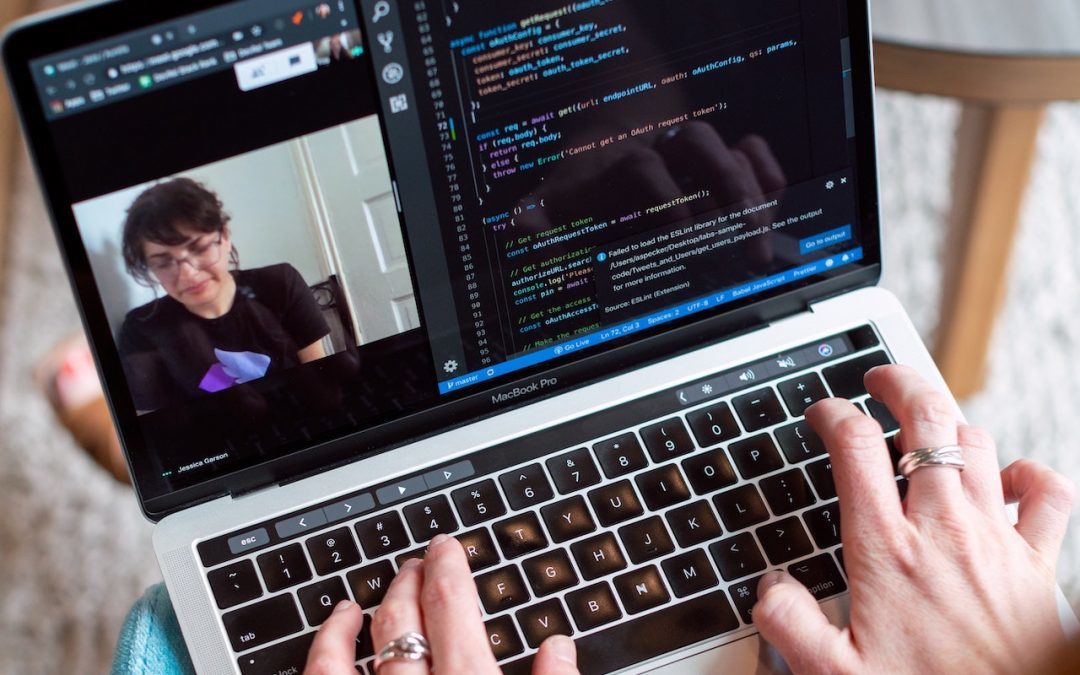
Need to Stay in Touch? Try One of These Videoconferencing Apps
With videoconferencing becoming an essential social tool, which app should you use? This article compares a few popular choices and helps you pick the best one for your needs.

Tips for Setting Up a Comfortable and Effective Home Work Space
Working from home like the rest of us? Here’s our advice on setting up a comfortable and effective workspace.
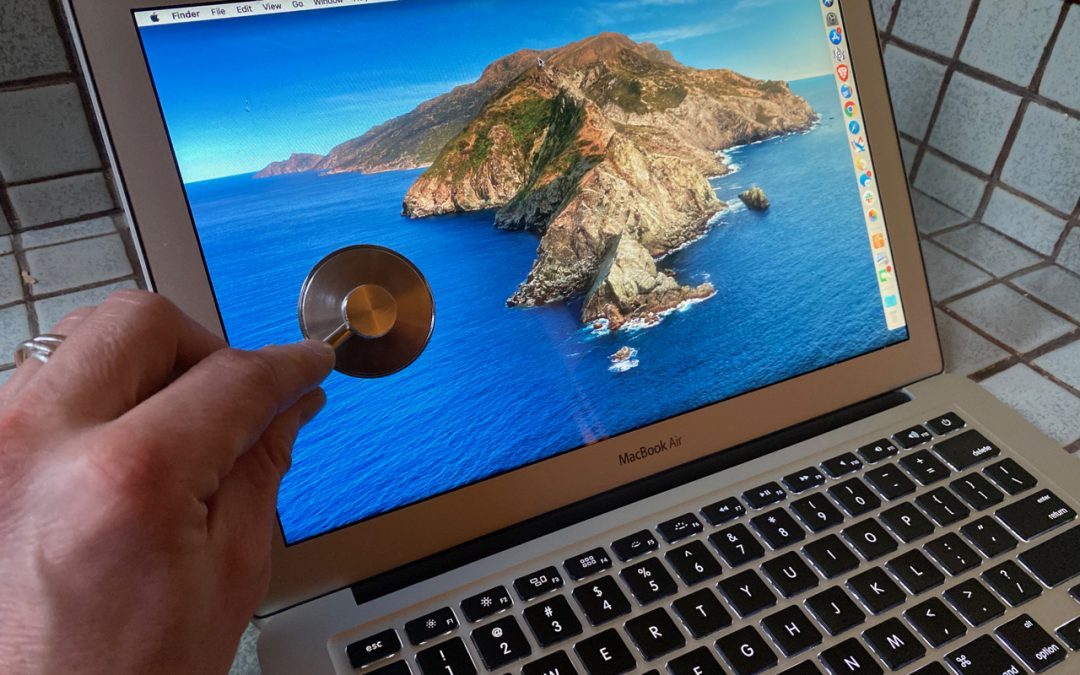
Having Mac Troubles? Running Apple Diagnostics May Help Identify the Problem
If your Mac is acting up and you suspect a hardware malfunction, try running Apple Diagnostics to see if it identifies any issues. Instructions here:
Useful walkthrough. The concrete examples made the workflow much easier to follow.
Saved my day
The note that Rosetta isn’t automatically restored after the macOS 27 Golden Gate upgrade is the part that would catch…
Useful note that Live Text needs an A12 Bionic or later on iPhone and iPad but works on any Mac…
Just found text to game by Tuvimo and it actually works for quick browser fun. Makes me want to revisit…