If you have a MacBook, MacBook Air from 2018, or MacBook Pro from 2016 on, here’s what you need to know about the trouble-prone butterfly keyboards, including how to get Apple to repair a broken one for free.


If you have a MacBook, MacBook Air from 2018, or MacBook Pro from 2016 on, here’s what you need to know about the trouble-prone butterfly keyboards, including how to get Apple to repair a broken one for free.

On today’s Internet, you must use a password manager like iCloud Keychain, @1Password, or @LastPass to generate, store, and enter strong passwords. Any other approach risks your accounts being hacked. Here’s why a password manager is so important.

Apple has previewed what’s coming with macOS 10.15 Catalina, iOS 13, watchOS 6, and tvOS 13 at its Worldwide Developer Conference, along with unveiling a new Mac Pro and the Pro Display XDR. Read on for what to expect in September!

Having trouble sharing photos and videos that are too big? Try sharing via an iCloud link instead, which lets you share a simple link and lets people choose what to download.

In iOS 12.2, Apple has just made it easier to figure out if your device is still under warranty or covered by AppleCare+.

Check out this trick to close all your old Safari tabs in one fell swoop.
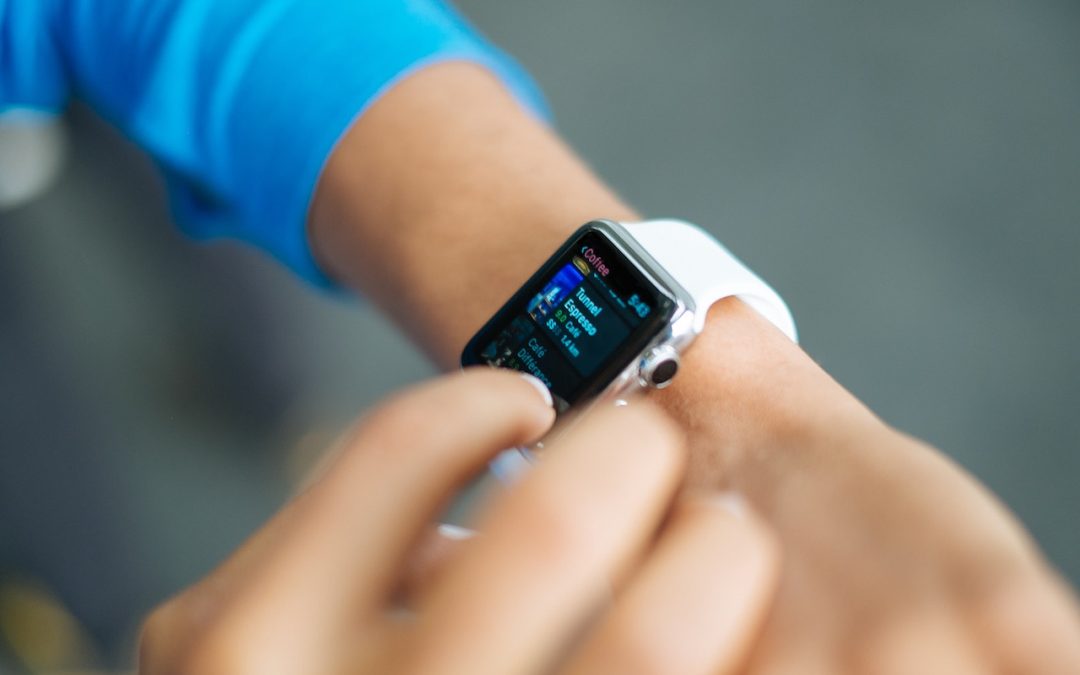
watchOS has four modes accessible from Control Center (swipe up from the bottom of the screen) that are useful but can cause confusion if you forget to turn them off.

Social Media: If you want to merge Photos libraries to avoid having to switch back and forth, there are several approaches you can take, but each comes with pros and cons.
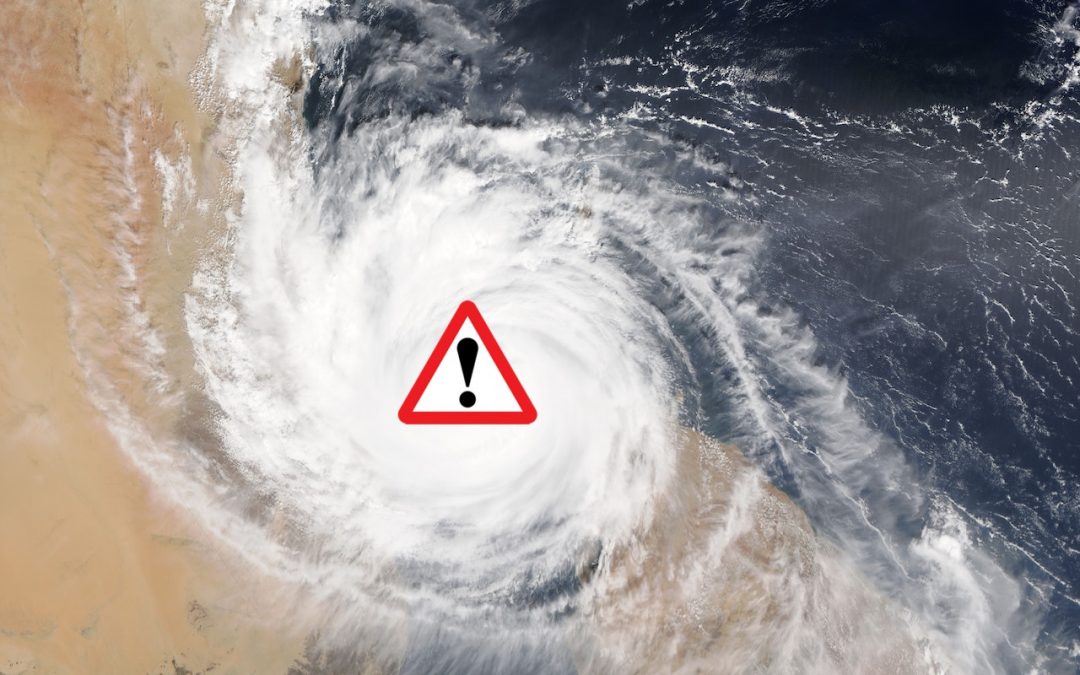
Ever wondered what the deal was with emergency alerts on the iPhone? Read on for details, including instructions on how to turn them off if they’re unhelpful.

The fastest and easiest way to share files among your Macs and iOS devices is via cloud-based file sharing services, and they’re also fabulous for collaborating on files with colleagues. Here’s how to choose among them.
Super insightful and fresh perspective.
Well explained and easy to follow.
So glad I stumbled upon this.
Looking forward to your next post!
Truly a masterpiece of content.