Considering upgrading to Catalina? Or maybe you have a new Mac that came with it already installed? Read on for strategies for downgrading to Mojave or running both Catalina and Mojave.


Considering upgrading to Catalina? Or maybe you have a new Mac that came with it already installed? Read on for strategies for downgrading to Mojave or running both Catalina and Mojave.

Ever needed to circle an item on an expense receipt, add some text to a photo, or sign a PDF…on your iPhone or iPad? iOS 13’s Markup tools are surprisingly capable—learn more about what they can do here:
It’s shockingly easy for someone to take over your cell phone number. Once they’ve done that, they can reset passwords on many of your online accounts. Read on to learn how to protect your cell number with a PIN or passcode.
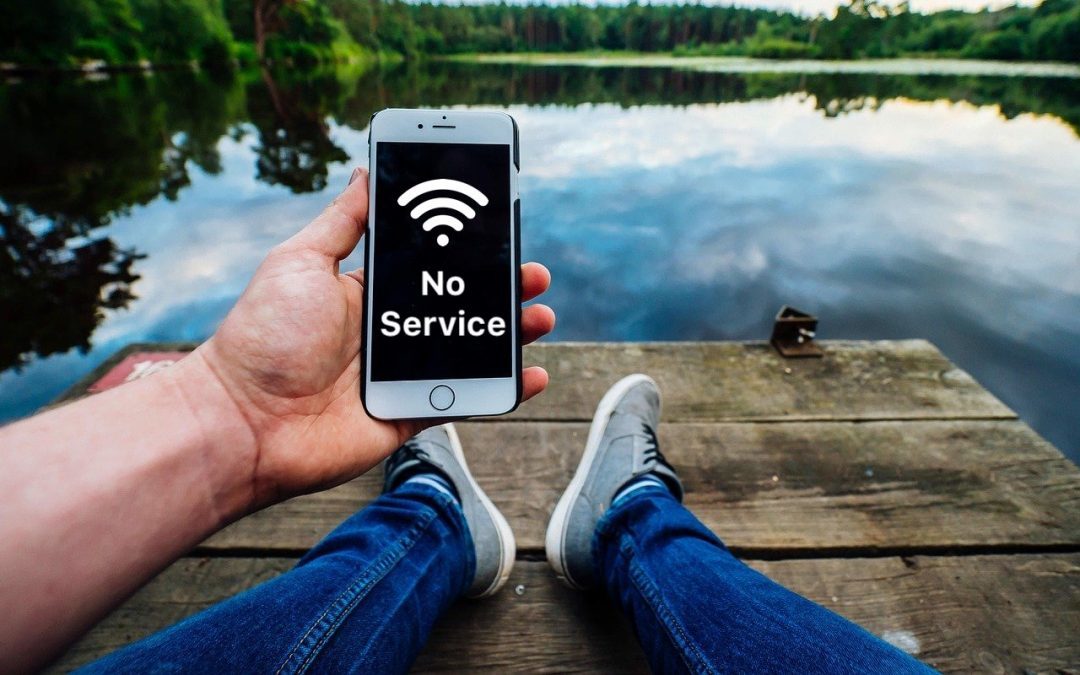
It’s not common, but the iPhone’s cellular radio can occasionally get confused. Luckily, you can easily fix the problem. Learn more now.
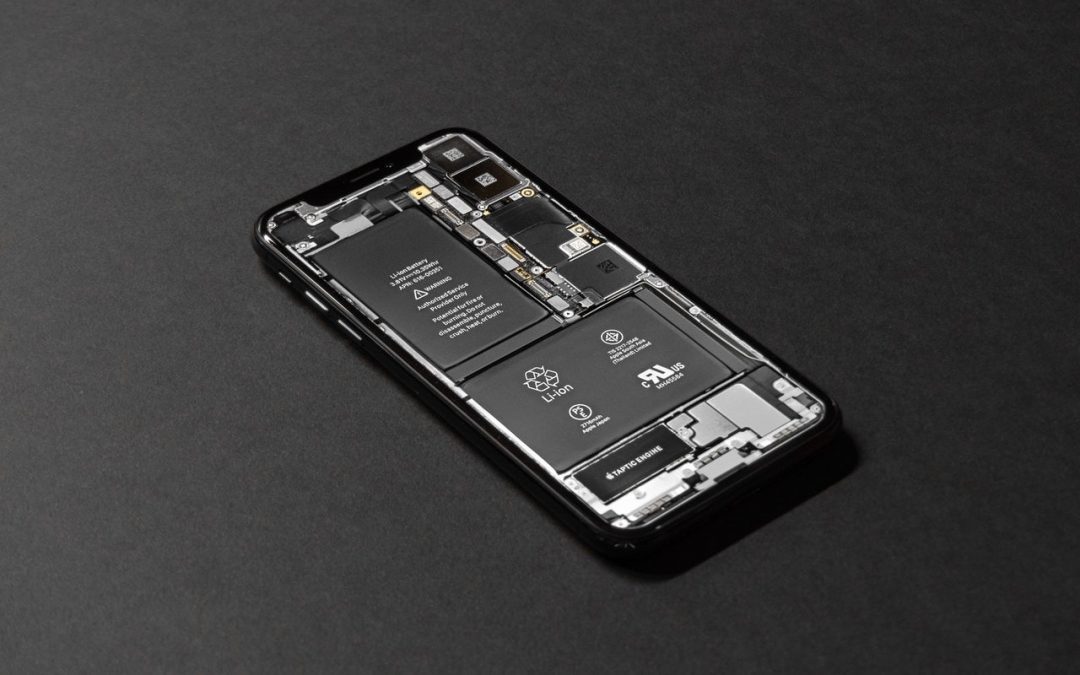
Is your iPhone battery draining faster than you think it should? iOS 13’s Battery screen can shed light on the situation, whether it’s a dying battery or a rogue app. Learn more here:

If you want to retain a voicemail message for posterity or share one with a friend or colleague, you can do that easily. Learn more now.

In Catalina, the Apple Watch can also enter your password when prompted by apps. Learn more.

AirDrop has become a fast and reliable way to transfer data from one iPhone to another that’s nearby.

Never, ever share your iPhone or iPad passcode with anyone who you don’t trust implicitly. Instead, you can give people limited access to a single app with Guided Access. Learn more here:

Ever wondered about the best way to close an email message or what’s appropriate to put in an email signature? Here’s our advice:
Stop by either store and let's see if we can figure it out together!
Stop by either store and let's see if we can figure it out together!
Stop by either store, and we'll be happy to see what we can do to help you.
Stop by either store, and we'll be happy to see what we can do.
Useful read. I have been tinkering with virtual machines on my Mac recently, and this fits neatly into the things…