Apple has added Wallet app exports in CSV and OFX formats.
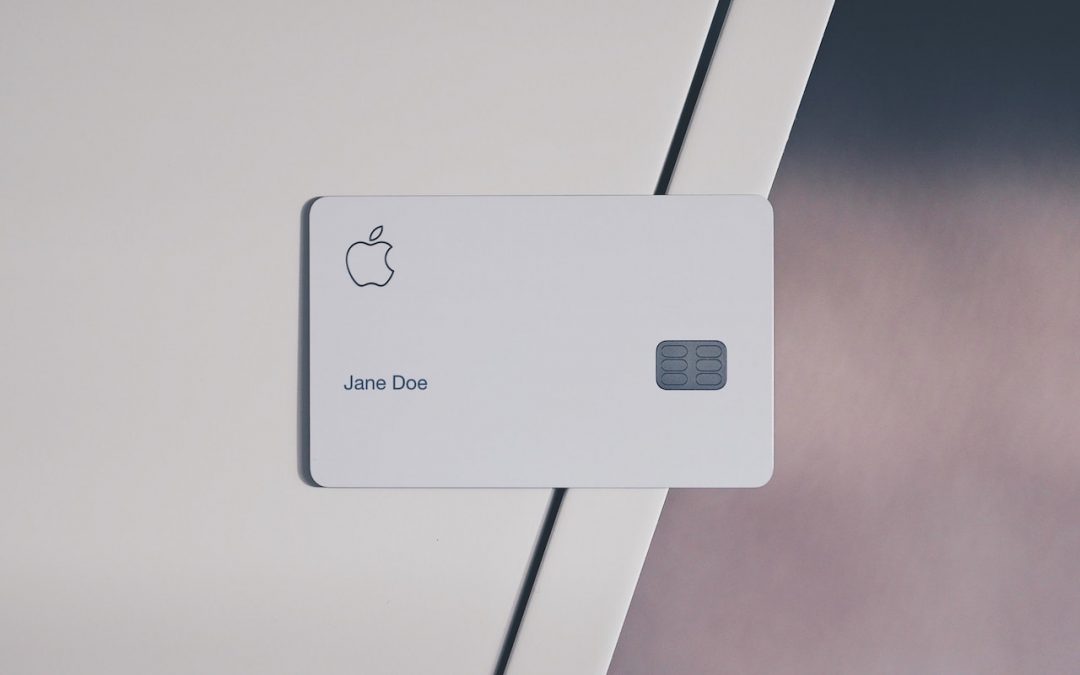

Apple has added Wallet app exports in CSV and OFX formats.
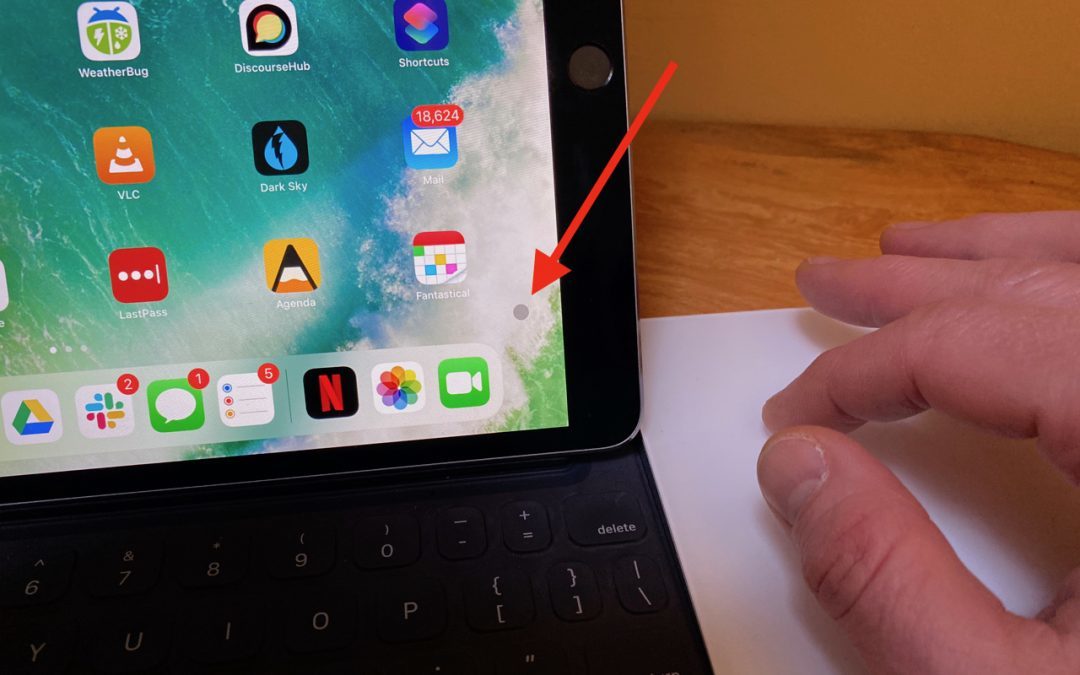
Apple did an impressive job with integrating a cursor into the iPadOS experience.

iOS 13.4 updates the Mail toolbar, back to something closer to what it was in iOS 12.

Looking for a new iPhone that won’t break your budget? The new iPhone SE is basically a souped-up iPhone 8 for $300 less than the iPhone 11.

Whether you’re trying to maintain communications within a small firm, a workgroup, or a family, the group messaging tool Slack is a compelling solution.

With videoconferencing becoming an essential social tool, which app should you use? This article compares a few popular choices and helps you pick the best one for your needs.

Working from home like the rest of us? Here’s our advice on setting up a comfortable and effective workspace.
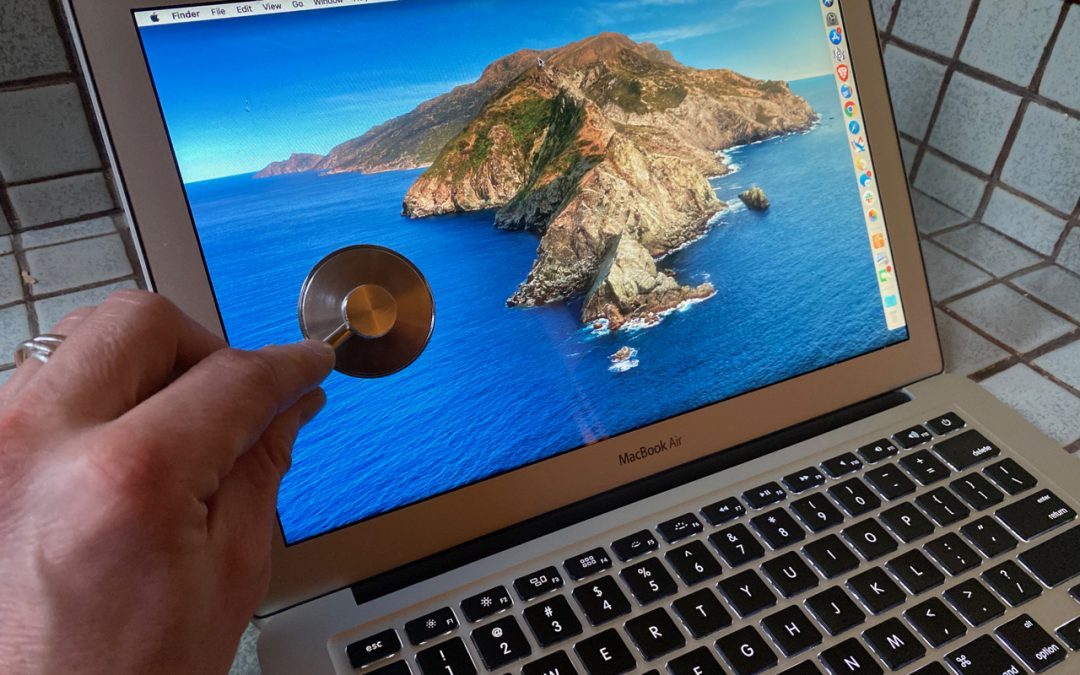
If your Mac is acting up and you suspect a hardware malfunction, try running Apple Diagnostics to see if it identifies any issues. Instructions here:
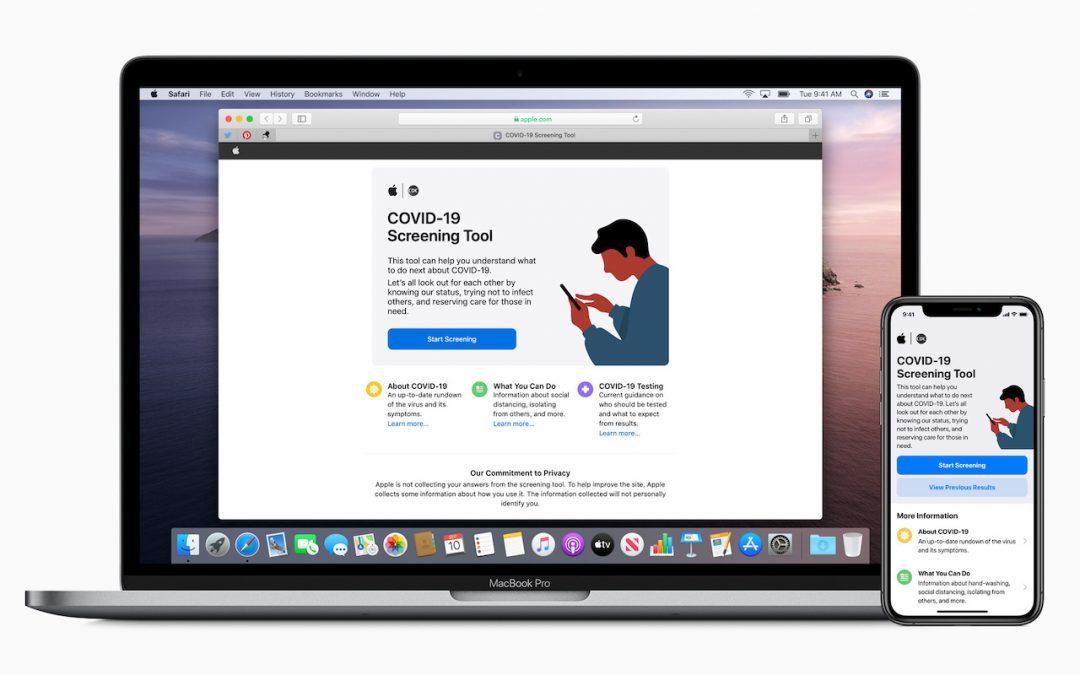
Apple has released a free COVID-19 Screening Tool iOS app and nearly identical Web site. The interactive screening tool poses a series of questions about symptoms, risk factors, and recent exposure.

A new feature in iOS 13 lets you share your preferred name and avatar picture with other iMessage users (blue-bubble friends). Learn more.
Super insightful and fresh perspective.
Well explained and easy to follow.
So glad I stumbled upon this.
Looking forward to your next post!
Truly a masterpiece of content.