Learn the difference between removing and deleting an iPhone or iPad app, and learn how to do both.
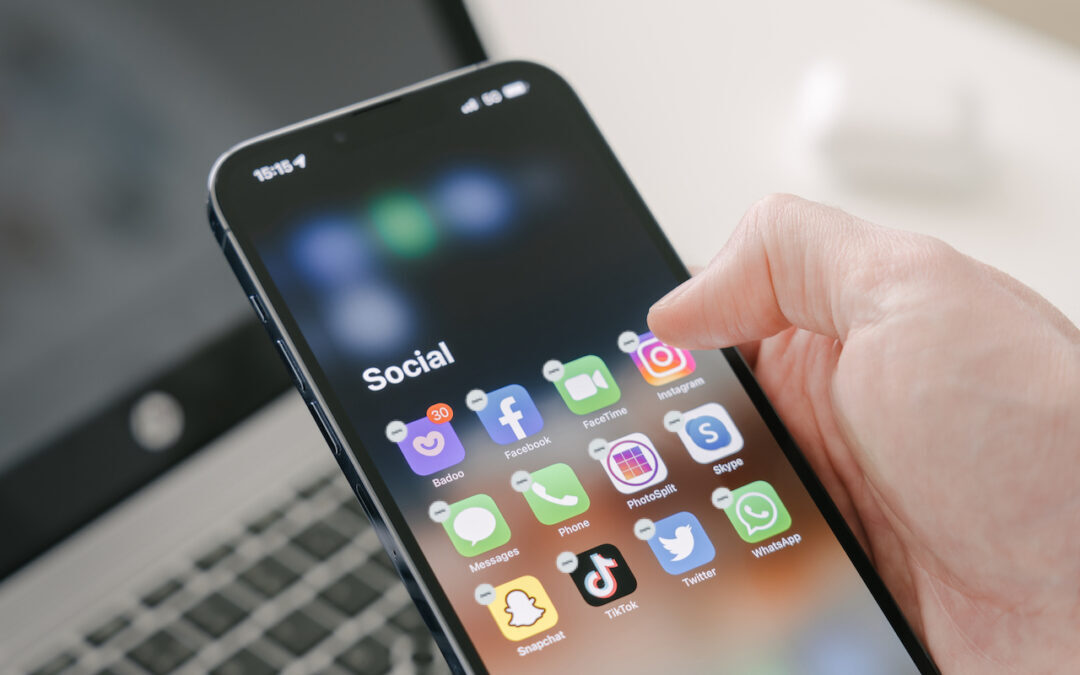

Learn the difference between removing and deleting an iPhone or iPad app, and learn how to do both.

Prompted by a spate of attacks where an iPhone thief obtains the user’s passcode and uses it to lock the user out of their iCloud account, steal their money, and more, we suggest ways you can protect yourself.

With iOS 16 and iPadOS 16, Apple made the microphone button larger and repositioned it to make it easier to tap. And now, the keyboard remains available while dictation is active.
Did you get an email from Google about your Web & App Activity tracking? It’s legitimate and is a good reminder to customize how Google saves information about you.
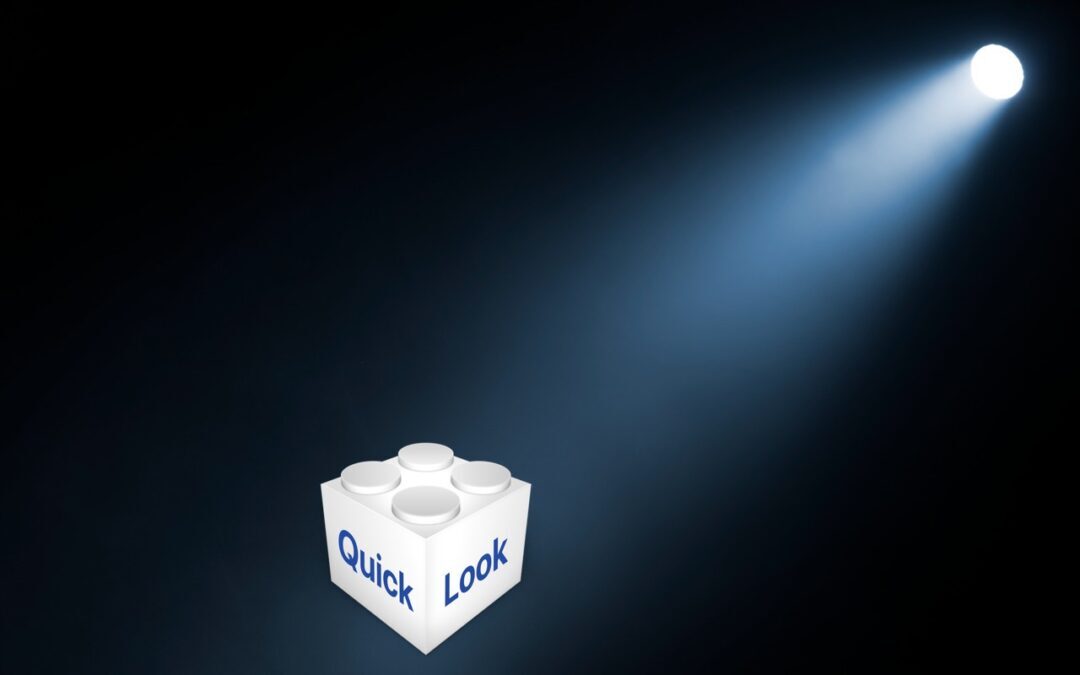
In macOS 13 Ventura, Apple added Quick Look support to Spotlight so you can easily preview the search results.
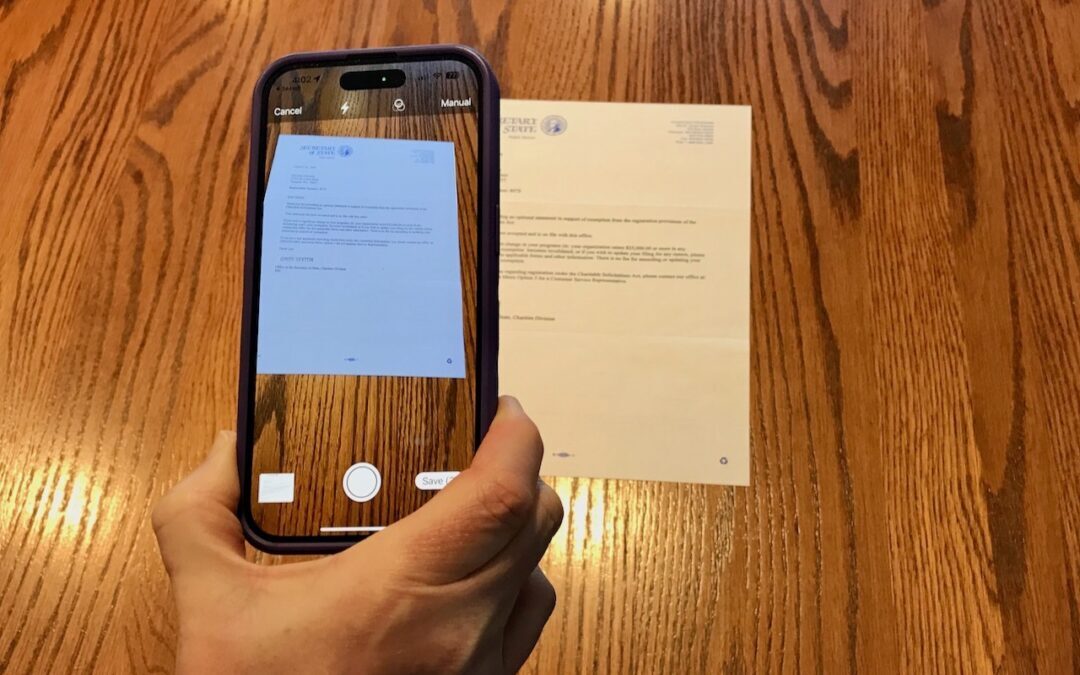
Do you need to scan something? Your iPhone or iPad can now make light work of scanning short documents into PDF format.

In iOS 16, Apple has improved Face ID so it will unlock your iPhone even when you’re lying on your side.
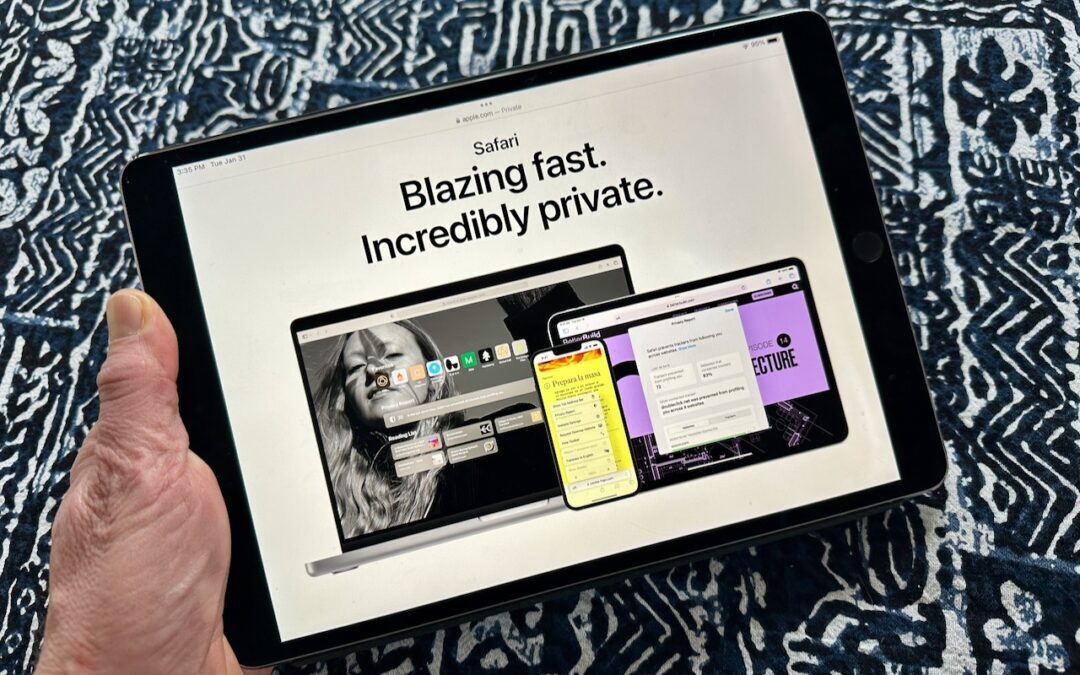
Open your favorite websites faster with bookmarks, favorites, Home Screen icons, bookmark folders, tab groups, and pinned tabs.

To avoid oversharing in iOS 16 or iPadOS 16, tap Filter Fields at the top of the Share sheet and deselect the private items.
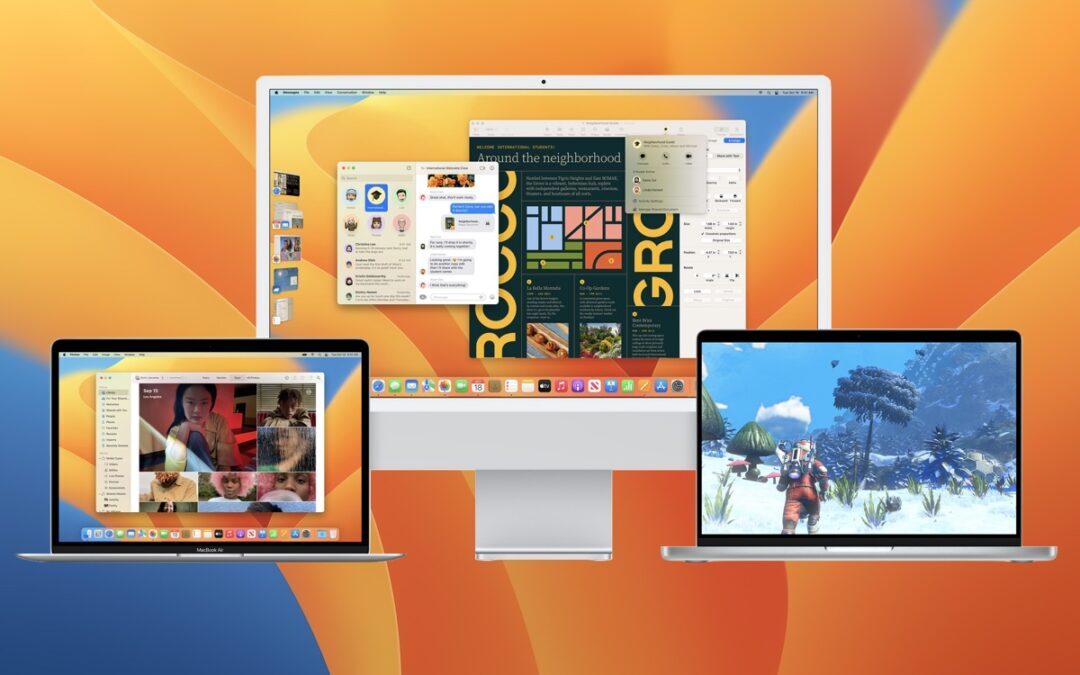
Should you upgrade to macOS 13 Ventura? There’s no need to install it today, but we think it’s now safe for those who want to take advantage of the new features and integration with Apple’s other operating systems.
Stop by either store and let's see if we can figure it out together!
Stop by either store and let's see if we can figure it out together!
Stop by either store, and we'll be happy to see what we can do to help you.
Stop by either store, and we'll be happy to see what we can do.
Useful read. I have been tinkering with virtual machines on my Mac recently, and this fits neatly into the things…