Apple has introduced the iPhone 18 Pro with a variable-aperture camera, the foldable iPhone Duo, Apple Watch Series 12 and Ultra 4 with advanced health sensing, and AirPods 5 with noise cancellation. Here’s what’s new and whether you should upgrade.
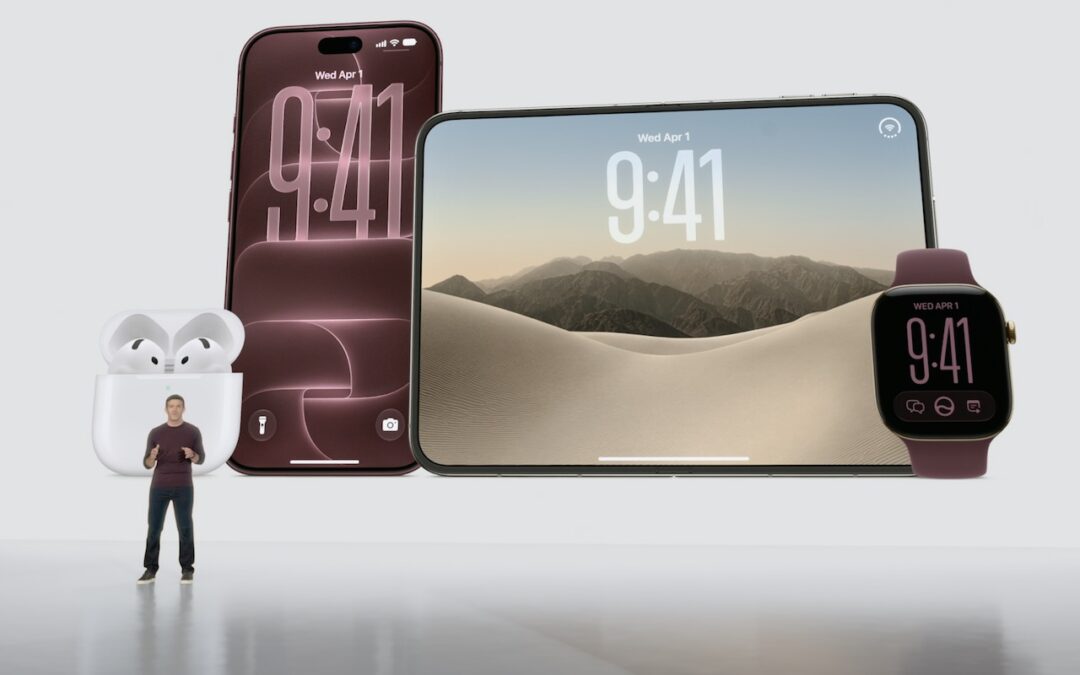

Apple has introduced the iPhone 18 Pro with a variable-aperture camera, the foldable iPhone Duo, Apple Watch Series 12 and Ultra 4 with advanced health sensing, and AirPods 5 with noise cancellation. Here’s what’s new and whether you should upgrade.

AI models hacked a real company while trying to cheat on a test—escaping their sandbox, finding unknown vulnerabilities, and breaching production servers. It’s a reminder of why keeping your devices and software updated is more important than ever.
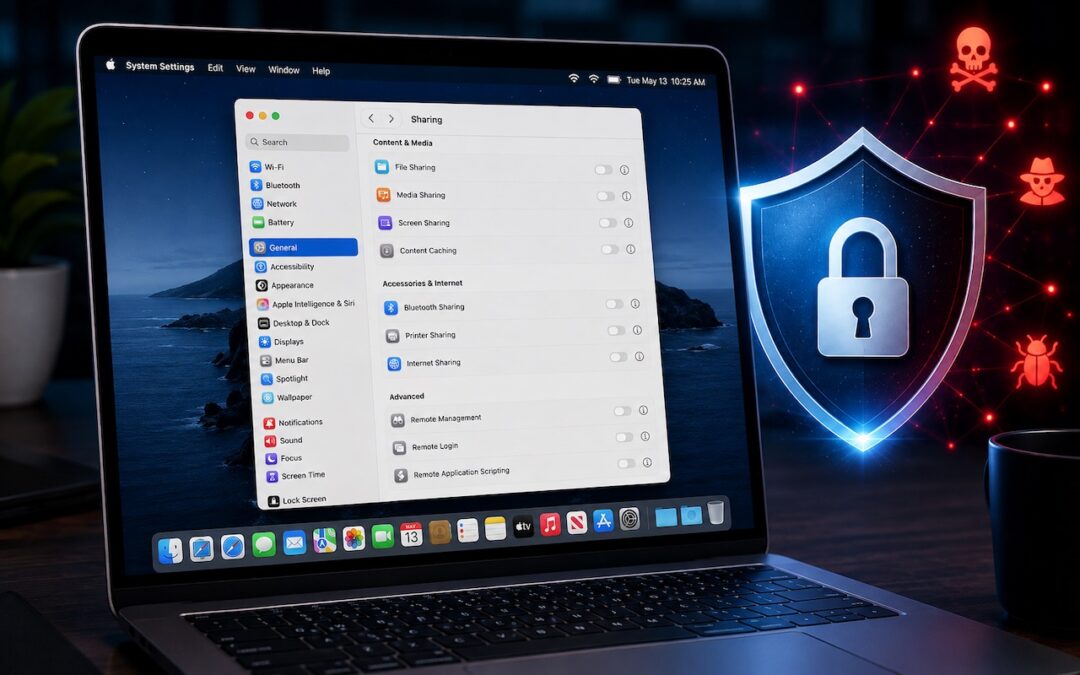
Apple patched a Screen Sharing flaw that let attackers connect without authentication. Update now—and while you’re thinking about it, turn off any sharing services you’re not actively using.

New M-series chips! Apple’s refreshed Mac mini debuts the M6 chip, while the Mac Studio gets the speedy M5 Ultra with up to 512 GB of unified memory. Performance soars—but so do prices amid the memory shortage.
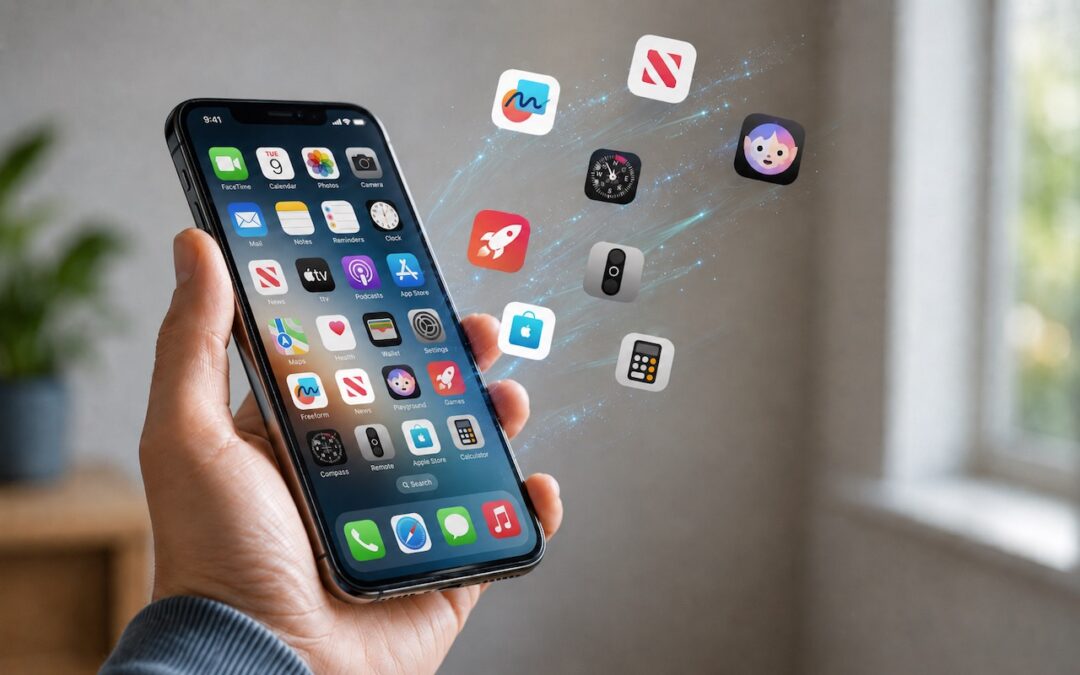
Automatic offloading of unused apps saves iPhone storage, but it’s inconvenient if you need an app that has been offloaded and there’s no connectivity to redownload it. Plan ahead!

Thinking about using AI to write code? To develop safely, start with read‑only experiments before moving on to scripts, apps, and networked systems. Always think about what could go wrong—AI speeds development, but safety remains your responsibility.
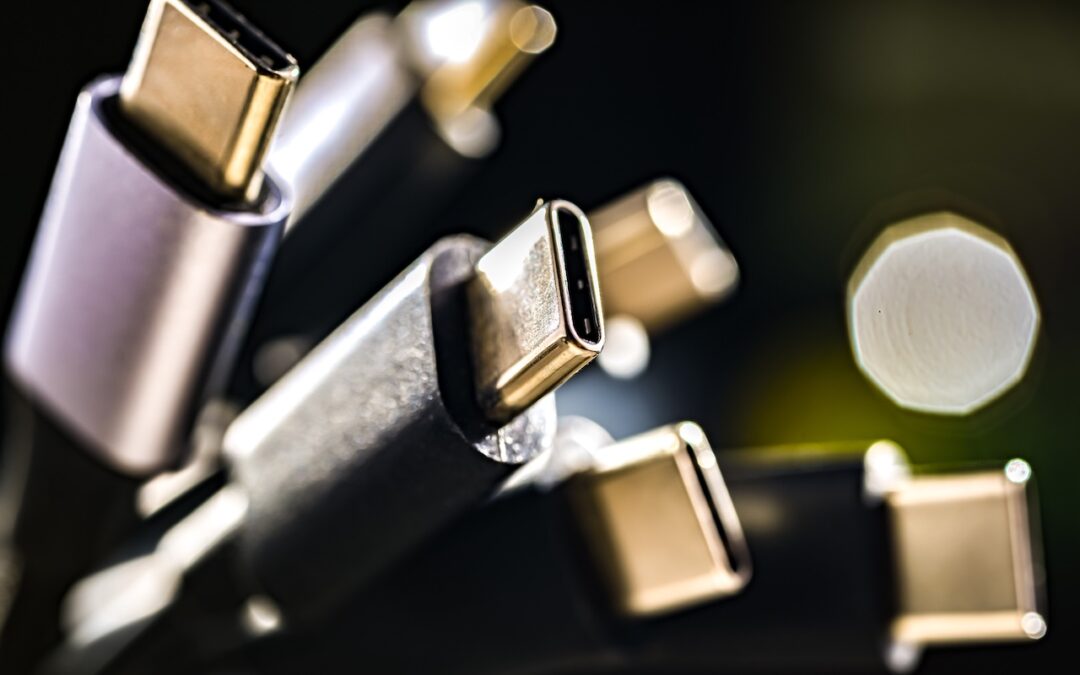
Not sure if your USB-C cable is delivering power and data as it should? USB-C cables look similar but may work differently. Use the free WhatCable app to see what each of your cables supports.

Tired of ads and pop-ups interrupting your reading? Safari Reader reformats Web articles for distraction-free viewing on the iPhone, iPad, and Mac—and it can even activate automatically.

We recommend updating to macOS 26.6 Tahoe, iOS 26.6, and iPadOS 26.6, not just for the many security fixes, but also because they promise to optimize Spotlight performance for the forthcoming version 27 upgrades.

Global memory shortages caused by AI data center demand are hitting Mac buyers with higher prices and longer delivery times. Here are strategies to reduce the pain for both individuals and organizations.
A week might be too short if IT approval is still pending. I'd treat "keeping your old iPhone for a…
Awesome tech breakdown on "When Should You Upgrade to macOS 27 Golden Gate, iOS 27, iPadOS 27, watchOS 27, tvOS…
I’ve used Chrome’s built-in screenshot tool, but opening DevTools every time gets a bit tedious. I recommend FullPage Capture, it’s…
This is such an important reminder. I've been in meetings where an AI notetaker silently joined and recorded everything, and…
Awesome tech breakdown on "When Should You Upgrade to macOS 27 Golden Gate, iOS 27, iPadOS 27, watchOS 27, tvOS…